Copilot Fusion: How GitHub Picks AI Models for You, and How It Compares With Claude Code
Key takeaways
- Copilot Fusion picks models for you from three effort levels: Standard, High and Max.
- Fusion Max scored 60 vs. Claude Code’s 62 at about half the cost per task.
- No extra fee; model costs are 30% off on paid plans through Nov. 30, 2026.
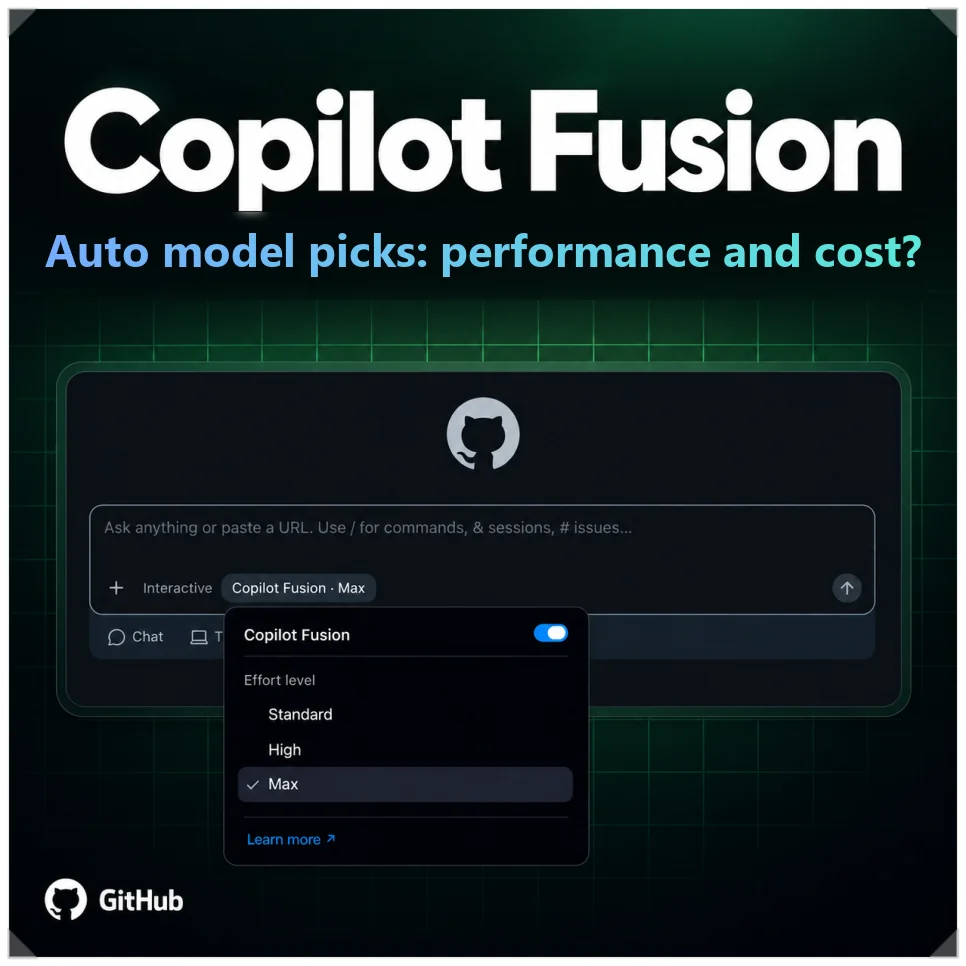
GitHub’s Copilot Fusion, unveiled at GitHub Universe 2026, picks AI models for you: you set how hard the task is, and it routes the work. When you code with several models, such as Claude Opus, Sonnet or GPT-6, switching between them for a quick fix versus a nasty bug gets tedious.
Fusion removes that step. In the Artificial Analysis coding-agent test, it came within two points of Claude Code at about half the cost per task.
Pick an effort level, not a model
Copilot Fusion merges Project HydraFusion, which ran as a research preview, with Copilot’s automatic model selection. It works in the tools you already use:
- VS Code
- The GitHub Copilot app
- Copilot CLI
- JetBrains IDEs
If you had already picked Auto, HydraFusion or HydraFusion Max, that choice moves to the matching Fusion effort level on its own.
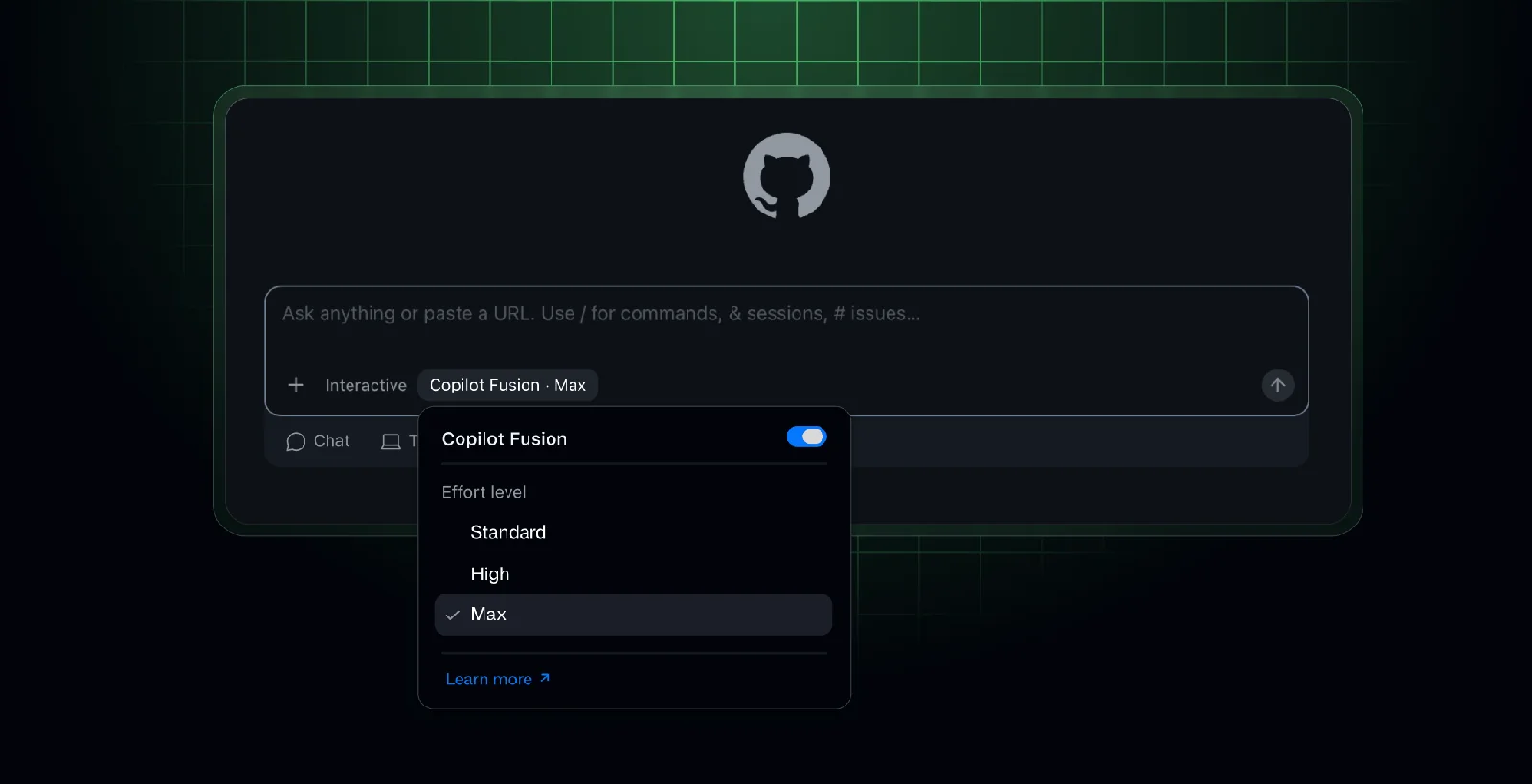
Instead of comparing models one by one, you choose an effort level: Standard, High or Max.
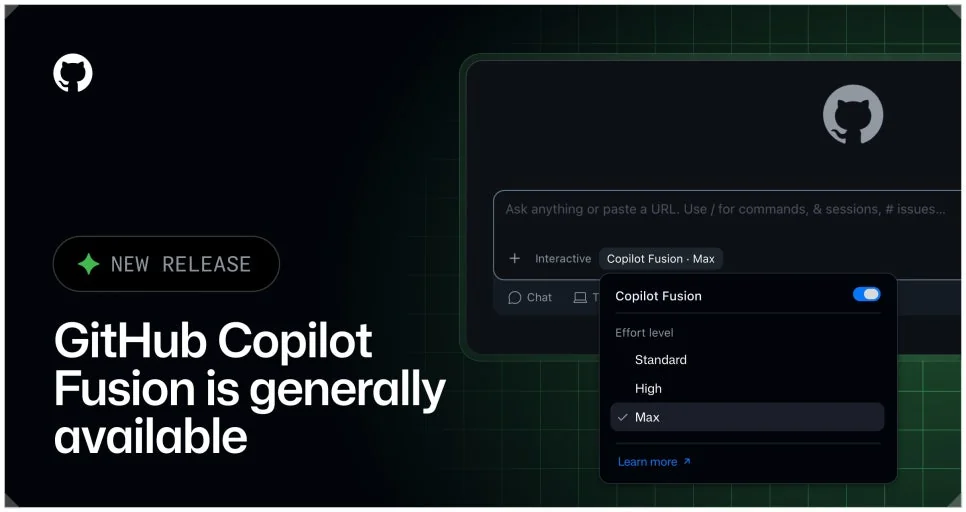
Standard is for everyday code and simple questions, balancing response speed and cost. High fits changes across several files or bugs whose cause is hard to find.
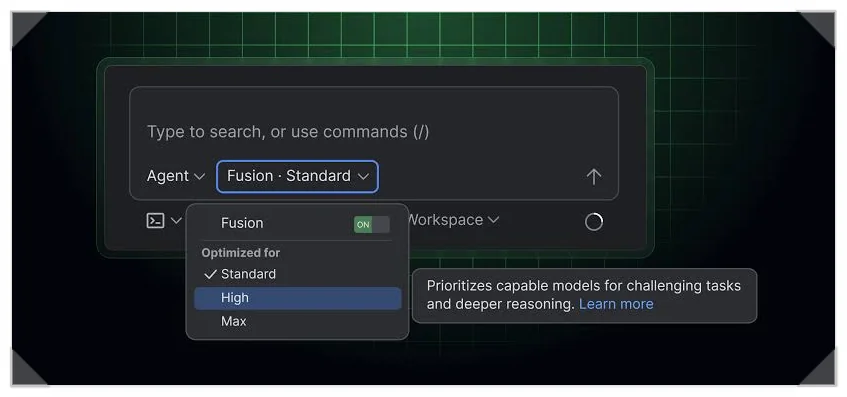
Max, the top level, is for complex work such as architecture design, and it leans hard on frontier-class models. You don’t have to switch models yourself: Fusion picks what fits the difficulty.
Single, Cascade and Critique: how Copilot Fusion runs a task
Once you set the effort level and send a prompt, Copilot Fusion looks at how hard the request is and whether it needs tools. It then picks one of three execution patterns: Single, Cascade or Critique.
The choice isn’t locked for the whole conversation. Fusion decides again for every prompt, so one chat can use different patterns depending on what you ask.
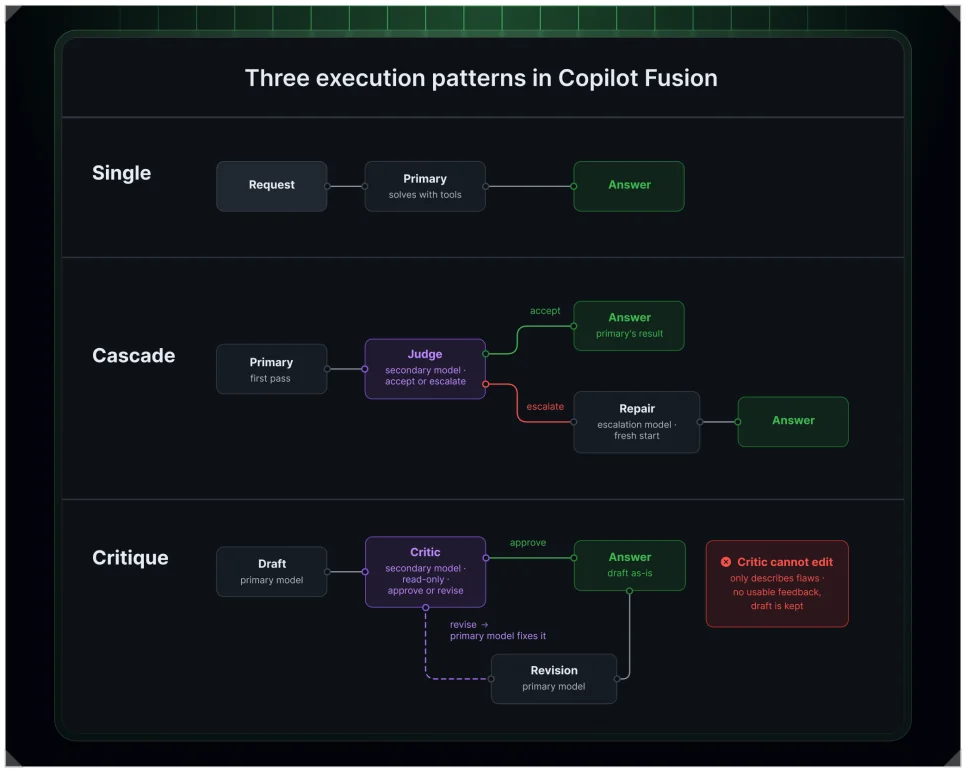
In Single, one model handles the job from start to finish, used for easier work like syntax questions or a simple function. In Cascade, a lighter model drafts first and another model checks it. If the draft passes, it’s done; if not, a stronger model takes over. Starting small saves money.
In Critique, several helper models review the main model’s output in parallel, and the main model revises based on their combined feedback. That suits work that needs careful review, like refactoring across many files or a complex design change.
| Pattern | How it works | Best for |
|---|---|---|
| Single | One model finishes the task | Syntax questions, single-file edits |
| Cascade | Draft is checked, then accepted or escalated | Medium difficulty, conditionally complex work |
| Critique | Several models review in parallel, then revise | Multi-file edits, architecture redesigns |
Copilot Fusion vs. Claude Code: score and cost
On the Artificial Analysis Coding Agent Index v2.0, Fusion Max scored 60 overall. Claude Code running Claude Opus 5.5 Max scored 62, a gap of just two points.
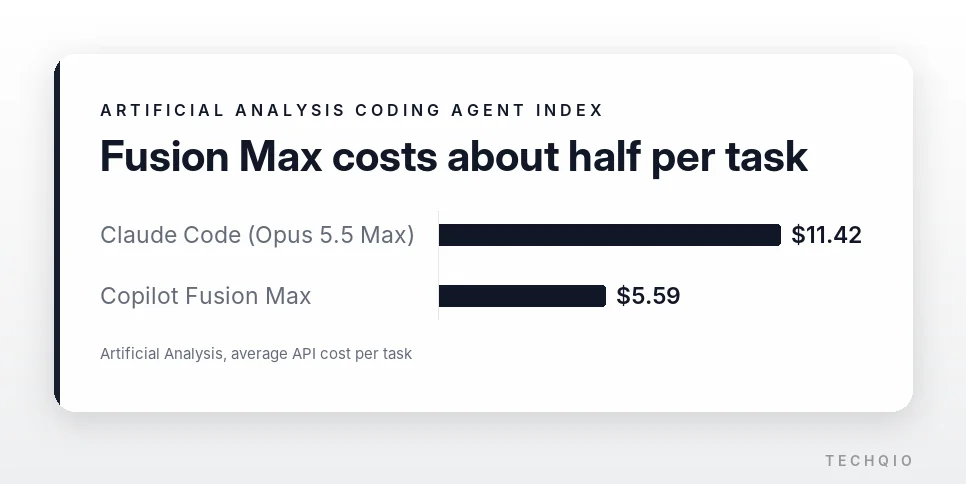
Cost was a different story. Average API cost per task was $11.42 for Claude Code and $5.59 for Fusion Max, about 51% less. Fusion Max also used about 7.2 million tokens per task, roughly half of Claude Code, and completed tasks in about 40% less time.
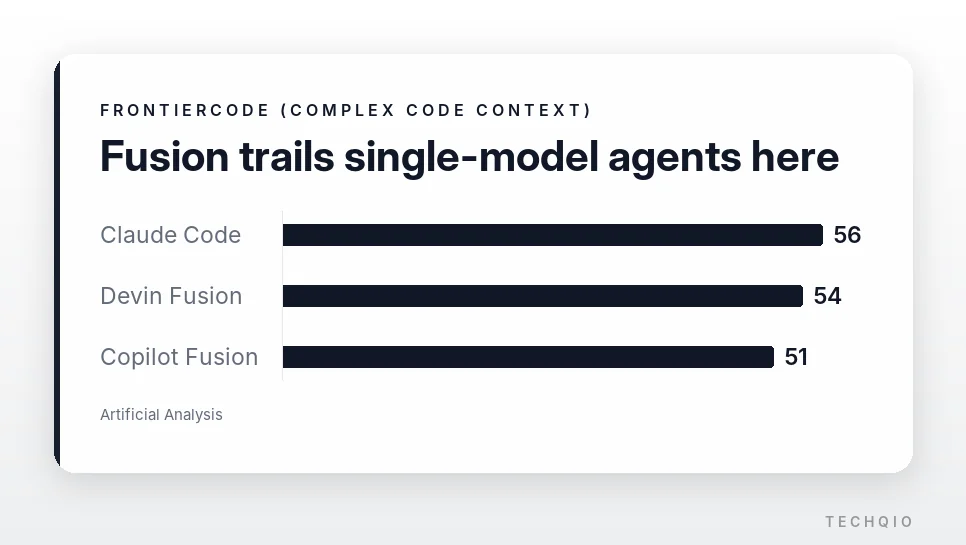
The detailed tests split. On Terminal-Bench 4.0, which measures terminal and tool use, Fusion scored 71 and ranked first overall. On FrontierCode, which tests understanding of complex code context, it scored 51, behind Claude Code (56) and Devin Fusion (54).
Combining models helps on cost and time, but when a task means following complex code through a long chain of reasoning, one strong model may still be the better choice.
Can you use local AI models?
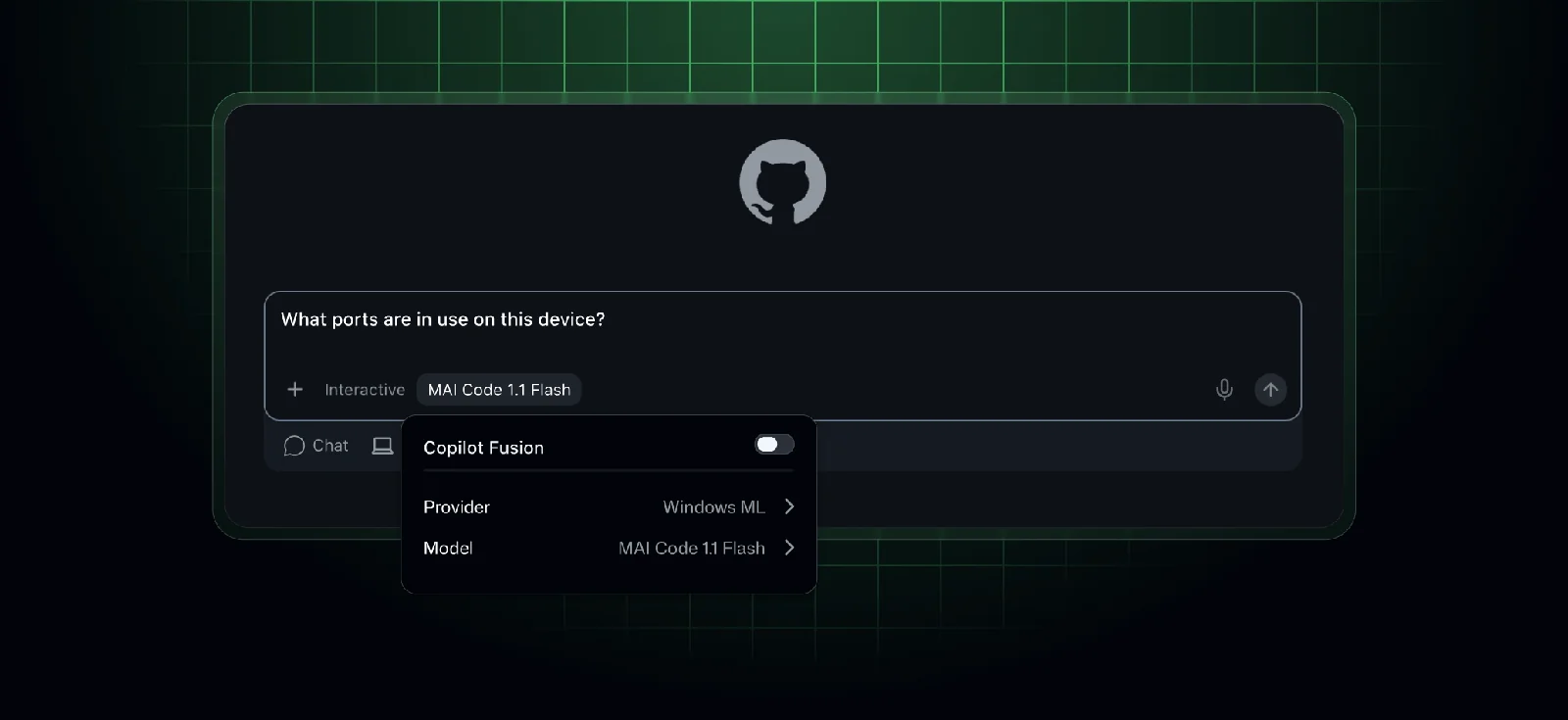
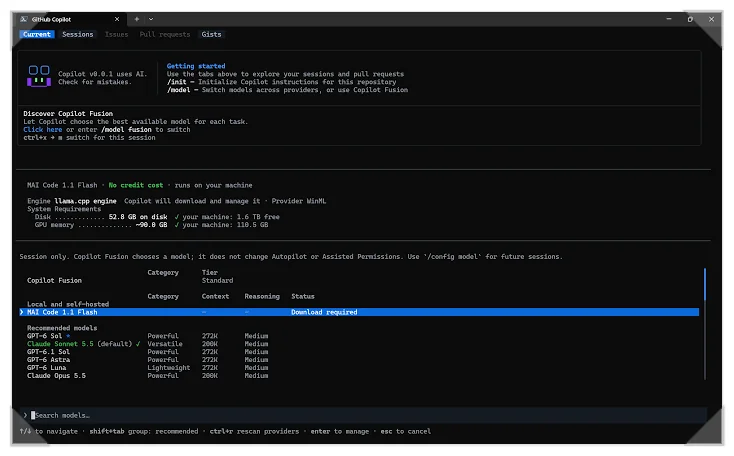
On Windows PCs that meet the requirements, you can download MAI Code 1.1 Flash through the Windows ML provider and connect it to Copilot Fusion. The model uses a mixture-of-experts (MoE) design that activates only 6.8 billion of its 137 billion parameters.
Quantization at about 3.3 bits per weight shrinks it to 53GB, and it processes prompts at 923.5 tokens per second with a 64K context.
The hardware bar is high, though. AMD graphics cards aren’t supported, and you need an NVIDIA GPU, at least 96GB of free memory and 60GB or more of storage. Microsoft itself recommends more than 120GB of RAM for the best performance, so a typical development laptop won’t cut it.
Connecting a local model doesn’t make everything offline. Code is generated on your PC, but the meta-routing step that judges difficulty and assigns models runs in GitHub’s cloud. Fusion mainly picks the local model at the Standard effort level.
Pricing and what to know before you start
Copilot Fusion itself costs nothing extra. You pay each model’s standard rate for the calls it makes during a task, and paid-plan users get 30% off model costs through Nov. 30, 2026.
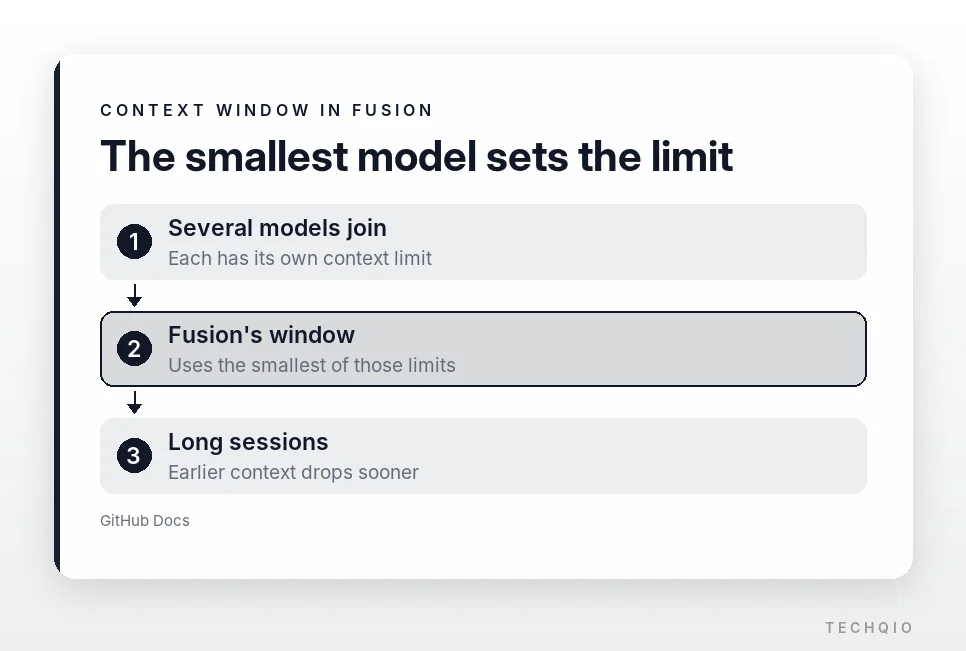
The context window has a catch too. Fusion has no context window of its own and follows the smallest limit among the models in the task, so in long chats or large projects, earlier context can drop out sooner than you expect.
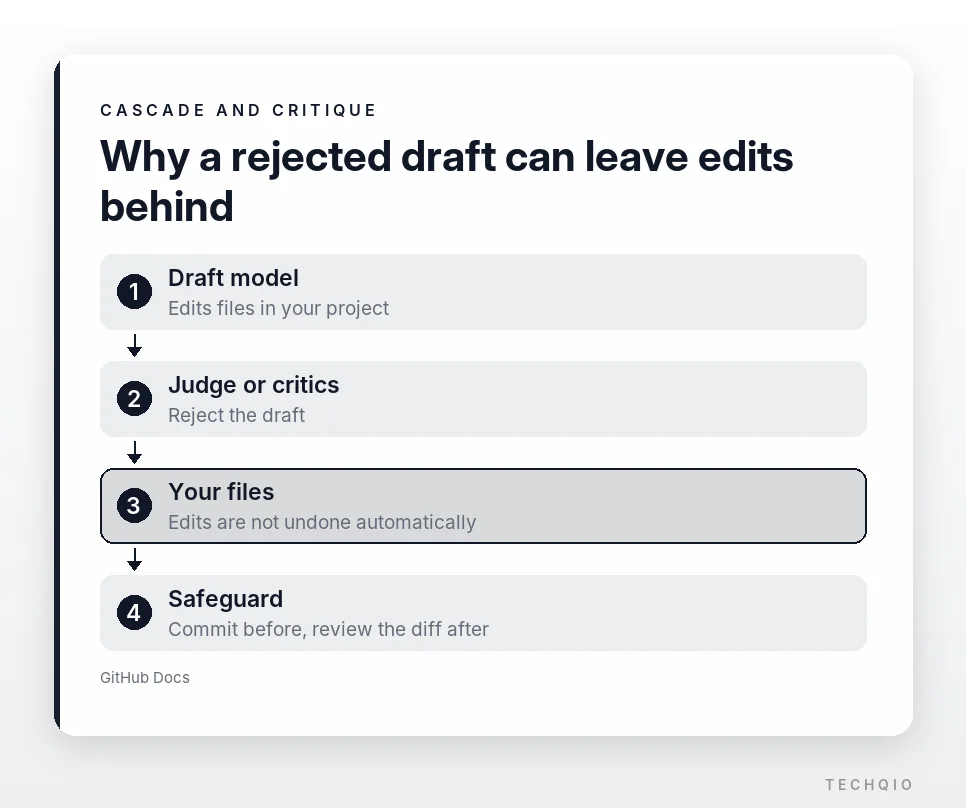
Watch file edits as well. In Cascade or Critique, if a draft model changes files and another model then rejects the result, the saved changes are not rolled back automatically.
So review the diff after the AI edits code. Making a Git commit before important work also makes it easy to roll back if something goes wrong.
Which effort level should you use?
Pick by the shape of the task, not by the model name. If most of your day is small edits, quick questions and single-file fixes, leave it on Standard and let Fusion keep costs down.
Switch to High or Max for hard bugs and refactoring, but for work that means following complex code through a long chain of reasoning, keep a single strong model in reach. If you use coding AI a lot, run the same real task both ways and compare the cost and the result.
Related reading
- Claude Opus 5.5 vs Sonnet 5.5: Twice the Price, but How Big Is the Gap?
- OpenCode vs Oh My OpenCode: Differences, Setup and How to Use Them