M6 MacBook Pro vs. M5: Price, Specs and Whether 16GB Is Enough for Local AI
Key takeaways
- The 14-inch M6 MacBook Pro starts at $1,999 with a 12-core CPU and GPU and 1TB of storage.
- M5 owners can skip it; Intel and M1-M3 owners see the biggest jump.
- 16GB handles 8B local models; 32GB suits 14B, while 32B is constrained and 70B won’t fit.
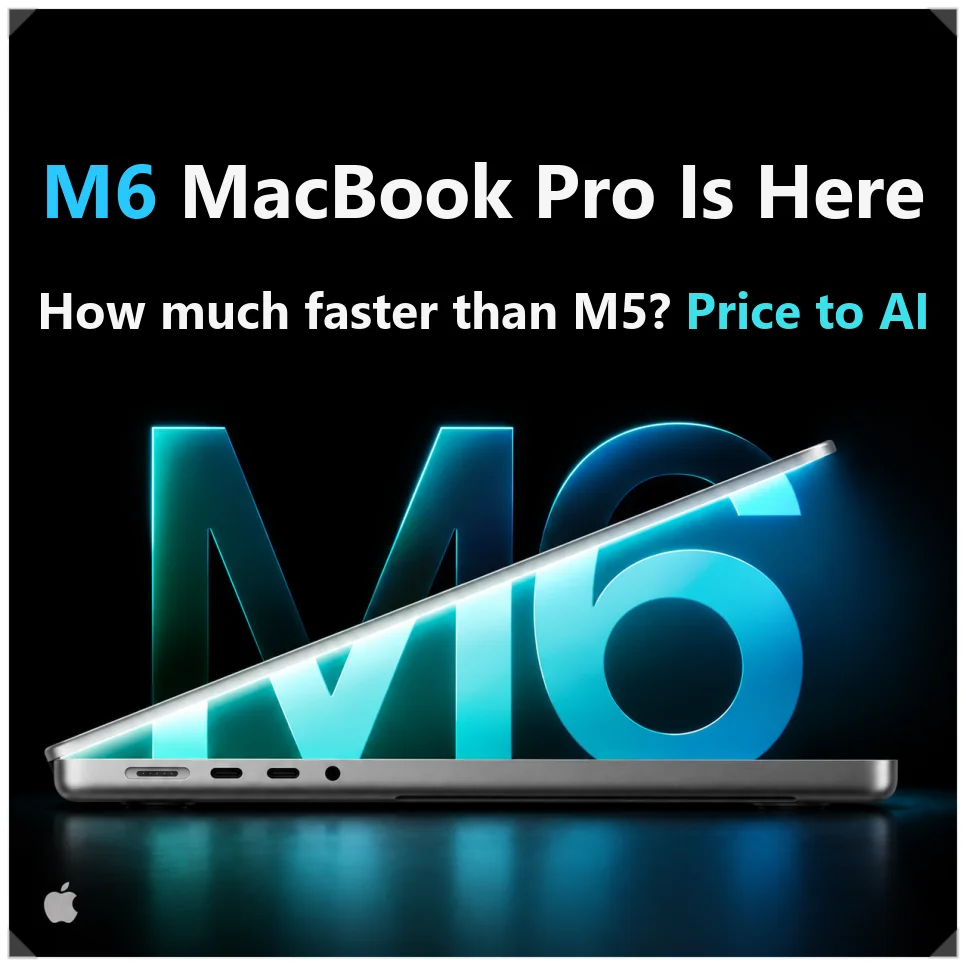
Apple’s M6 MacBook Pro is here as a 14-inch model starting at $1,999 in the US, or $1,899 with education pricing. Pre-orders opened Oct. 28, and it goes on sale Nov. 6.
This update is about performance, not design. CPU and GPU core counts went up and on-device AI got stronger, and the base model still ships with 16GB of memory, which matters if you plan to run AI models locally.
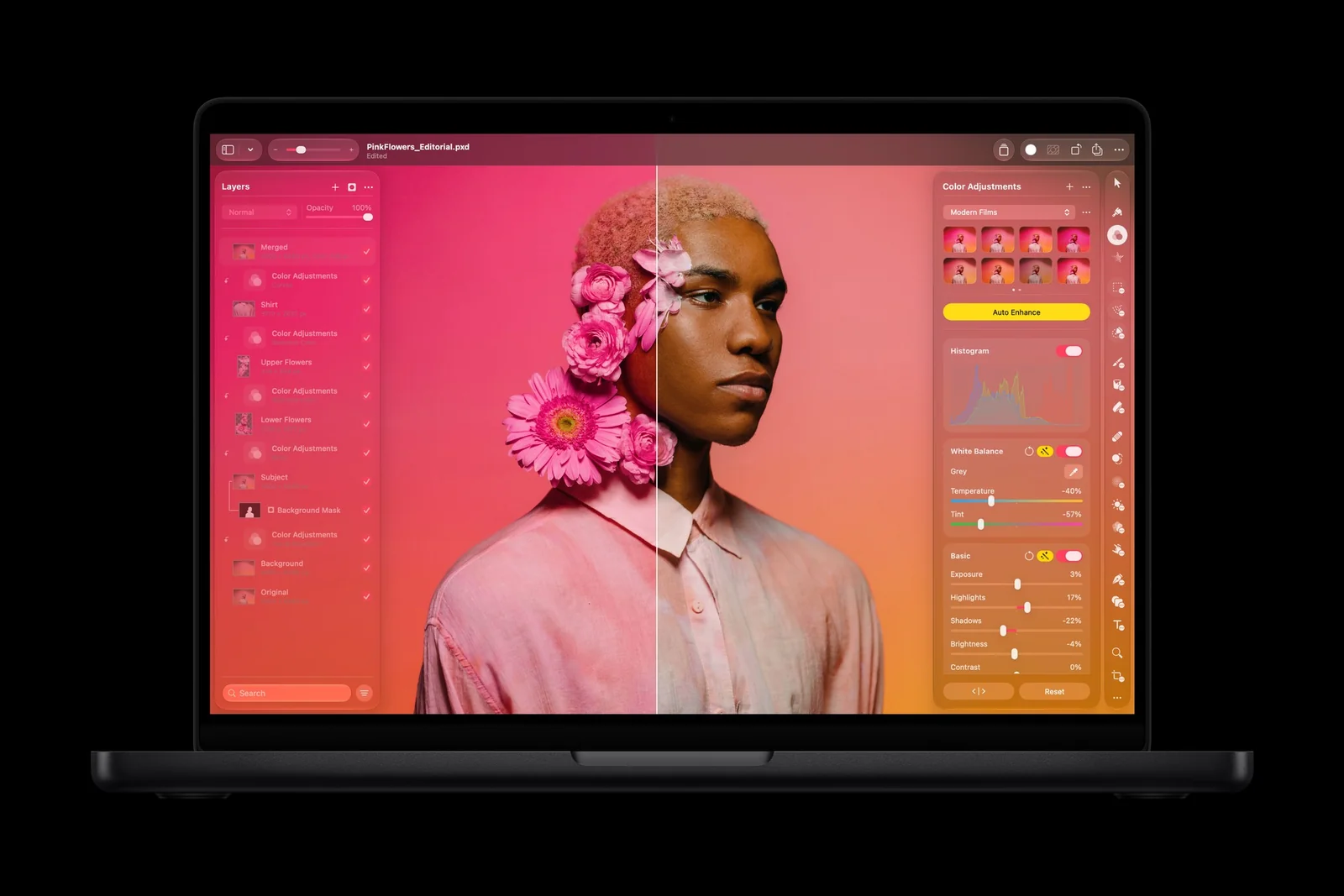
M6 vs. M5 MacBook Pro: the spec changes
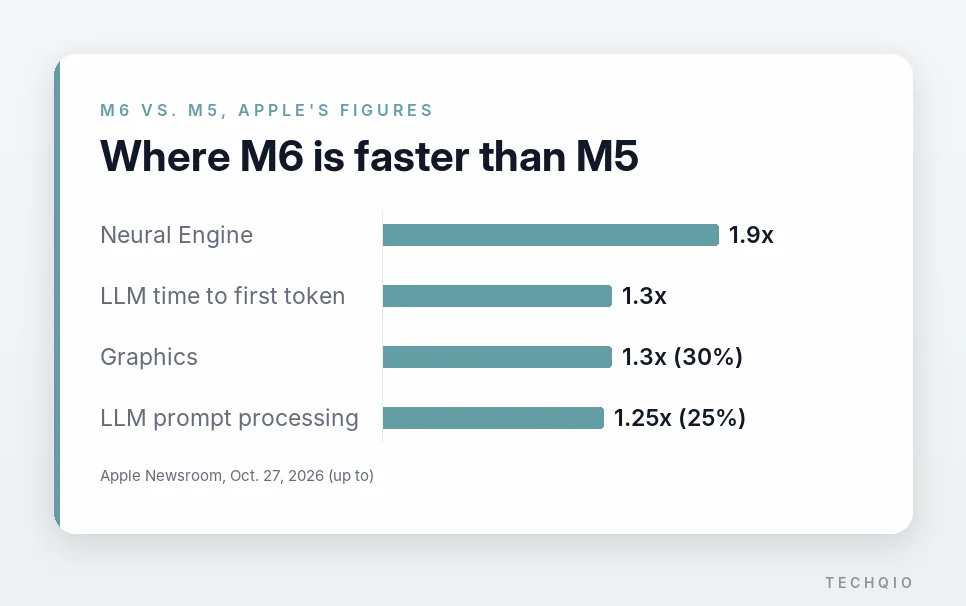
M6 adds cores on both sides of the chip. The M5 had a 10-core CPU and a 10-core GPU; M6 has 12 of each. Apple quotes up to 30% faster graphics and a Neural Engine up to 1.9x faster than M5’s.
Base storage doubled from 512GB to a 1TB SSD, with up to 4TB available, and wireless moves to Wi-Fi 7 and Bluetooth 6.
| Spec | M5 MacBook Pro | M6 MacBook Pro |
|---|---|---|
| CPU | 10-core | 12-core |
| GPU | 10-core | 12-core |
| Neural Engine | 16-core | Dual 16-core (32 cores total) |
| Memory bandwidth | 153 GB/s | 153-170 GB/s |
| Base SSD | 512GB | 1TB |
| Wireless | Wi-Fi 6E, Bluetooth 5.3 | Wi-Fi 7, Bluetooth 6 |
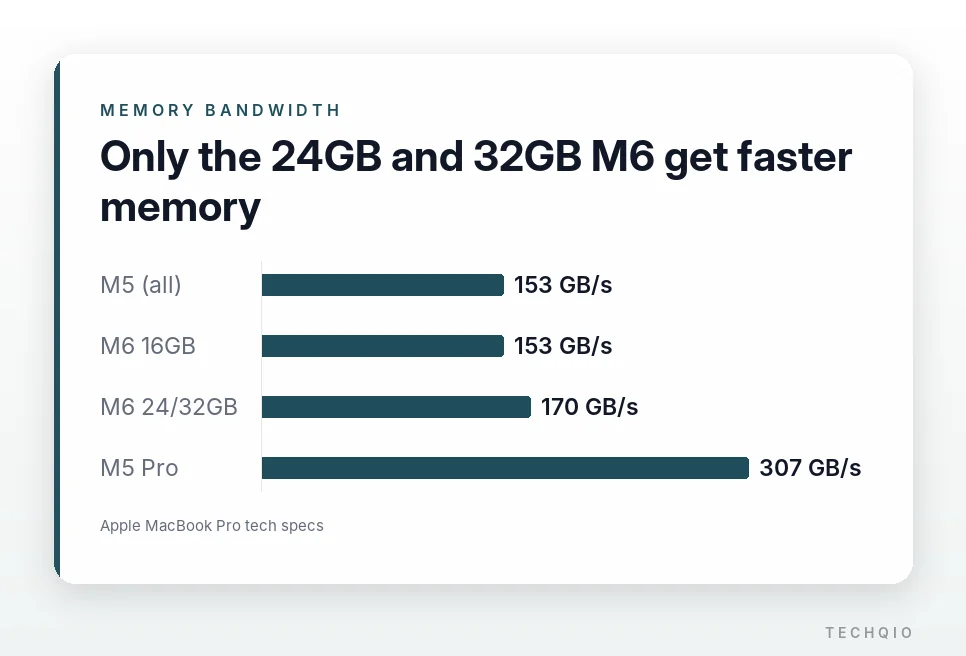
Memory bandwidth improved only in part. The 16GB model stays at M5’s 153 GB/s, while the 24GB and 32GB models get 170 GB/s, about 11% more. Bandwidth governs how fast data moves, so it matters when you work with large files or AI models.
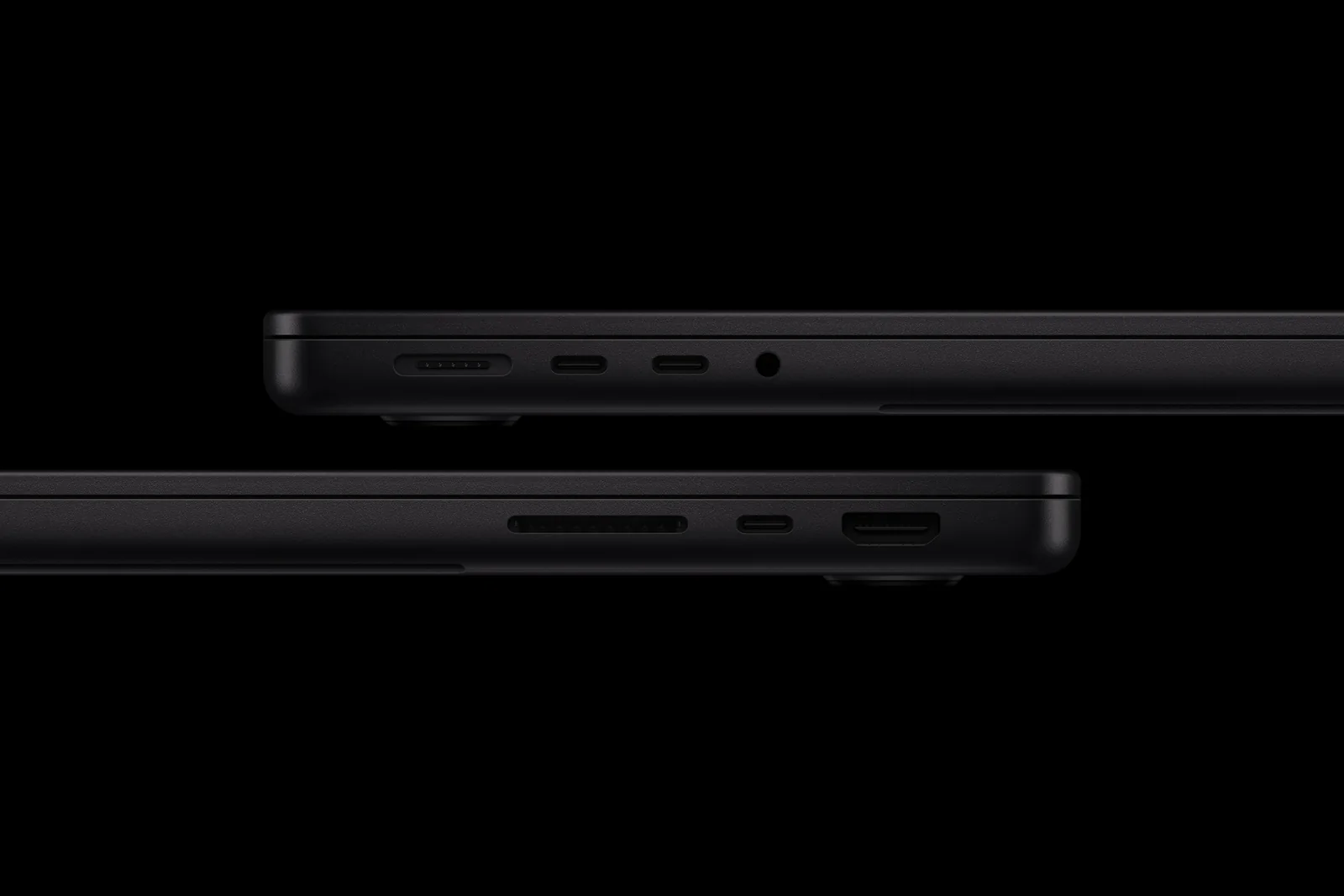
On the outside, almost nothing changed. It keeps the 14.2-inch Liquid Retina XDR display and weighs 3.4 lbs (1.55 kg). Battery life is rated at up to 24 hours of video streaming and up to 16 hours of wireless web.

How much better is on-device AI?
On-device AI means running models on the MacBook itself rather than on outside servers. M6 carries two 16-core Neural Engines, 32 cores in total.
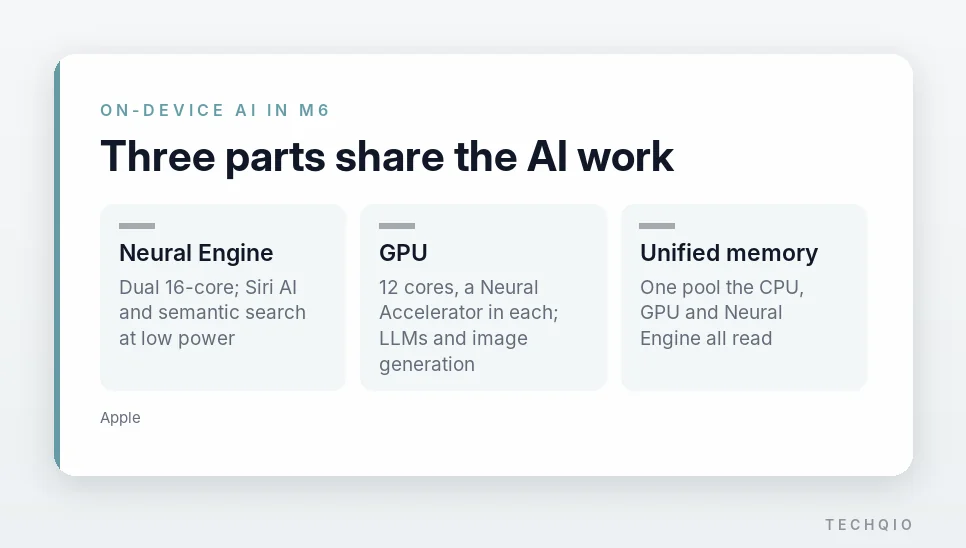
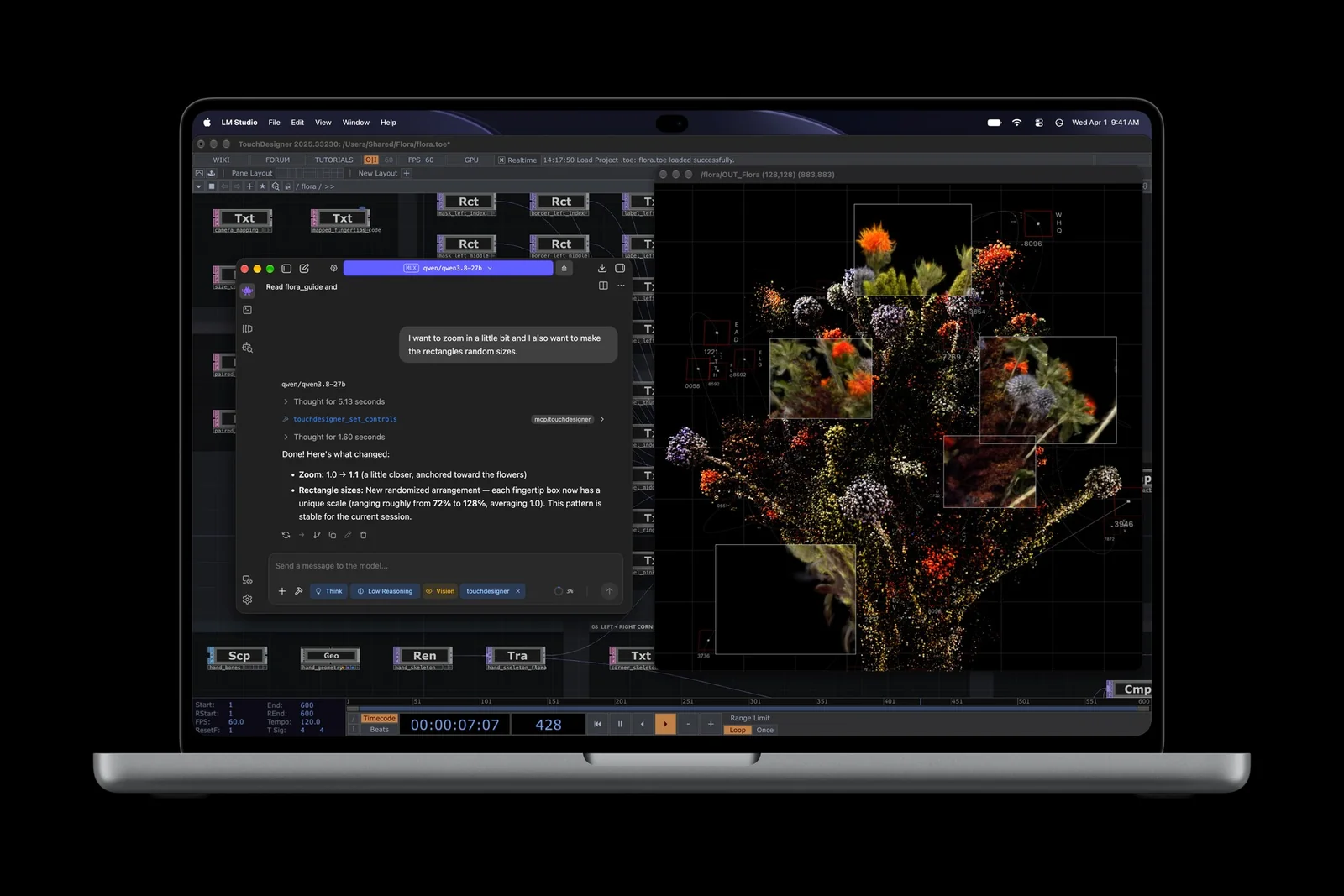
The Neural Engine handles features like semantic search and Siri AI at low power. Heavier work, such as LLM inference or high-resolution image generation, runs on the 12-core GPU, which has a Neural Accelerator in every core to speed up AI math. That also helps when you run open-source models locally.
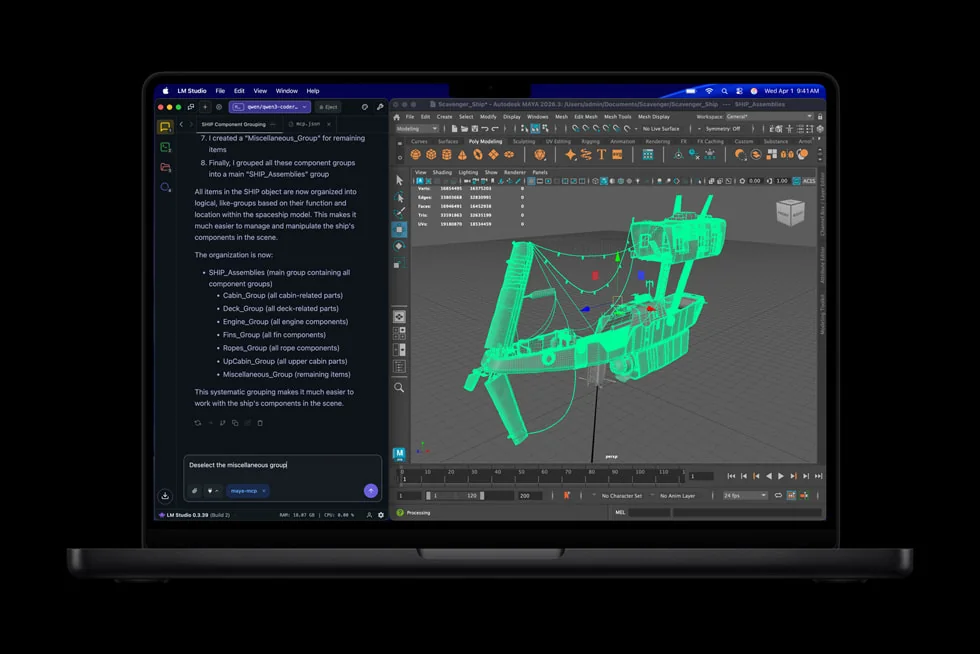
In Apple’s testing, time to first token (TTFT) on a 14B model was up to 1.3x faster than on M5, measured with 4-bit quantization and 16K tokens. Across on-device AI workloads such as LLM prompt processing, Apple quotes up to 25% faster performance than M5.
How fast the first answer appears and how fast the rest of the text streams are two different things. Long outputs also depend on memory bandwidth, so not every AI task gets 1.3x faster.
Is 16GB enough to run local AI on the M6 MacBook Pro?
The base model has 16GB of memory. That’s plenty for documents and everyday photo editing, but running a local LLM calls for more thought about capacity.
A Mac’s CPU and GPU share one pool of unified memory. If macOS and the display take about 5GB, a 16GB model leaves roughly 10-11GB for AI. Under the same assumption, a 32GB model frees up more than 26GB.
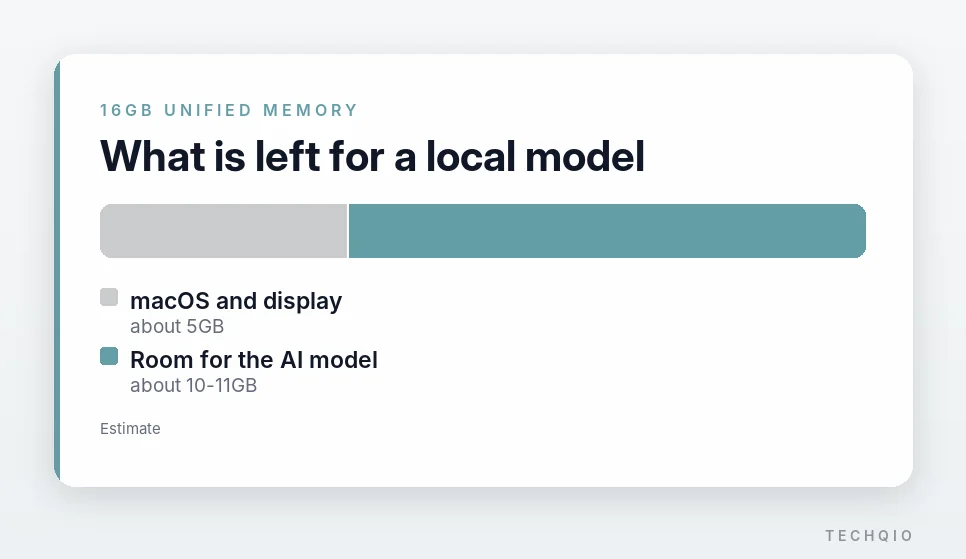
The table below estimates memory use with 4-bit Q4_K_M quantization and an 8K context. Real usage varies by app and settings.
| Model | Memory needed | 16GB | 32GB |
|---|---|---|---|
| Llama 3.1 8B | 6.5-7.2GB | Runs smoothly | Plenty of headroom |
| Qwen 2.5 14B | 10.8-11.5GB | Swap risk | Runs smoothly |
| Qwen 2.5 32B | 22.5-24GB | Difficult | Possible, with limits |
| Llama 3.3 70B | 45GB+ | Difficult | Difficult |
An 8B model works on 16GB for summarizing documents or light coding help. From 14B up, memory can run short: in a long chat, or with other apps open, macOS may start swapping, using the SSD as temporary memory.
Expect a gap in generation speed too. With an 8B model, the 153 GB/s configuration should produce about 28-30 tokens per second and the 170 GB/s configuration about 33-35, though real speed depends on the model and setup.
If you use local AI often or juggle several tasks at once, the 32GB model is the better pick.

Should you upgrade from M5 to M6?
If you already own an M5 MacBook Pro, there’s no rush. CPU and GPU performance improved, but the display, speakers and design are essentially the same.
On an Intel MacBook or an M1-M3 model, the difference is much bigger. Against the 13-inch M1 MacBook Pro, Apple quotes up to 13x faster time to first token, up to 11.7x faster ray-traced rendering in Blender and up to 2.5x faster Xcode builds.
If you plan to take local AI seriously, look at the M5 Pro as well. In the US, the M6 with 32GB and 1TB costs $2,399, while the 14-inch M5 Pro starts at $2,499 with 24GB.
The M5 Pro has 307 GB/s of memory bandwidth and goes up to 64GB (on the 14-inch, with the 20-core GPU). Big models need memory capacity and bandwidth as much as GPU power, so for some work the M5 Pro is the better buy despite the higher price.
Apple also launched a MacBook Pro with a PROLED XDR touch display on Oct. 28, but it runs M5 Pro or M5 Max and starts at $2,899 for the 14-inch. The M6 model keeps the Liquid Retina XDR screen.
Questions before you buy
Two questions come up most often before buying.
Does the 16-inch MacBook Pro get M6?
No. M6 comes to the 14-inch base model and the iMac. The 16-inch MacBook Pro is sold with M5 Pro or M5 Max, so compare it too if you need a bigger screen or more memory.
Does the battery really last 24 hours?
The 24-hour figure is for video playback; wireless web use is rated at up to 16 hours. Keeping a local model running or rendering high-resolution video will cut that further.

Who should buy the M6 model?
For M5 owners, probably not yet: the real-world difference may be small. For Intel and M1-M3 owners, the M6 MacBook Pro is a worthwhile upgrade with faster cores, stronger on-device AI and 1TB of storage as standard.
If local AI is the reason you’re buying, decide on memory first and the chip second: pick the 32GB configuration for 14B-class models, and if you’re eyeing 32B models, step up to an M5 Pro that can take 64GB. Before you order, price the 32GB M6 against the M5 Pro.
Related reading
- iPad mini 8 Price and Specs: How the 128GB and 512GB Models Differ
- OpenCode vs Oh My OpenCode: Differences, Setup and How to Use Them