PhotoCraft Review: How Good Is the Free, AI-Built Photoshop Clone?
Key takeaways
- PhotoCraft is a free, open-source Photoshop clone built in about a week with Claude Opus 5.5.
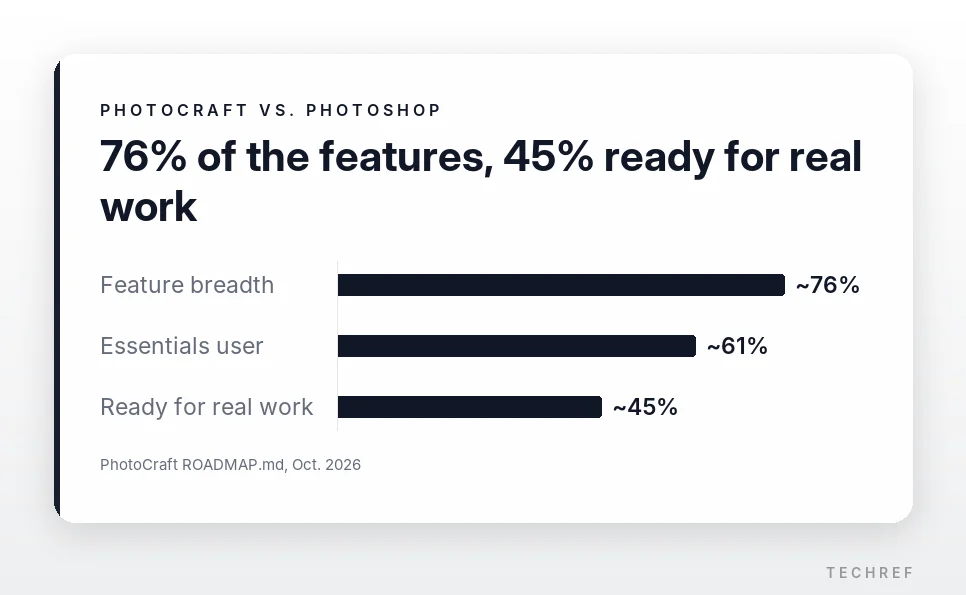
- Its own roadmap puts its feature breadth at about 76% but its readiness for real work at only about 45%.
- Good for quick PSD edits and AI automation; not yet for professional design work.
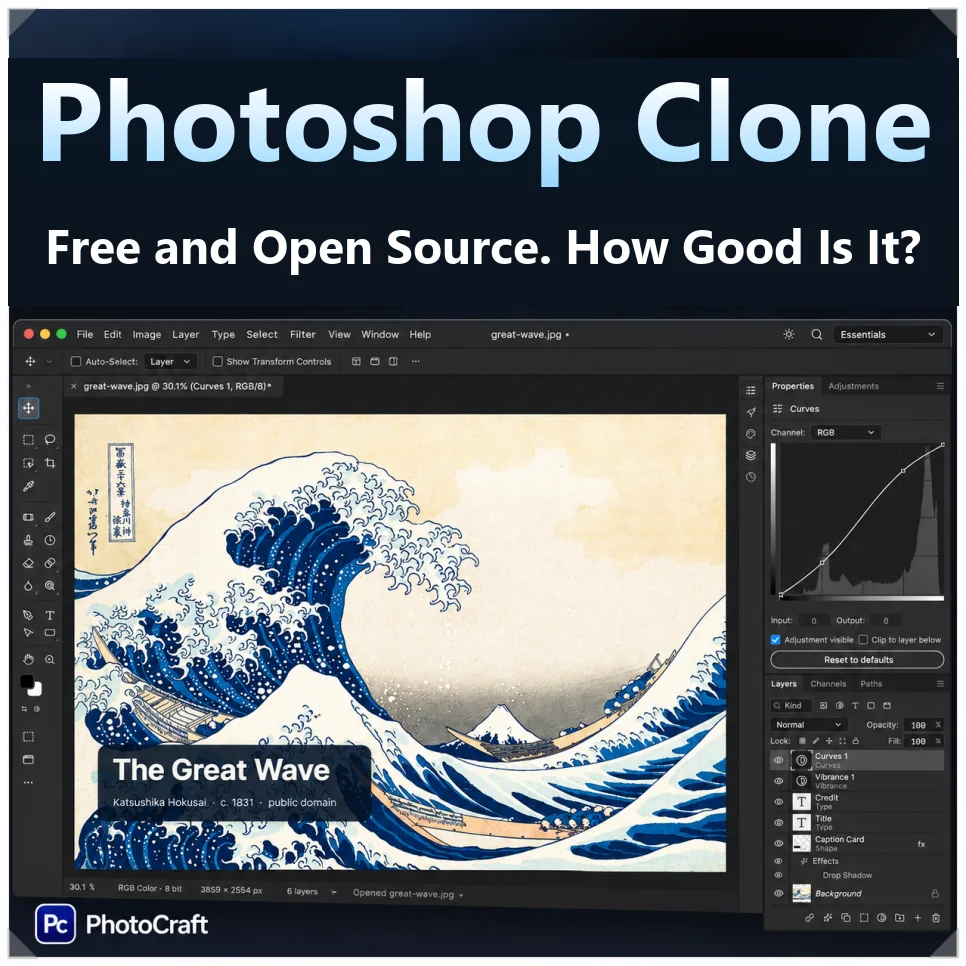
Paying for Photoshop or Premiere Pro every month adds up, and canceling an annual plan early can cost you a fee on top. One developer got fed up with that and used AI to rebuild Adobe’s main apps from scratch. The result, an open-source Photoshop clone called PhotoCraft, has passed 74,000 GitHub stars.
Brandon Thomas, a developer with 15 years of experience, built the apps in about a week with Anthropic’s Claude Opus 5.5. By its own roadmap, PhotoCraft is still a long way from replacing Photoshop for real work.
Why a developer cloned Adobe’s apps
Adobe charges a fee of 50% of the remaining contract when you cancel an annual plan early, and that policy put it in the sights of the Federal Trade Commission.
In March 2026, Adobe agreed to a $150 million settlement with the Justice Department, which brought the case in coordination with the FTC: $75 million in civil penalties and $75 million in free services for customers. The order still needed a court’s approval when it was announced.
The case got uglier when it came out that an Adobe executive had compared the termination fee to heroin, something that’s hard to quit.
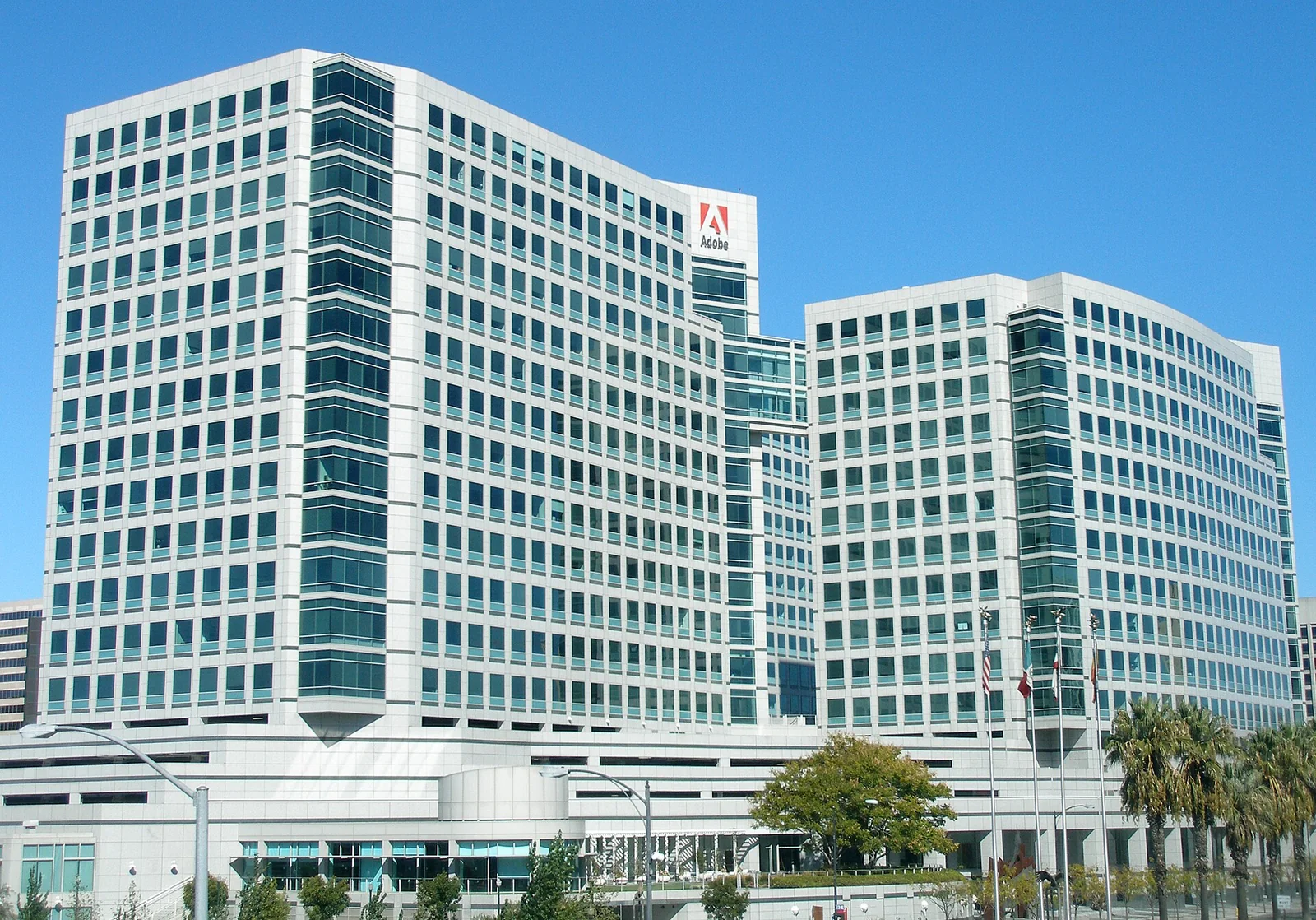
Thomas, a former Square engineer who led Storyteller.ai, was frustrated by the recurring charges too and set out to build replacements.
Seven Adobe clones, 13 apps in total
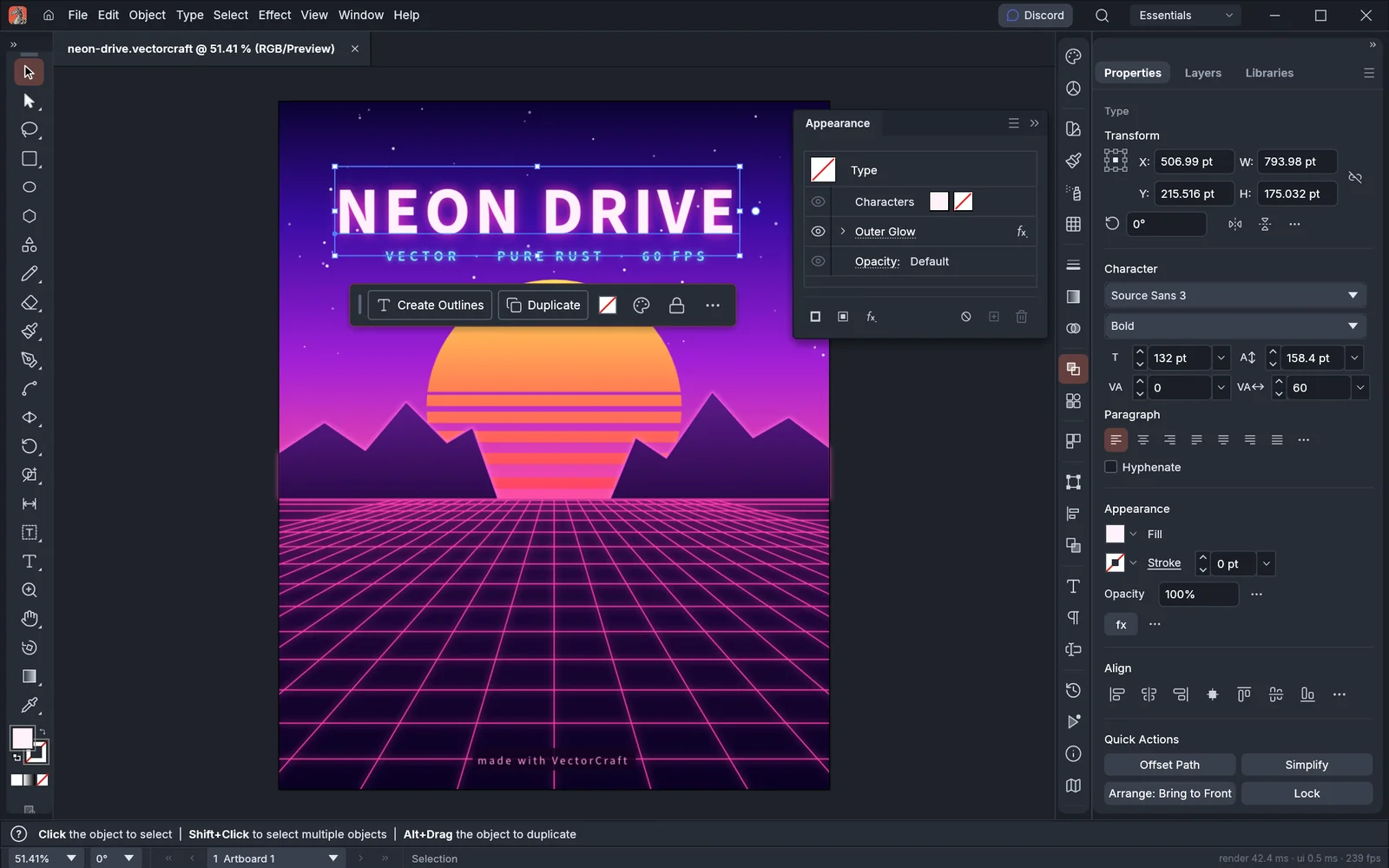
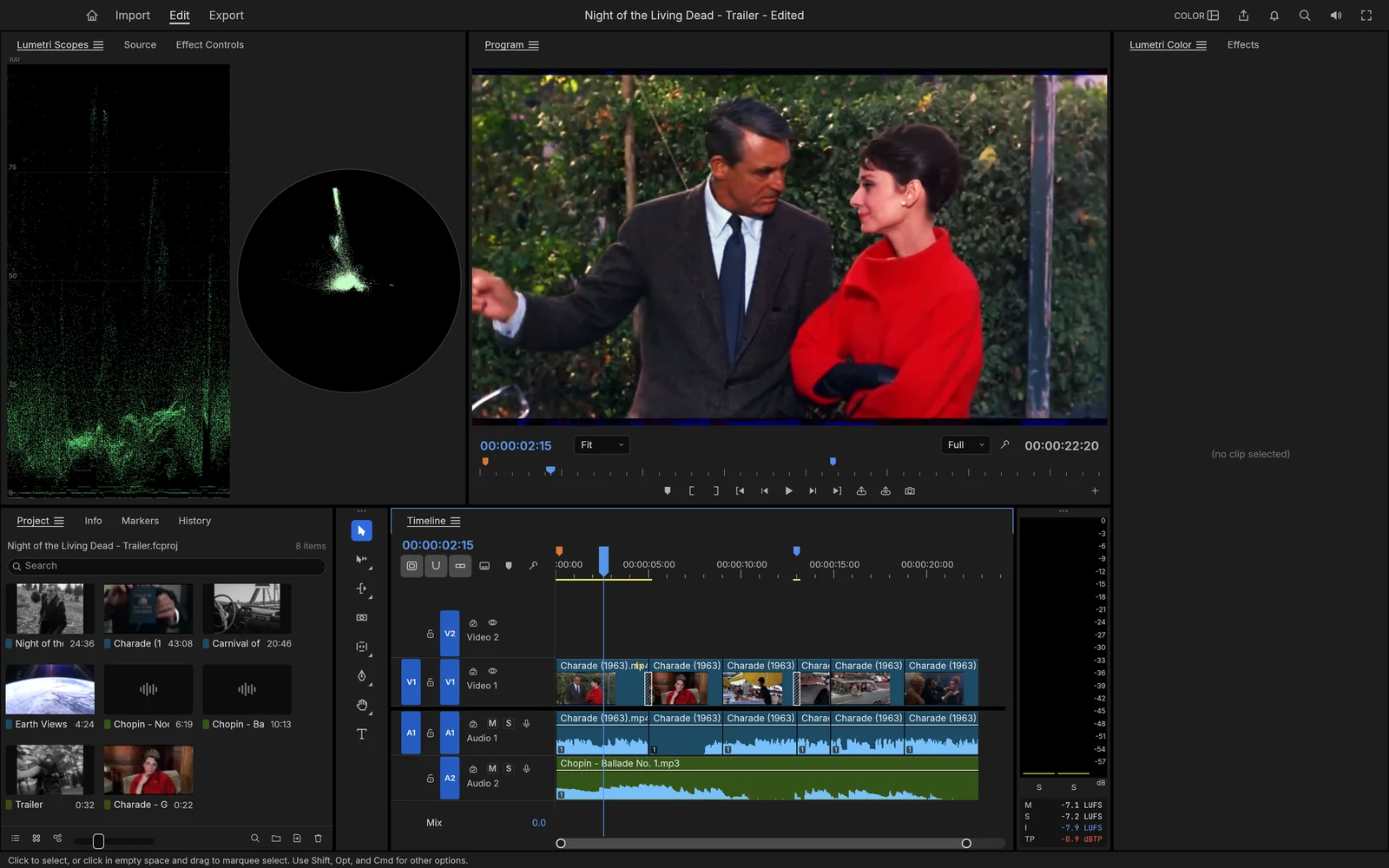
The project started with Photoshop and went on to rebuild seven Adobe apps, including Illustrator and Premiere Pro. Clones of Microsoft Office and CAD software followed, bringing the ArtCraft suite to 13 apps.
| App | Modeled on | What it does / status |
|---|---|---|
| PhotoCraft | Adobe Photoshop | Image and layer editing; early alpha installers available |
| VectorCraft | Adobe Illustrator | Vector drawing and path operations; source released |
| FilmCraft | Adobe Premiere Pro | Video editing and color correction; v0.6.0 |
| LightCraft | Adobe Lightroom | RAW photo editing and management; source released |
| PdfCraft | Adobe Acrobat Pro | Viewing, annotating and managing PDF forms; early alpha |
| EffectCraft | Adobe After Effects | Animation and compositing; shares codecs with FilmCraft |
| DesignCraft | Adobe InDesign | Page layout for publications; IDML support |
The other six are FigCraft, WordCraft, SoundCraft, DeckCraft, CADCraft and GridCraft, as listed on the ArtCraft site.
How it was built: Claude and pure Rust
Thomas built the suite with Claude Opus 5.5 and the Rust programming language. Instead of Electron or a web view, which many desktop apps rely on, the apps are written in pure Rust.
Graphics run on wgpu, a Rust graphics library that reaches the GPU through DirectX 12 on Windows, Metal on Mac and Vulkan on Linux. The apps also compile to WebAssembly (Wasm), so they can run in a browser.
They’re also built to work with AI agents. Inside PhotoCraft is a central registry of more than 500 commands, and the same commands are available from the command line (CLI) and through a Model Context Protocol (MCP) server, the standard way AI assistants call outside tools.
That means an AI doesn’t have to find buttons on screen and click them. It controls the app directly with defined commands, which is useful for automating image edits and repetitive document work.
How good is this open-source Photoshop clone, really?
Thomas says the Photoshop clone was built in a single prompting session. But the project’s own ROADMAP.md shows a gap between how much is implemented and how much is usable.
Feature breadth, which measures how much of Photoshop’s scope is covered, is about 76%. Many of Photoshop’s main menus and features are there. But “Ready for real work,” the bar for professional use, sits at only about 45%. Even for everyday users the figure is about 61%.
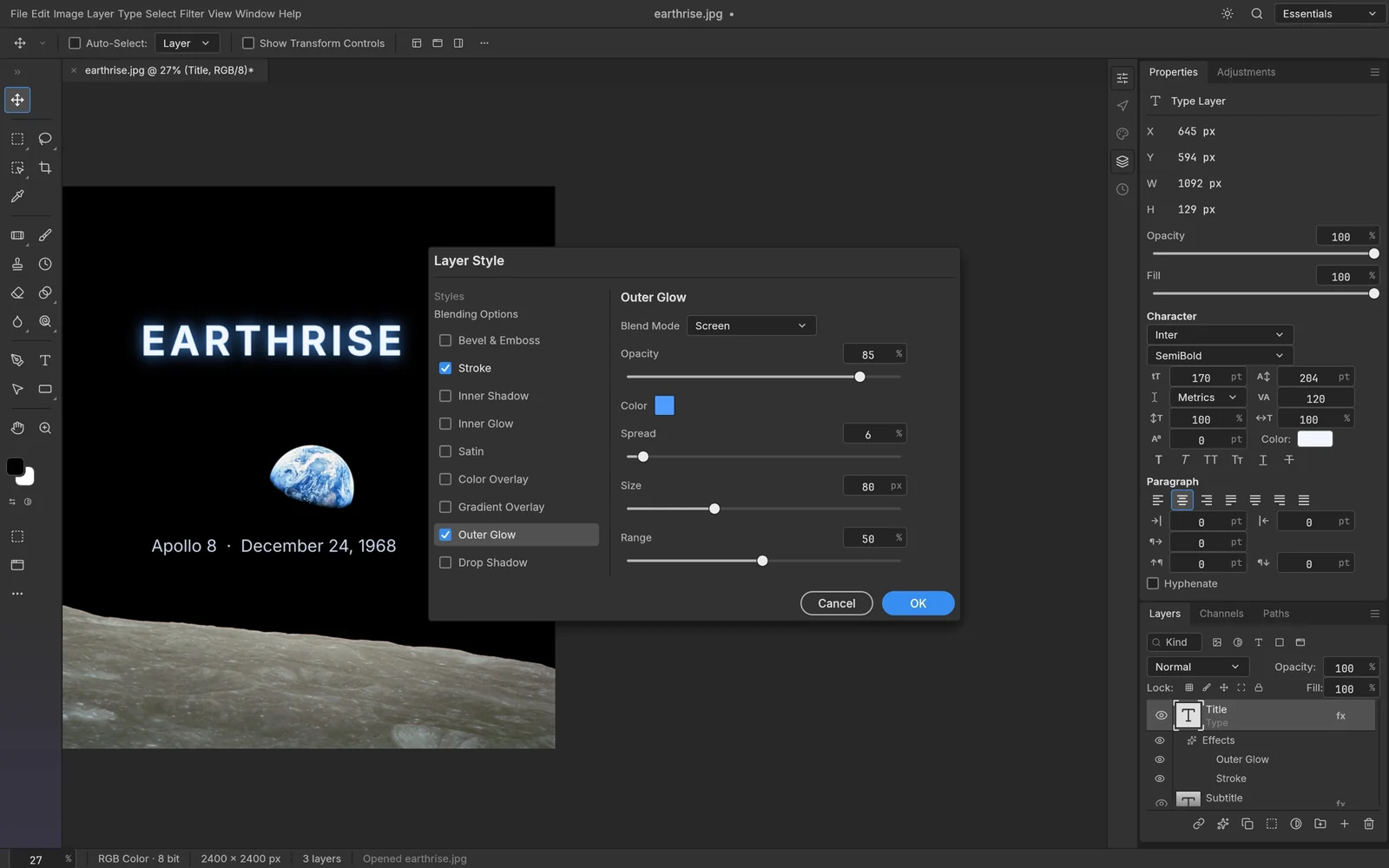
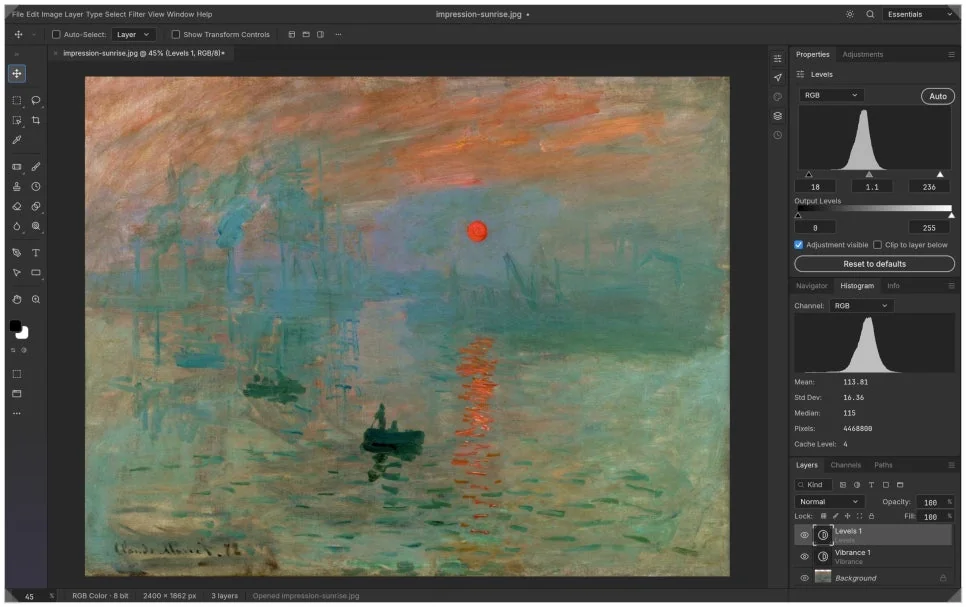
PSD compatibility is fairly good. Of the 309 files in psd-tools, an open-source test set, 307 open and re-save without any rendering loss. PhotoCraft offers 16 non-destructive adjustment layers and uses the same keyboard shortcuts as Photoshop.
The output isn’t identical, though. In a pixel-match test against Photoshop, only 115 of 170 cases passed, or 67.6%. Color handling and brushes still behave differently.
Large images are another weak spot. Images over 8,192 pixels exceed GPU limits and fall back to CPU mode, and memory use climbing past 6GB has been reported.
Adobe’s Firefly generative AI features are missing, and commercial Photoshop plug-ins don’t work. PhotoCraft is fine for checking a PSD or tweaking layers, but it falls well short for professional design work.
Built in a week, but who maintains it?
AI made development dramatically faster. Work that used to take a team of developers a long time, like the basic app structure and reverse-engineering file formats, got done in a short stretch.
But building software fast and keeping it stable are different problems. Within two weeks of release, thousands of pull requests (PRs) came in and outside contributors accounted for 79% of the activity, yet code review and merging couldn’t keep up.
DeckCraft, the PowerPoint clone, merged only 17% of its PRs.
AI can write code quickly, but checking for bugs and resolving conflicts between features still takes a lot of time and effort.
The legal questions: trade dress and Adobe’s terms
Copyright questions remain. Thomas says the apps were built clean-room, without looking at the original code. But if the layout and design look too much like the original, they could raise trade dress claims, which protect a product’s distinctive look.
Section 17 of Adobe’s General Terms of Use also restricts observing the software’s inputs and outputs to recreate its internal systems or to test AI models. Whether any of this is actually a violation is a separate legal question, but companies considering open-source apps like these should check the licensing and intellectual property issues carefully.
Before you try it
- Price: free. The code is dual-licensed under MIT or Apache-2.0.
- Platforms: the README lists macOS, Windows, Linux, FreeBSD and the web.
- Status: the project calls itself early alpha, so don’t trust it with your only copy of important files.
- Popularity: the repository showed about 64,700 stars on Oct. 17, 2026.
Bottom line: not a Photoshop replacement yet
PhotoCraft still has too many gaps to fully replace Photoshop. Still, getting software this far in a week with AI is worth paying attention to, and more open-source apps like it are likely on the way.
If you want quick PSD edits or AI-driven automation, it’s worth a try. It’s early-stage software, so be careful with important work, and follow updates on the official GitHub repository (storytold/photocraft).
Related reading
- Gemini 4 Argon vs. GPT-6 Astra and Claude Opus 5.5: Benchmarks and API Pricing Compared
- Anthropic’s Q3 Revenue Hit $16.8 Billion. Why AI Bubble Fears Are Growing Anyway