Genie 4 World Model: Google’s Explorable AI Worlds, With Sound
Key takeaways
- Genie 4 builds explorable worlds from text, with sound and voices generated live.
- It’s a research preview now; Project Genie access comes with the $200-a-month Google AI Ultra plan.
- Useful for previs, game prototyping and robot simulation, but sessions last about two minutes.

Google DeepMind’s Genie 4 world model, announced on Oct. 27, 2026, lets you walk around inside a generated scene and change it as you go. AI-made video is everywhere now, but you can’t step into a clip and rearrange it. Genie 4 does exactly that.
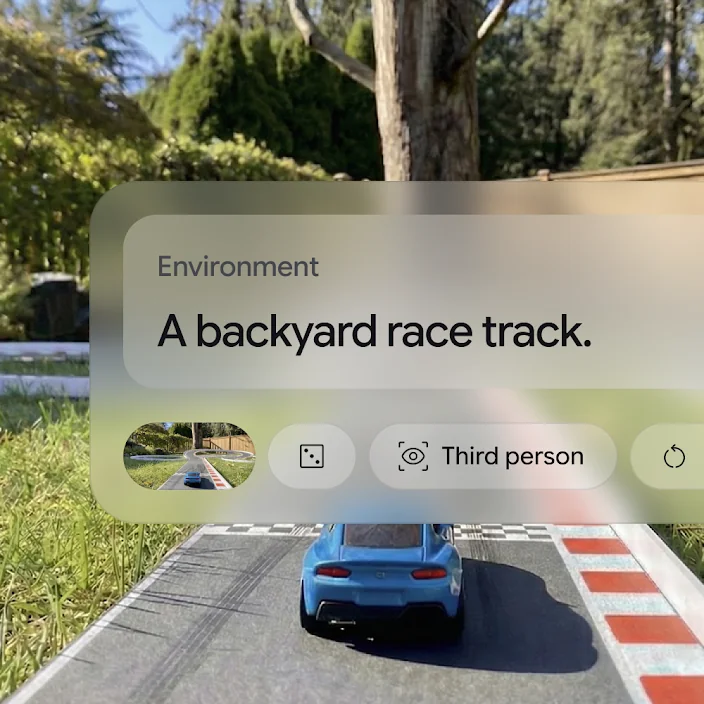
Type a text prompt and it builds a virtual space. Move with the keyboard and the view follows, and you can keep editing the world around you. It also generates matching sound and characters’ voices. That combination is what separates it from today’s video generators.

Genie 4 vs. Veo: a world you steer, not a clip you watch
Video models such as Google’s Veo take a prompt and return a finished clip a few seconds to a few dozen seconds long. Because they produce finished clips, changing the camera angle or the weather in real time during generation is difficult.
Genie 4 is a world model: it keeps producing the next frame based on what you do. Turn with the keyboard and the viewpoint moves; type an instruction and the surroundings change.
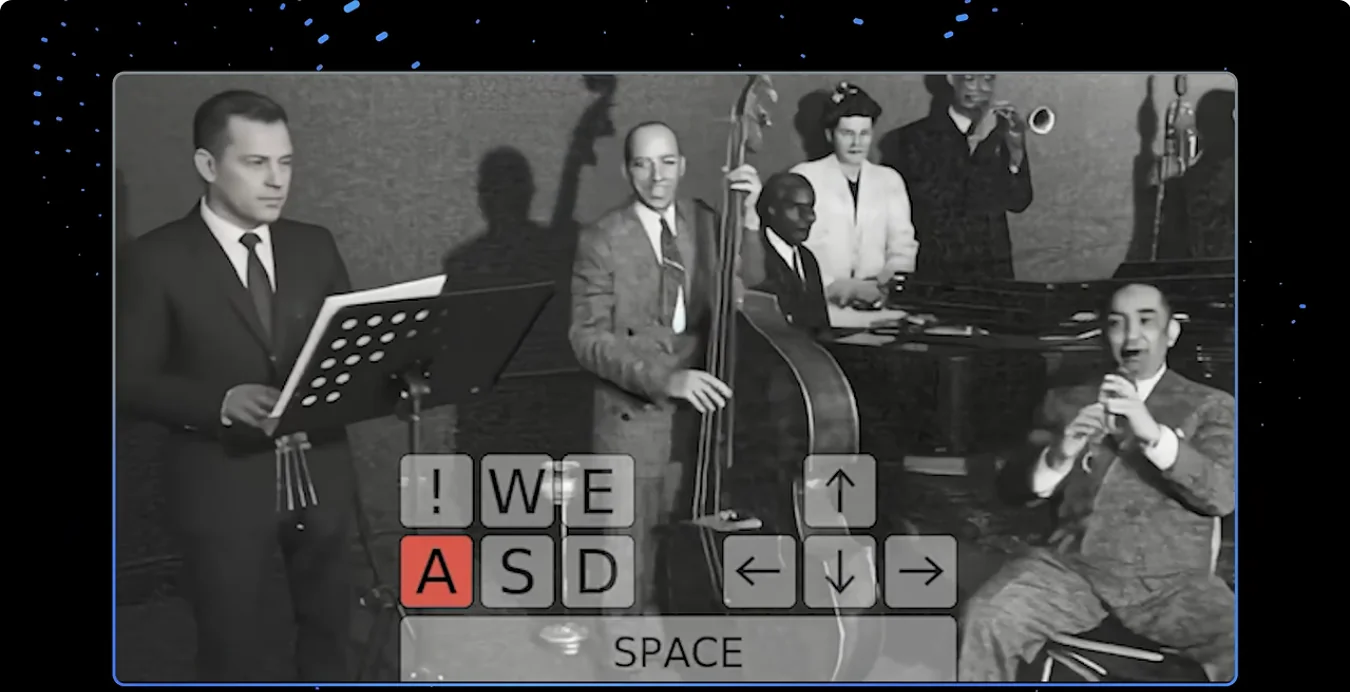
Nothing is prerecorded. New scenery appears in whatever direction you head.
| Feature | Google Veo | Google Genie 4 |
|---|---|---|
| Main purpose | Finished video clips | Exploring a virtual space in real time |
| How it works | Generates a whole clip | Generates frame by frame, live |
| User control | Hard to steer mid-generation | Keyboard moves and text prompts |
| Audio | Added separately | Ambient sound and dialogue generated with the scene |
| Length | Individual clips | About 2 minutes of continuous interaction |
How the Genie 4 world model works with Gemini
Genie 4 runs as a hybrid with models from Google’s Gemini family. Instead of one AI doing everything, one part builds the world and another understands what you want.
Gemini Omni anchors the simulation in real-world appearance and behavior, keeping shapes, textures and physics from wandering. Gemini 3.8 Flash works as a guiding agent: it breaks your goal into steps and checks the frames to confirm each step actually happened.
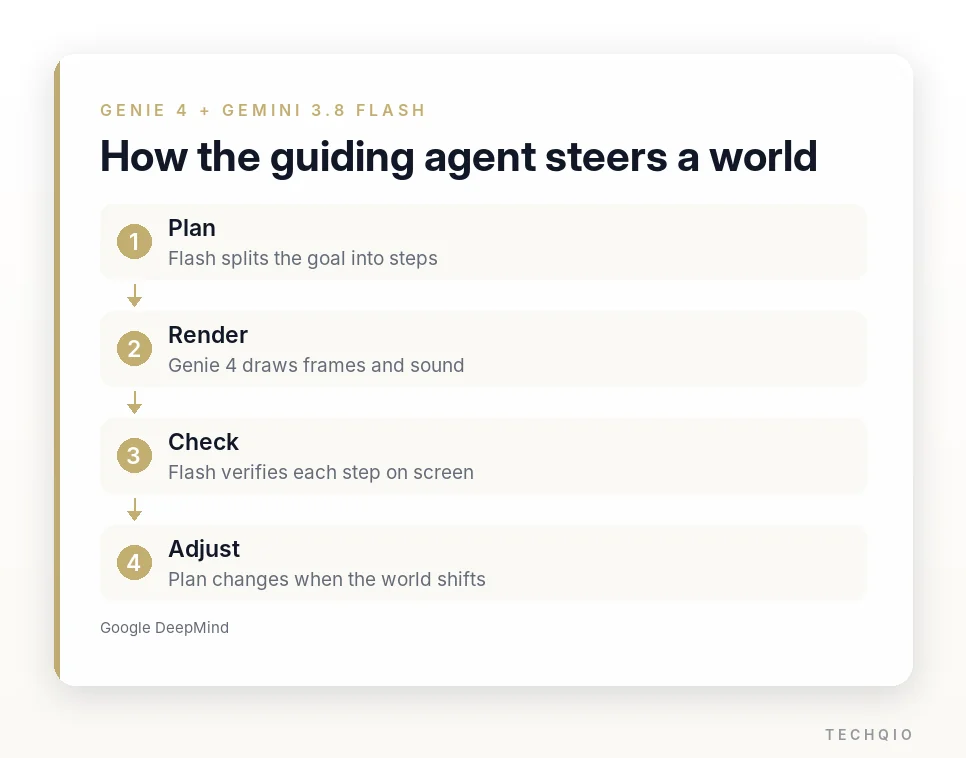
If you suddenly change direction or type a new command, Flash revises the plan, and Genie 4 renders picture and sound in real time from it. This is also DeepMind’s first world model to generate video and audio natively, together from the start.
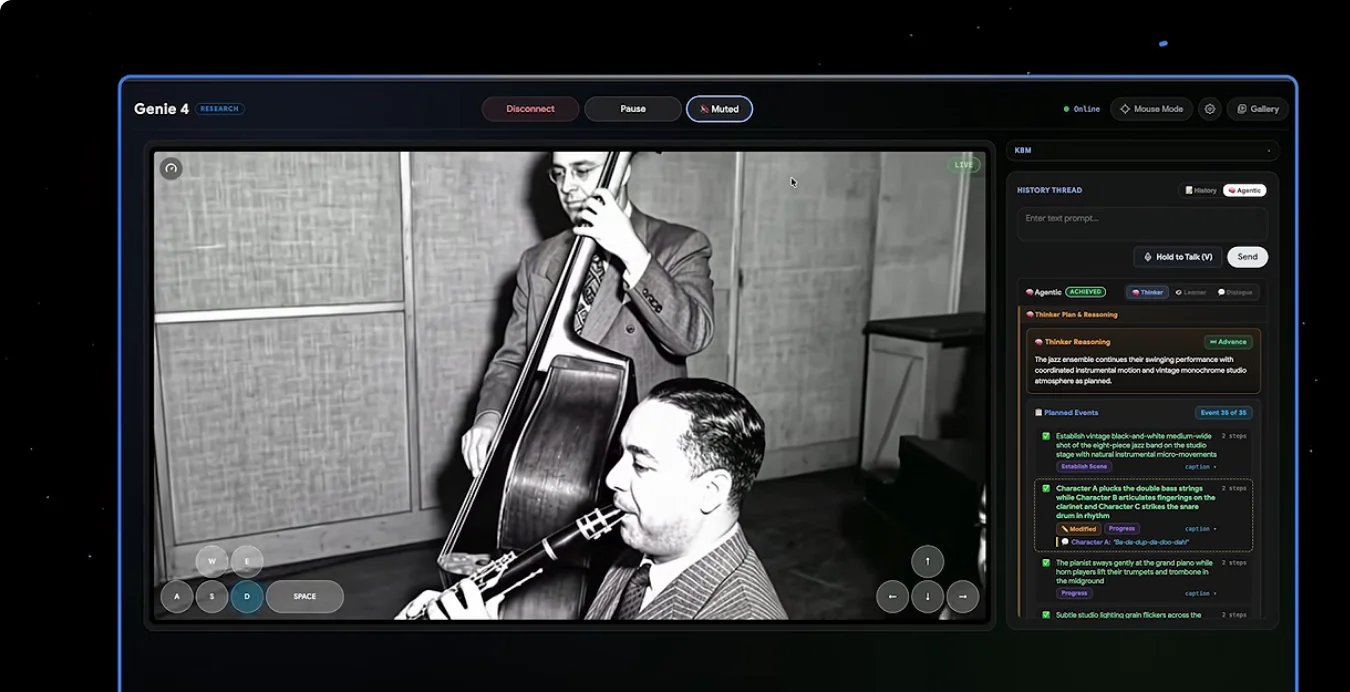
When wind shakes the leaves, you hear it. Waves and background music shift with the scene, and a virtual character you question answers in a voice that fits the setting, as in the scooter scene from Google DeepMind’s launch video below. Objects collide, things drift on air currents, and a character’s gait changes with the terrain.
Where it could help filmmakers and game developers
In film, Genie 4 fits previsualization, or previs: blocking out scenes before a shoot. Building a virtual set in 3D software can take days. With Genie 4 you can describe the space in text, then check camera angles and actors’ paths inside it, which helps when comparing setups or testing whether a mood works before the camera rolls.

Game developers can use it the same way before full production starts: generate a space from text, move a character through it and test how the game plays or whether an idea holds up. You see the concept before any serious 3D modeling or code.

Training humanoid robots in simulation
Genie 4 also has a role in physical AI and robotics research. Robots can be tested in many situations in a virtual space without sending real hardware into risky environments.
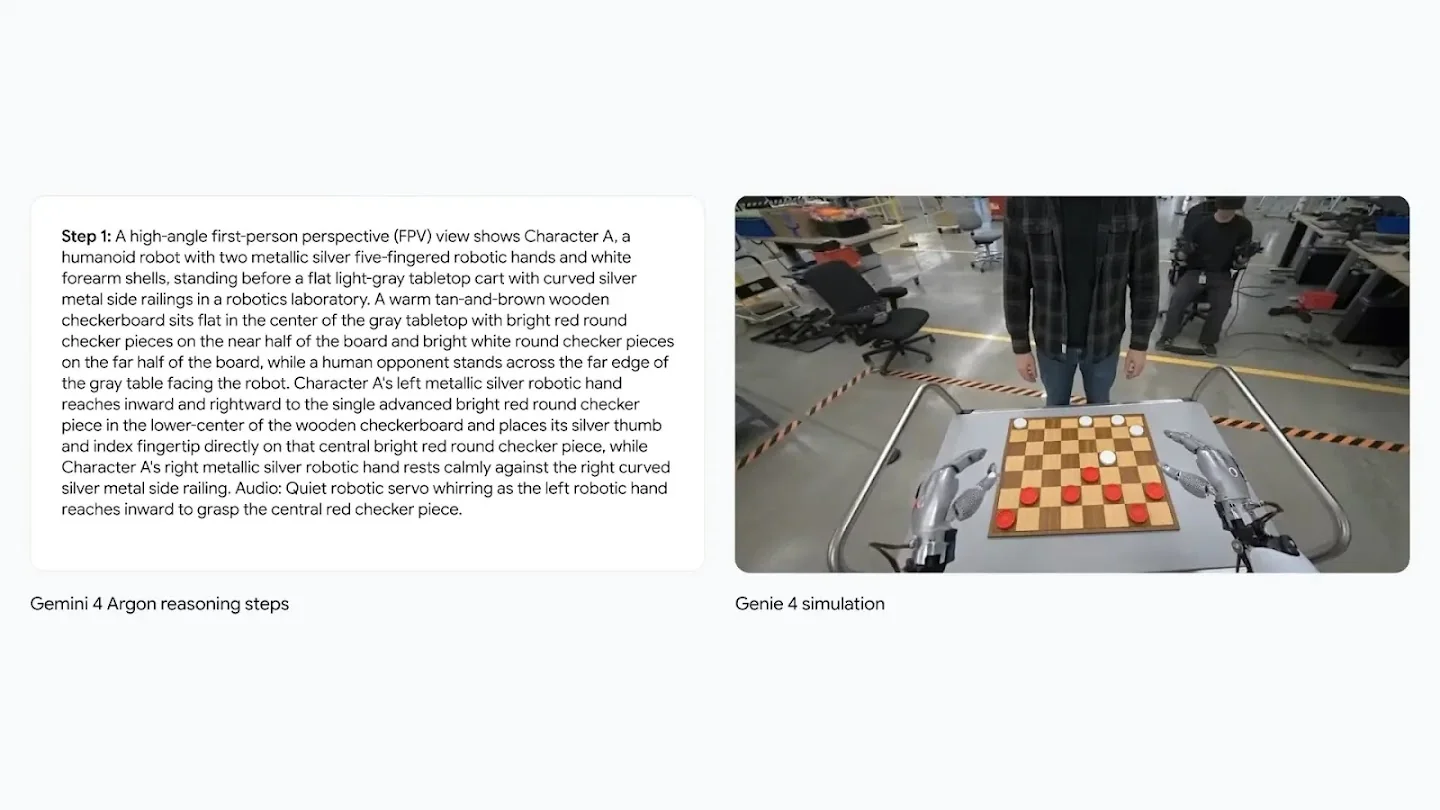
DeepMind connected Genie 4 to Gemini 4 Argon, its multistep reasoning model, and simulated Apptronik’s Apollo humanoid playing checkers. Google’s video walkthrough of the demo starts below.
Argon breaks a checkers strategy into individual moves, and Genie 4 turns those text descriptions into live footage of the robot’s arms and the pieces moving. It is a way to watch how a task would unfold in a virtual environment before a real robot moves, and it could help with teaching robot motions or testing how a robot reacts to different situations.
The limits Genie 4 still has
The Genie 4 world model can’t replace a game engine or simulation software yet. It is a research prototype with open problems.
The biggest constraint is session length. You get about two minutes of continuous interaction, twice as long as Genie 3, and DeepMind’s Genie model page describes it as a few minutes rather than extended sessions. That is still short for long exploration.

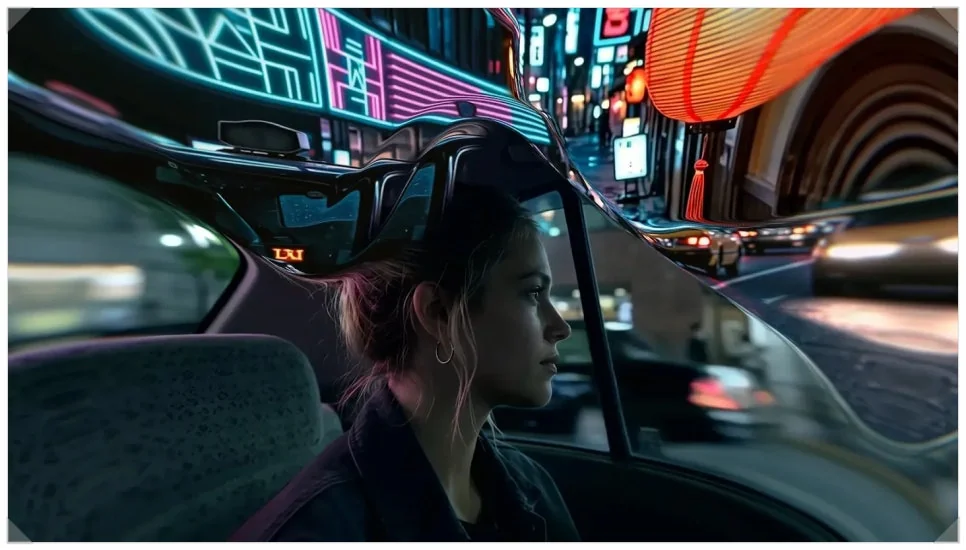
Travel far or change commands several times and objects you passed may vanish or the background may change. DeepMind says visual details and object permanence can drift over time. A normal 3D game stores where each object is; Genie 4 predicts every next frame, which is where the drift comes from.
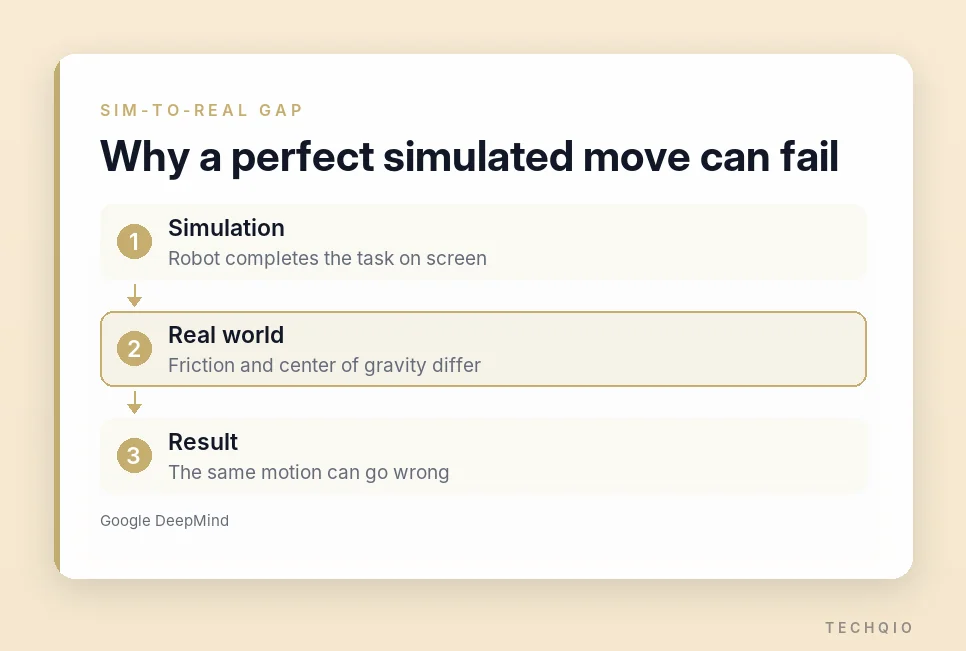
Robotics adds the sim-to-real gap: a robot that moves perfectly in simulation can behave differently in the real world because of friction, center of gravity and other physical differences. DeepMind also said the checkers experiment does not mean full real-robot control has been achieved. Rendering legible text on screen and fine spatial accuracy still need work as well.
When you can try Genie 4, and what it costs
For now, Genie 4 is a research preview for trusted testers, according to Google’s Genie 4 announcement. Regular users can’t open it in a browser yet.
Google plans to bring it to Project Genie, starting with Google AI Ultra subscribers. Today, Project Genie comes with the top Google AI Ultra plan, which costs $200 a month. The $100-a-month Ultra tier does not include it. Google has also opened a waitlist for Project Genie.
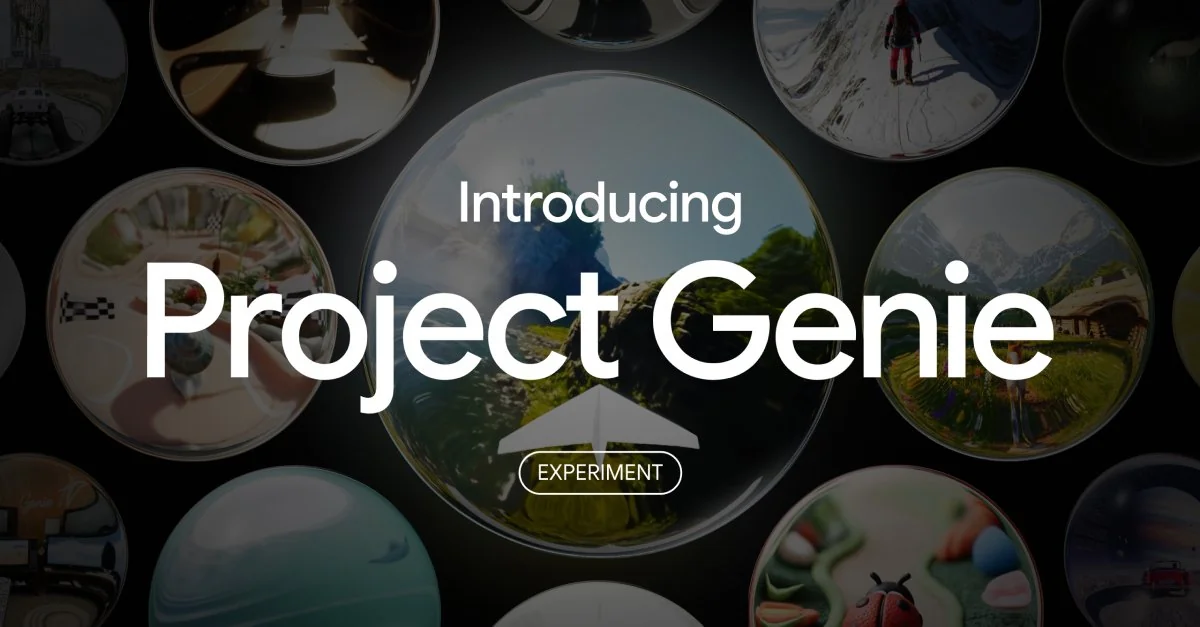
Project Genie itself opened on Jan. 29, 2026, to Google AI Ultra subscribers in the US who are 18 or older. It still runs on Genie 3, and those generations are capped at 60 seconds.
Developers will get access through early-access partnerships in the Gemini API and Google AI Studio, and all video and audio Genie 4 generates will carry Google’s SynthID digital watermark.
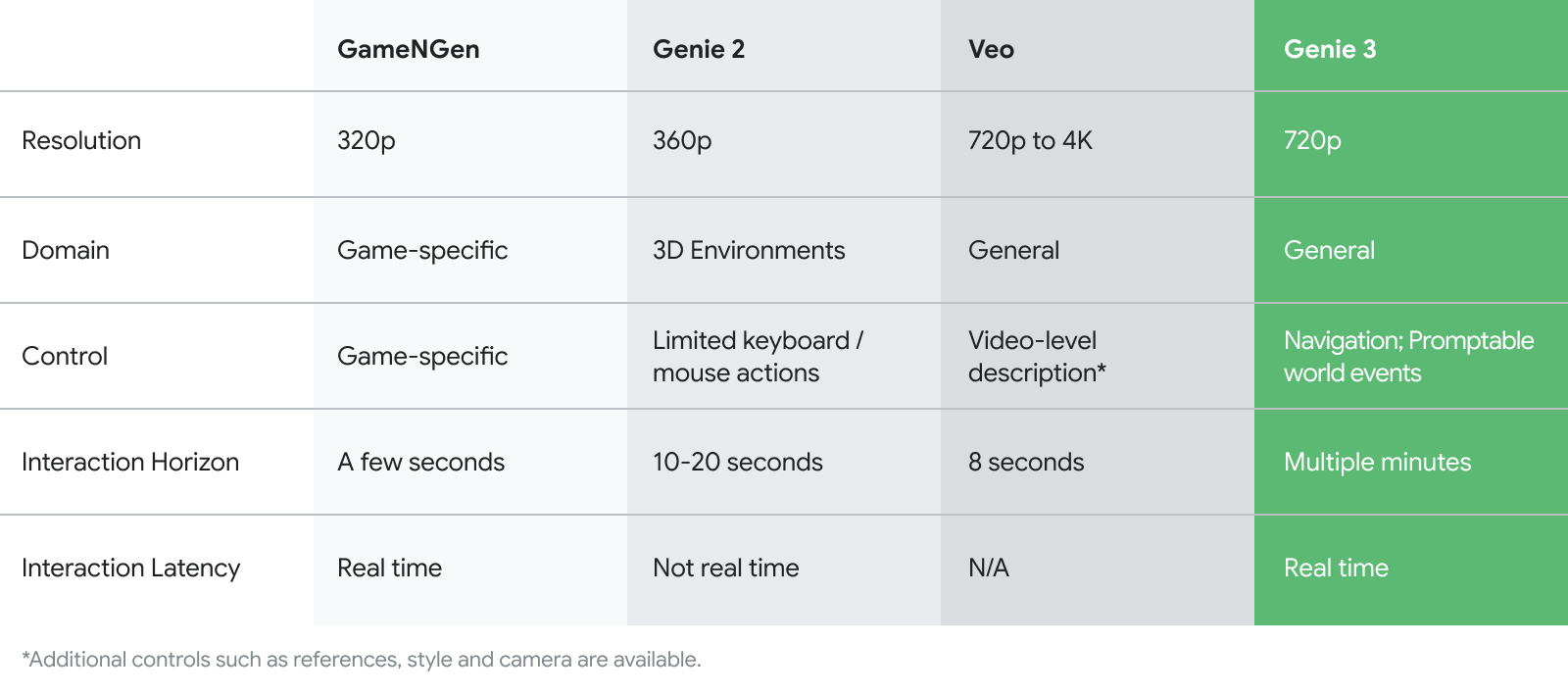
Google published 720p at 24 frames per second for Genie 3, but hasn’t given Genie 4’s resolution or frame rate. Real image quality and speed will have to wait for more details.
Who should sign up for Genie 4 now?
If you block out shots, prototype levels or rehearse robot tasks, join the Project Genie waitlist and test one thing first: whether a typed instruction changes the world the way you meant. That steering is what a video generator can’t give you.
If you need long sessions or precise physics, wait. Two-minute runs and drifting objects rule it out as a game engine or simulator today. The range of uses, from film and game prototyping to robot training, is still what makes it interesting to me.
Related reading
- Gemini 4 Argon vs. GPT-6 Astra and Claude Opus 5.5: Benchmarks and API Pricing Compared
- Who Owns Gemini AI Images? SynthID, Commercial Use and Copyright Rules