Who Owns Gemini AI Images? SynthID, Commercial Use and Copyright Rules
Key takeaways
- Google doesn’t claim ownership of Gemini output, so commercial use is allowed within its terms and the law.
- Commercial use isn’t copyright: the U.S. Copyright Office says prompts alone don’t make AI output protectable.
- SynthID marks AI content invisibly, but a missing watermark doesn’t prove a person made it.
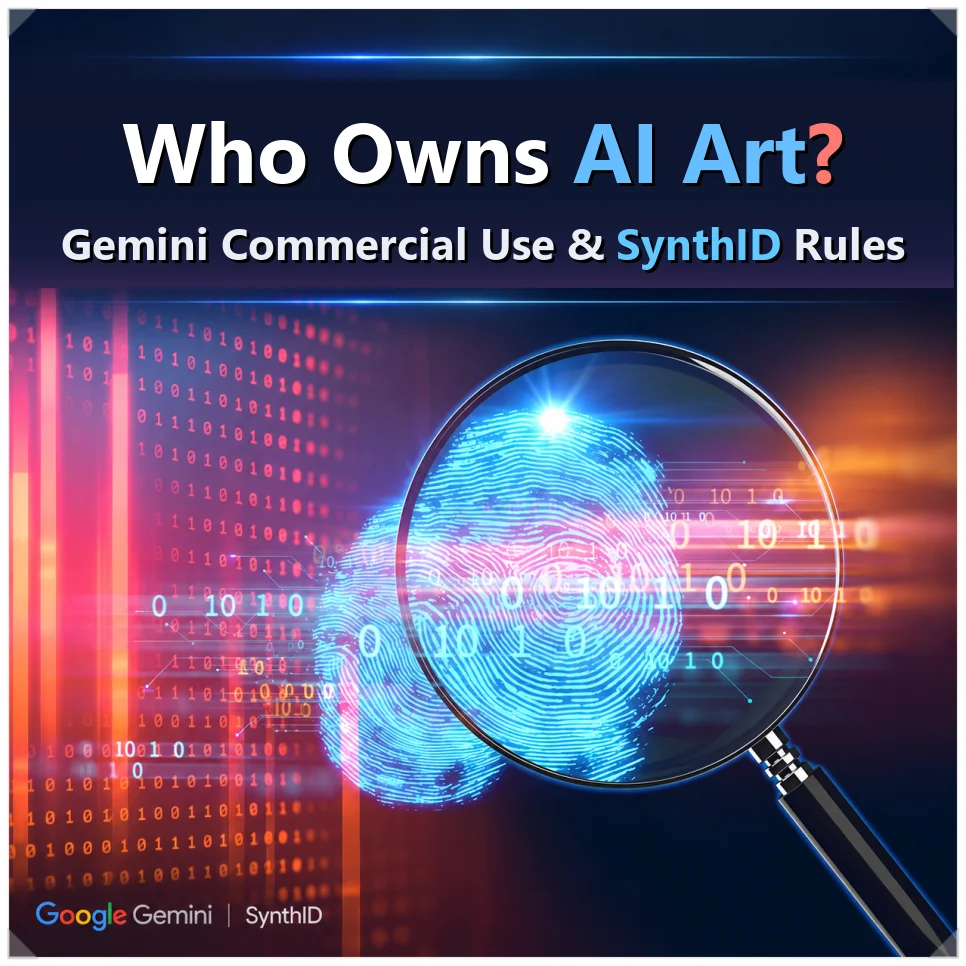
More people now use Google Gemini to make images and videos for blogs and YouTube. But AI-made content isn’t automatically protected by copyright, and if you plan to use it in ads or other commercial work, it pays to know where Gemini AI image copyright actually stands.
Google also uses SynthID, a watermarking technology, to mark AI-generated content. This guide covers how SynthID works and where it falls short, what Gemini’s terms allow for commercial use, and what it takes to get copyright protection. It is general information, not legal advice.
What SynthID is: an invisible AI watermark
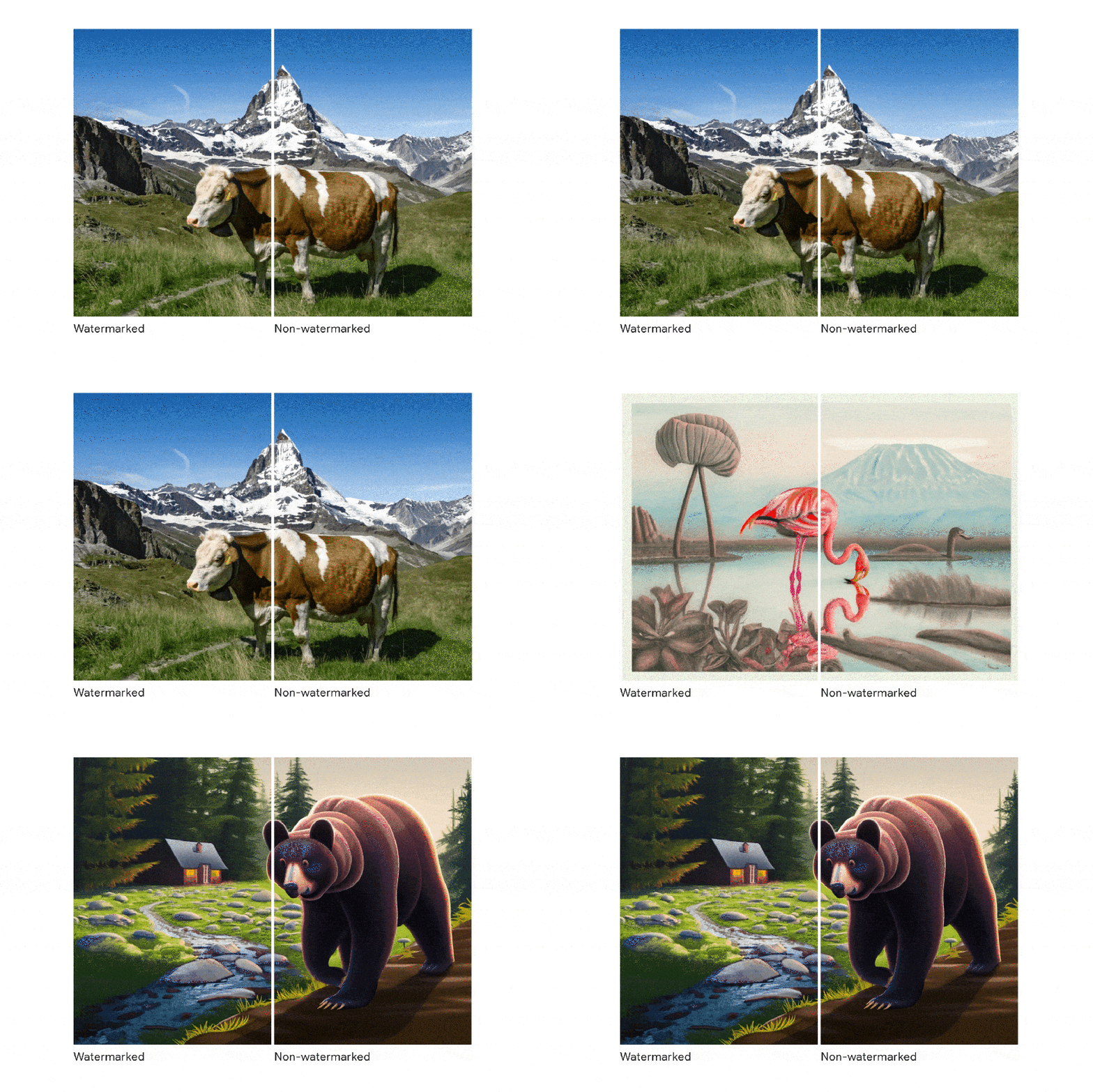
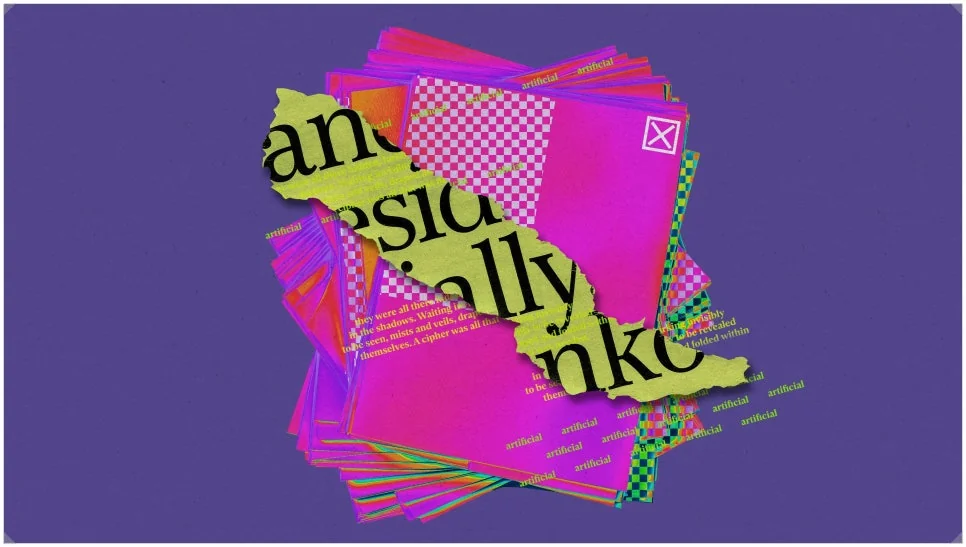
SynthID is an AI content identification technology developed by Google DeepMind. Instead of stamping a visible logo or text on the screen like a normal watermark, it embeds an invisible digital signal in the image or video itself.

Unlike a label stored in the file’s metadata, the watermark lives in the content. That’s why it’s designed to survive compression and partial edits. Google says it has now watermarked more than 180 billion images and videos, plus about 240,000 years of audio.
How the watermark works for each content type
The method depends on the kind of content:
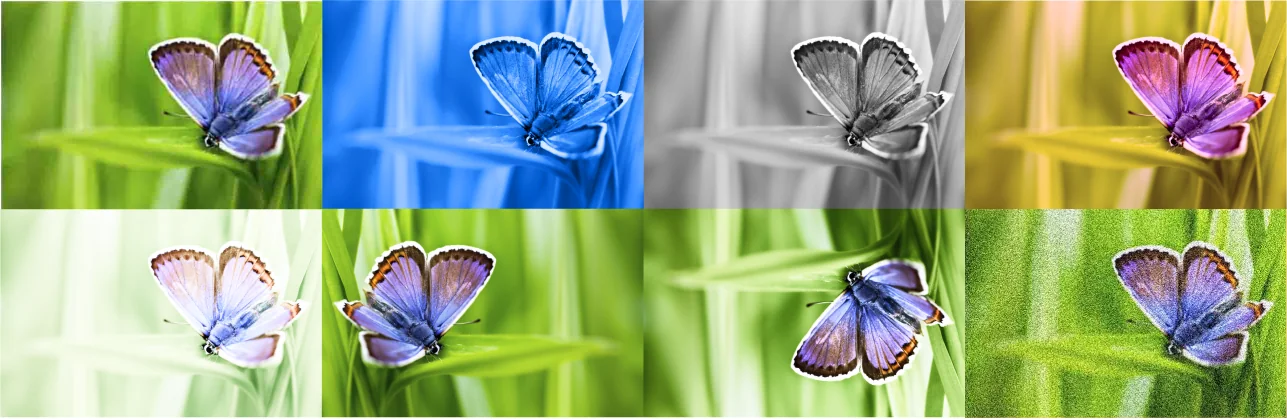
- Images (Imagen): an invisible pattern in the pixels, so the image can still be identified after resizing or cropping.
- Video (Veo): a watermark in every frame, so it can be checked even after editing.
- Music (Lyria): a signal people can barely hear, built to survive compression and speed changes.
- Text (SynthID-Text): small shifts in how likely each word is to be chosen, which leave a statistical pattern.
Text works a little differently from images and video. When a language model picks its next word, it uses scores called logits. SynthID applies a pseudorandom g-function to those scores, leaving a pattern without hurting how natural the sentence reads.
Google published the research in Nature in October 2024 and released SynthID-Text as open source through Hugging Face.
How to check for SynthID, and its limits
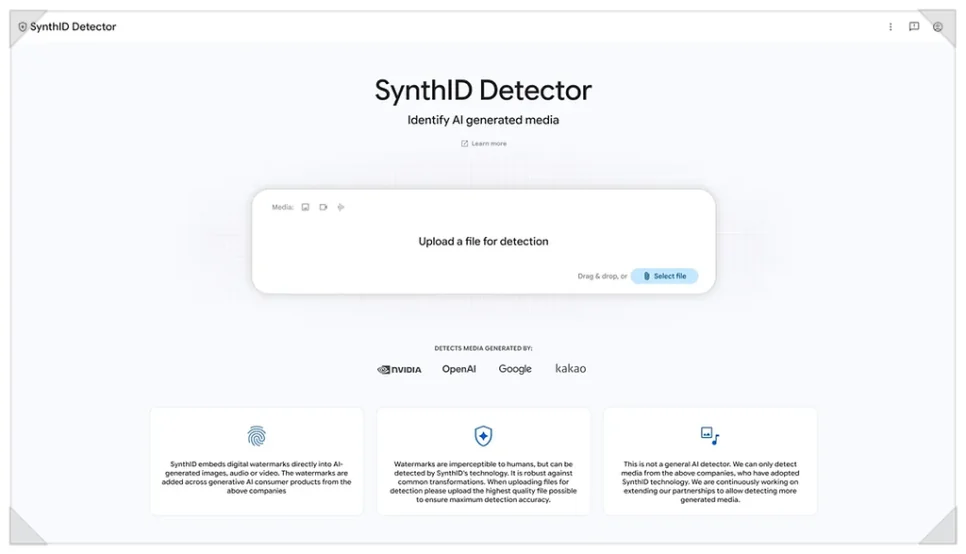
You can check for the watermark in the Gemini app or with SynthID Detector. Google opened SynthID Detector to everyone on Oct. 7, 2026, in English. It checks images, video and audio made with Google AI or with partners including OpenAI, NVIDIA and Kakao, with Apple coming soon. Outside partners such as NVIDIA Cosmos also use the technology.
It can’t identify every piece of AI content, though. Output without SynthID is hard to detect, and translating or heavily rewriting text can lower accuracy. Google’s developer documentation also notes the text watermark is less effective on factual answers. No watermark doesn’t mean a person made it.
Can you use Gemini AI images commercially?
As a rule, Google doesn’t claim ownership of what you create with Gemini. Its Terms of Service say Google “won’t claim ownership” of your content. So as long as you follow the terms and the law, you can use the output commercially, on a blog or in an ad.
The same terms also bar using AI content to mislead people into thinking a human made it.
But being allowed to use something commercially isn’t the same as owning an exclusive copyright. Another user can type a similar prompt and get a similar result. Google doesn’t guarantee that outputs are original or yours alone.
You also need to make sure the output doesn’t infringe someone else’s copyright or trademark. As a regular Gemini user, check for problems before you use a result. If a rights dispute comes up, you can be held legally responsible.
Gemini AI image copyright: can AI images be registered?
The US rule: prompts alone aren’t enough
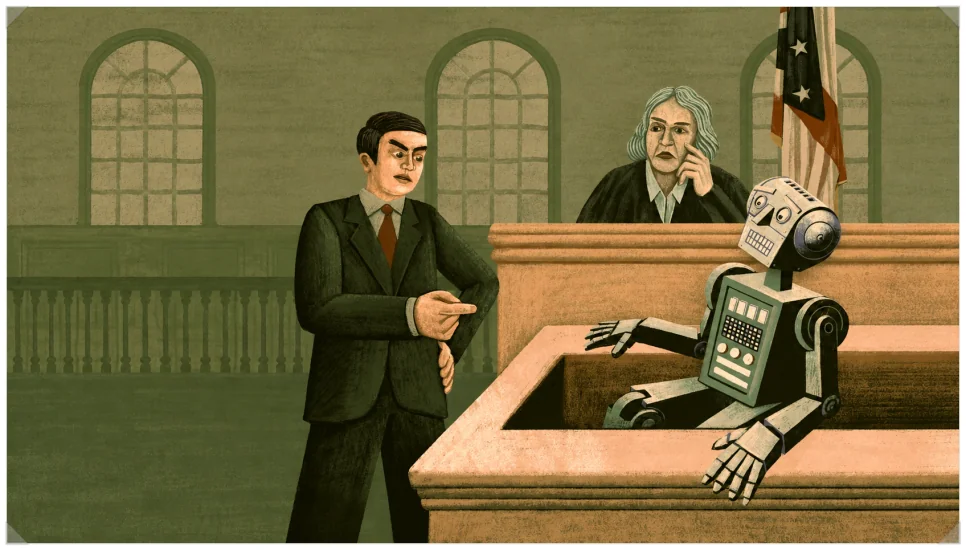
The U.S. Copyright Office set out its position in Part 2 of its AI report on Jan. 29, 2025. AI output can be protected only where a human author determined enough of the expressive elements. Simply writing prompts doesn’t qualify.
Protection can apply when a human-authored work is perceptible in the output, or when a person creatively arranges or modifies it. Using AI as a tool, or including AI material in a larger human work, doesn’t rule out copyright.
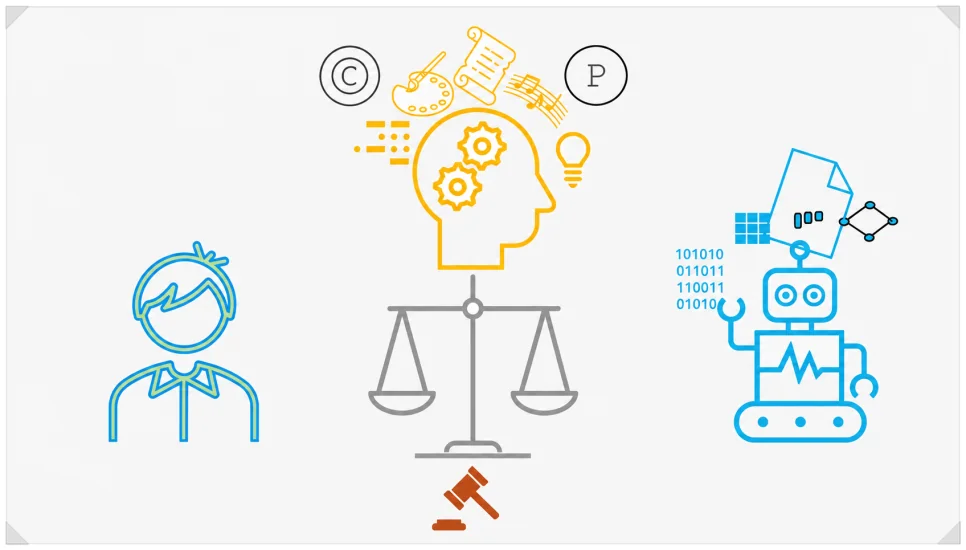
Revising a prompt hundreds of times doesn’t automatically earn copyright either. What counts is how much human creative expression ends up in the final result, not how many edits you made.
In practice, three kinds of human contribution are worth considering for registration:
| Type | When it can qualify |
|---|---|
| Using your own prior work | Creative expression from an original you made yourself remains in the output |
| Creative post-production | A person edits or reworks the AI output directly |
| Creative selection and arrangement | A person selects and arranges multiple outputs in an original way |

The “A Single Piece of American Cheese” case
There’s a similar case in the US. On Jan. 30, 2025, the U.S. Copyright Office registered Kent Keirsey’s work “A Single Piece of American Cheese.”
Keirsey used Invoke AI and did more than 35 rounds of inpainting. Inpainting lets you select part of an image and regenerate or edit just that area. The application was first rejected, but the decision changed after he submitted a video and an explanation of how he made it.

What the Office recognized wasn’t any single AI-generated image. It was the creative composition: a person selecting, arranging and coordinating many elements. The number of edits alone didn’t win the registration.
How to protect your copyright when making AI images
If you make images or video with AI, keep a record of the process, not just the final result.
Instead of relying only on prompts, you can start from your own photos, sketches or melodies. Using your own original, though, doesn’t automatically make the whole final result copyrightable.
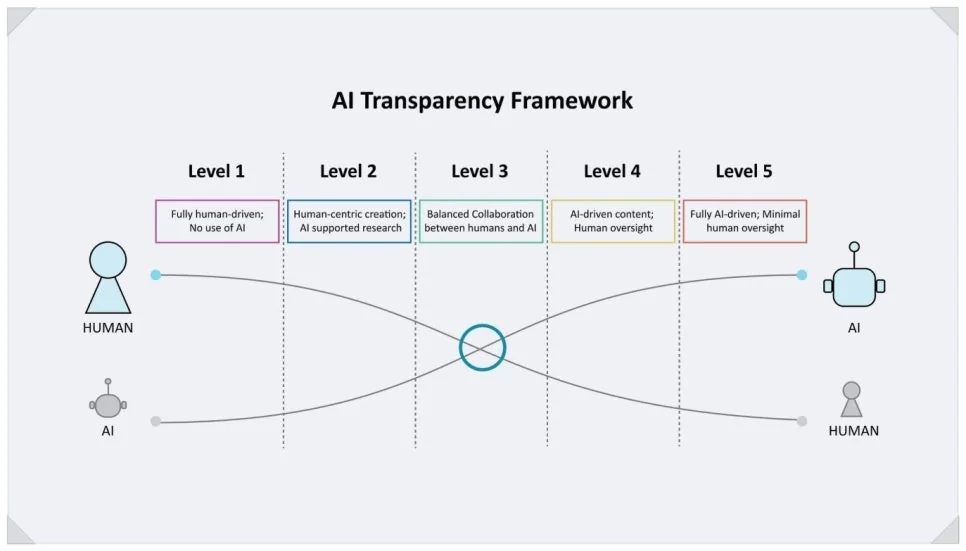
Keep track of what you changed along the way. Saving prompt history, partial image edits and inpainting steps makes it easier to show what you actually did as the creator.
If needed, screen-record your work or save a time-lapse. Copyright review looks at which creative decisions shaped the result, not how many edits you made.
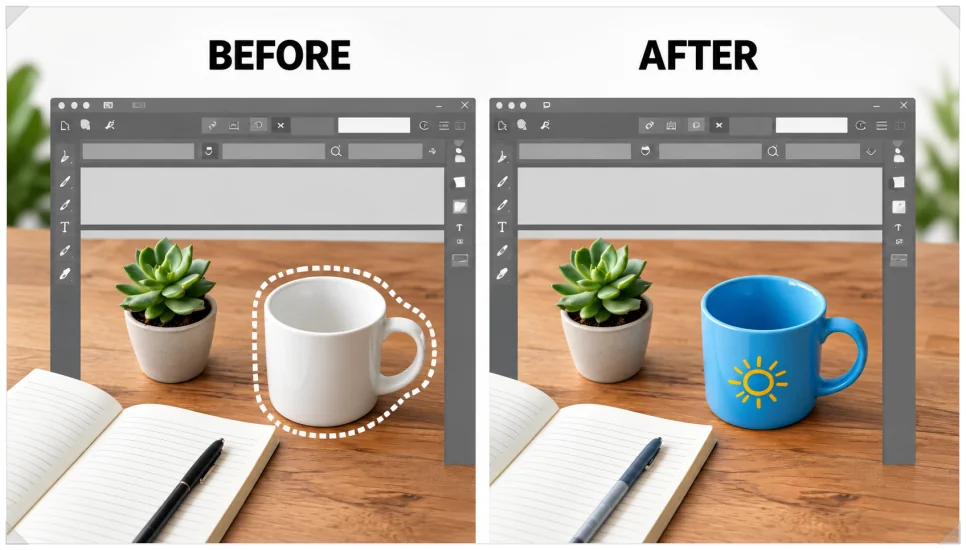
Editing the finished piece yourself in a graphics or music app also helps. Work that shows your intent and personality is more likely to count than a simple color change or resize.
Avoid copying a specific artist’s work or using someone else’s characters or logos without permission. And rather than removing a SynthID watermark on purpose, treat it as a way to confirm where content came from.

FAQ
Will a SynthID watermark get my copyright registration rejected?
No. SynthID only shows whether content was made with AI. If a person made creative contributions, those parts can still be considered for registration.
Can I register a Gemini-made image as a logo or trademark?
Trademarks and copyright are separate. An AI-made logo can be filed as a trademark if it meets requirements such as distinctiveness. That still doesn’t mean the AI image automatically gets copyright.
Bottom line: what to check before using AI images commercially
You can use images and video made with Google Gemini commercially, but copyright doesn’t come automatically. SynthID only identifies AI-generated content; it doesn’t guarantee copyright or ownership.
For Gemini AI image copyright, what matters is how creatively a person took part in making the work. When you create with AI, record your edits and your process. Before any commercial use, make sure you aren’t infringing anyone else’s rights.
Related reading
- Gemini 4 Argon vs. GPT-6 Astra and Claude Opus 5.5: Benchmarks and API Pricing Compared
- PhotoCraft Review: How Good Is the Free, AI-Built Photoshop Clone?