Meta Muse Charm: What It Is and How It Differs From Your Phone
Key takeaways
- Muse Charm is a keychain-sized device for calling up Meta’s Muse AI agent by voice.
- Price, release date and countries aren’t announced; Meta is targeting the end of the year.
- It complements the phone app rather than replacing it; Muse itself works in a per-user cloud VM.
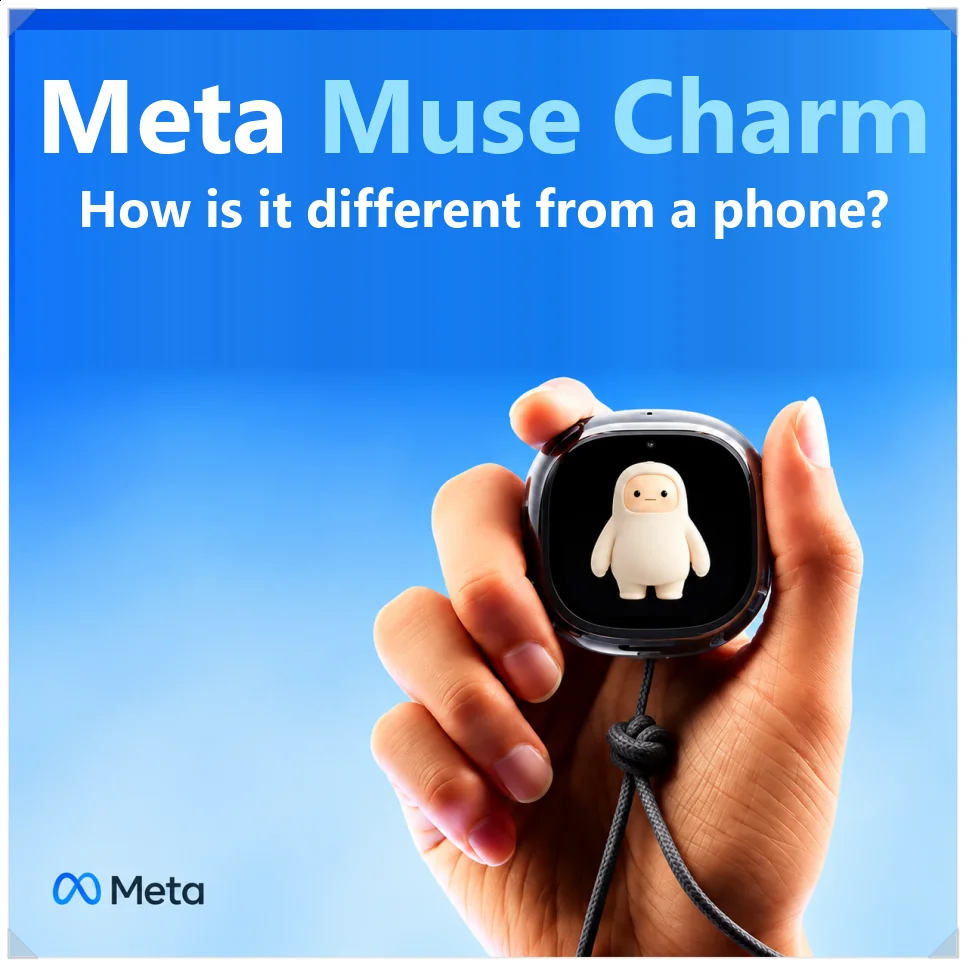
Meta’s new Muse has been getting a lot of attention lately. At first I took it for just another AI chatbot, but on closer look it’s more of an AI agent: it checks your email and handles tasks like bookings and shopping on its own.
Meta also introduced Meta Muse Charm, a small device for calling up Muse instantly. To judge whether you need one when you already have a smartphone, it helps to look first at how Muse differs from existing AI.

Not just an AI that answers questions
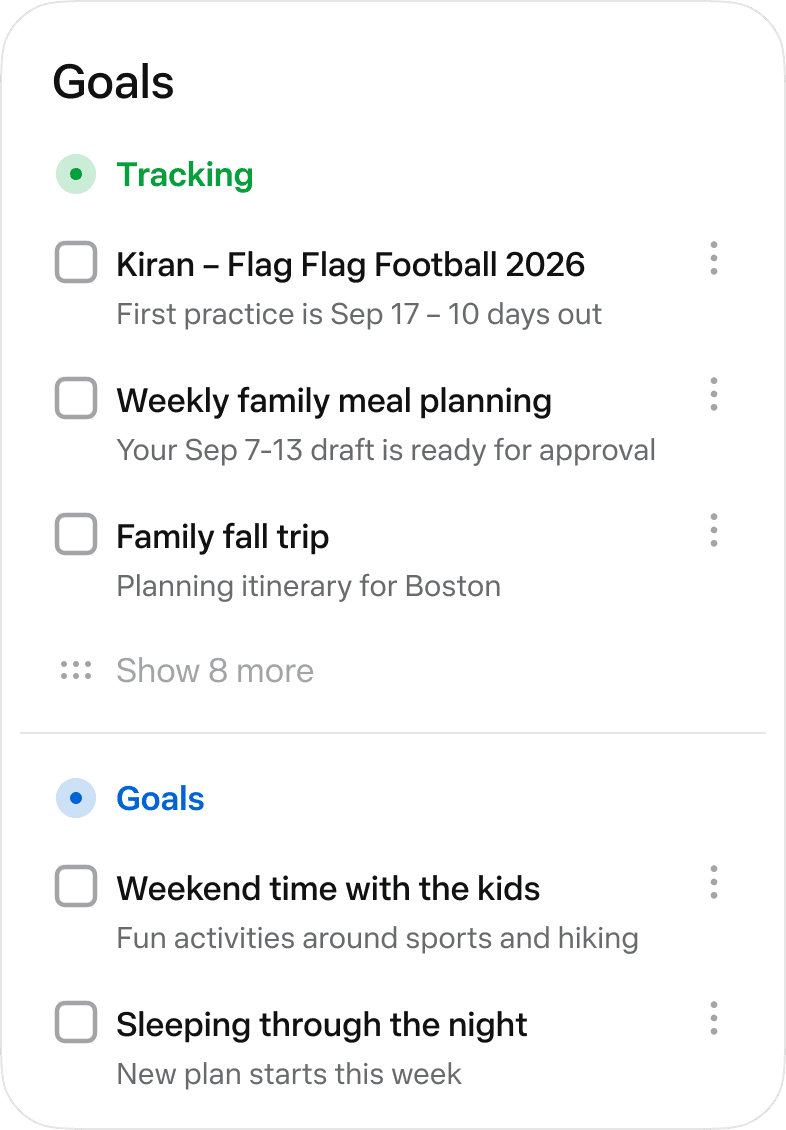
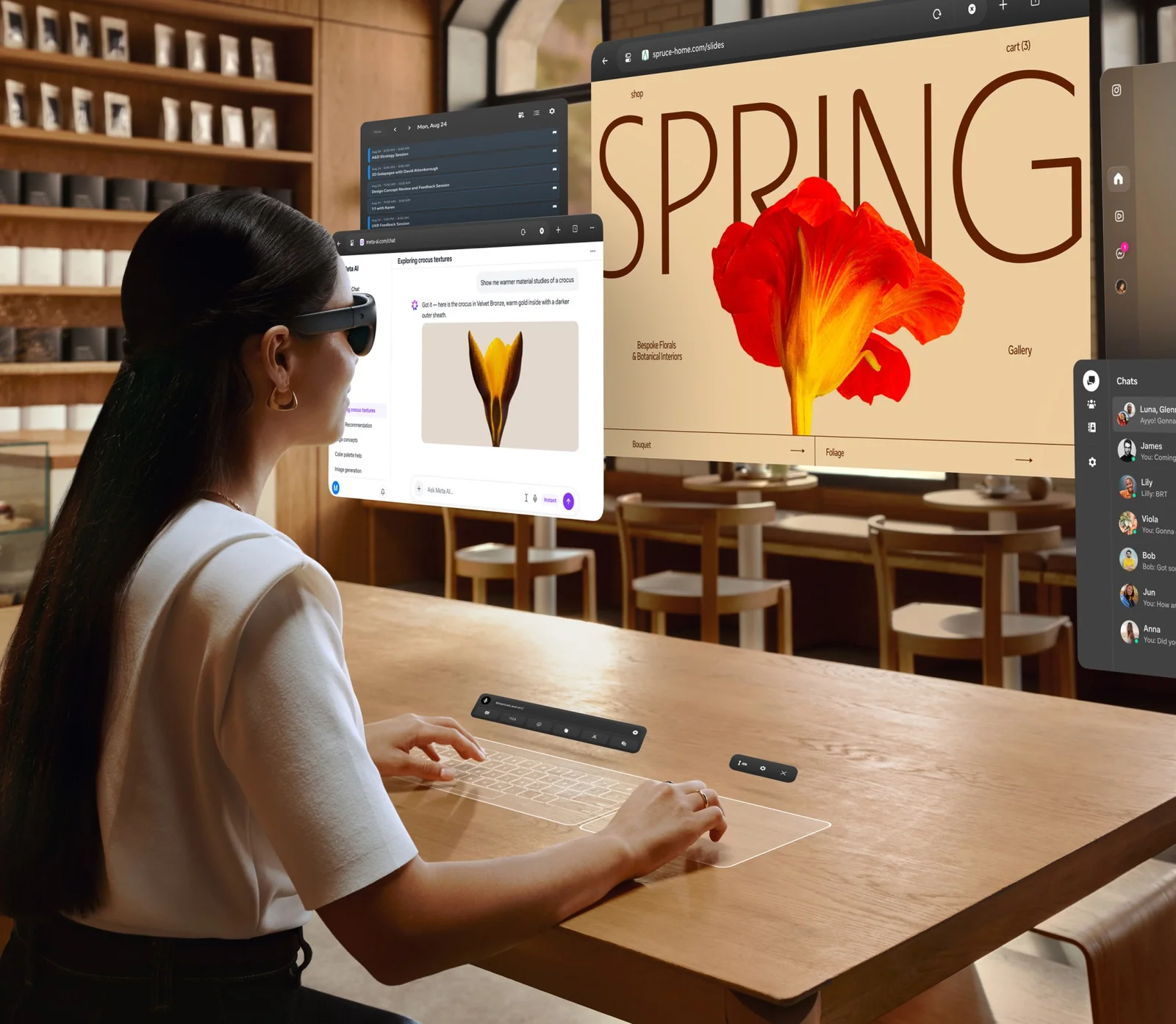
Muse’s biggest difference is that it doesn’t stop at answering questions. Where earlier generative AI mostly organized travel plans or recommended restaurants, Muse can, within the limits you allow, open websites itself and carry on to tasks like making a reservation or sending an email.

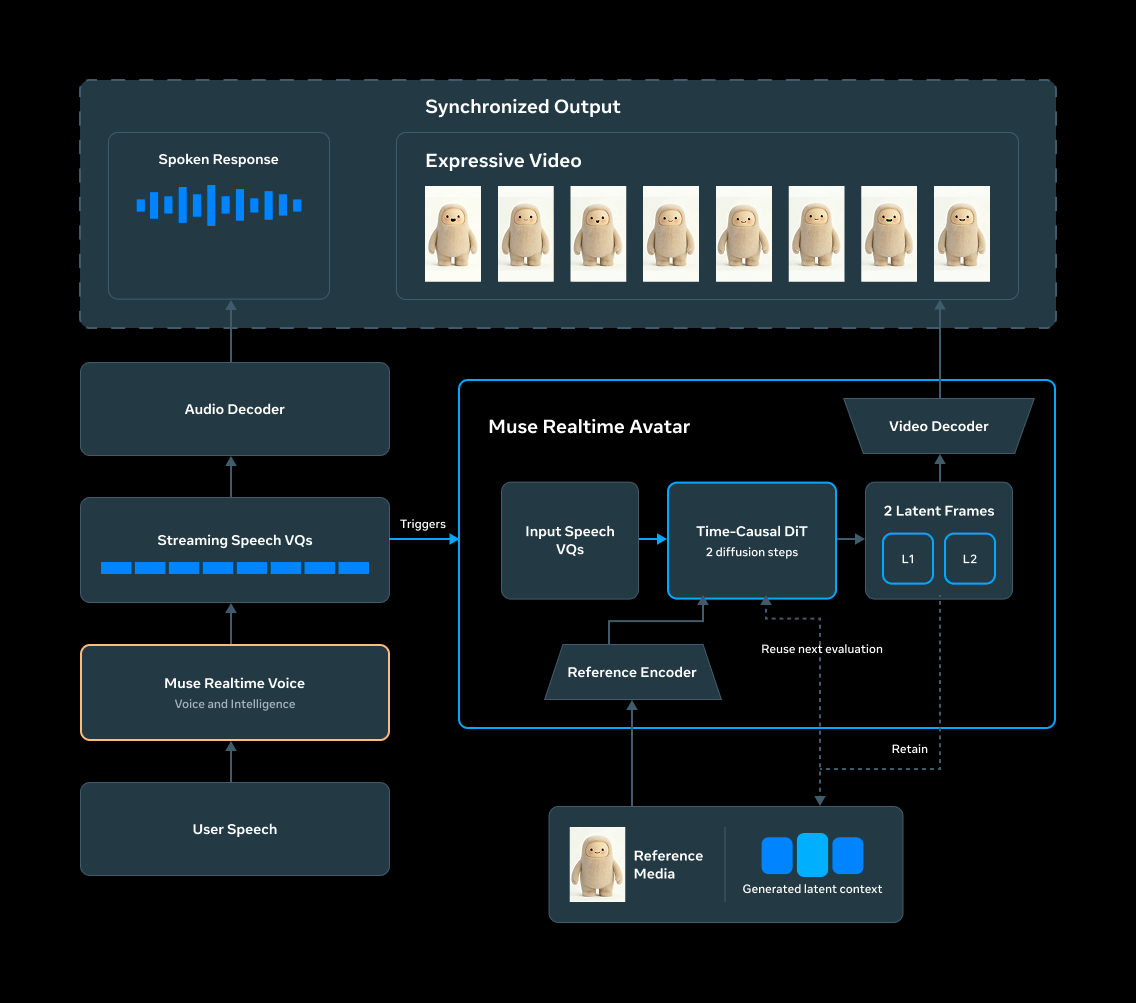
At its core are Meta’s AI model and tool calling. You state the goal, and it breaks the job into steps and works through them using a browser or connected services.
Ask it to “find flights for my business trip next week,” for example, and it doesn’t just suggest a few options. It searches for flights that match your requirements and carries on to the next step.
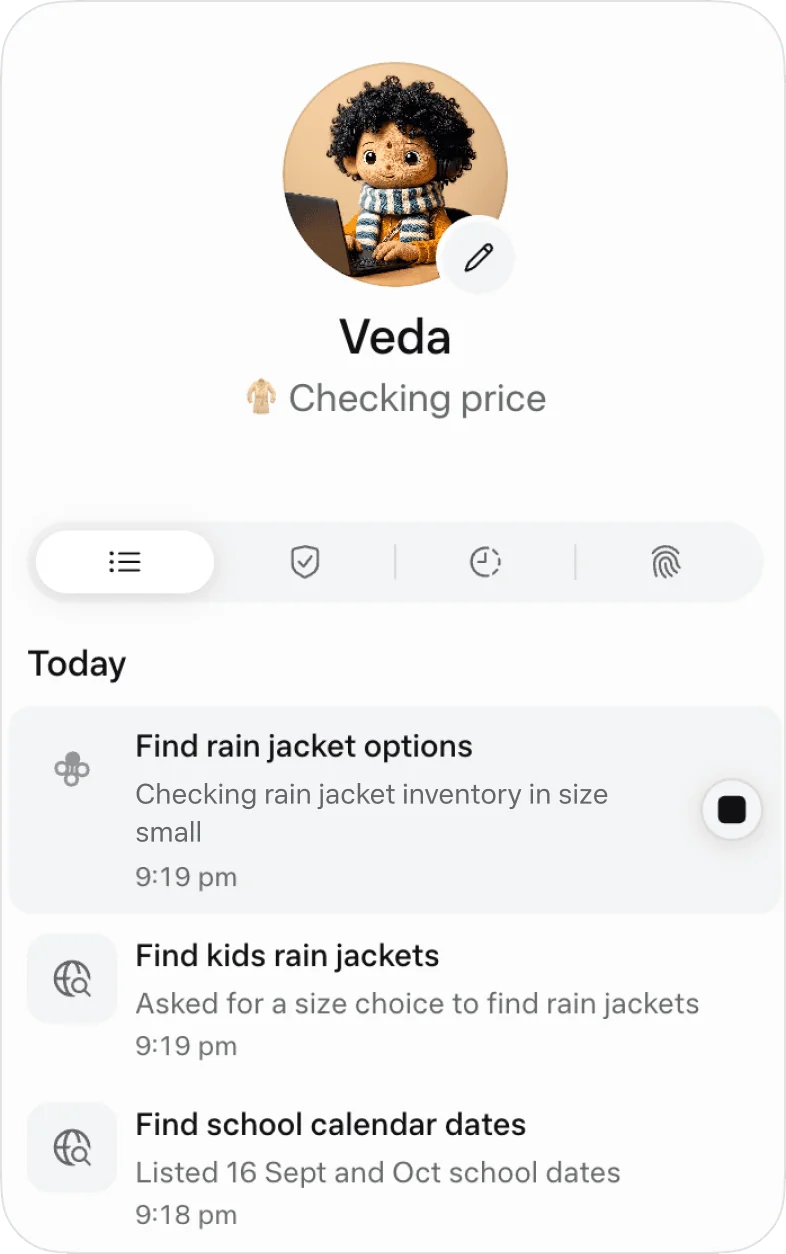
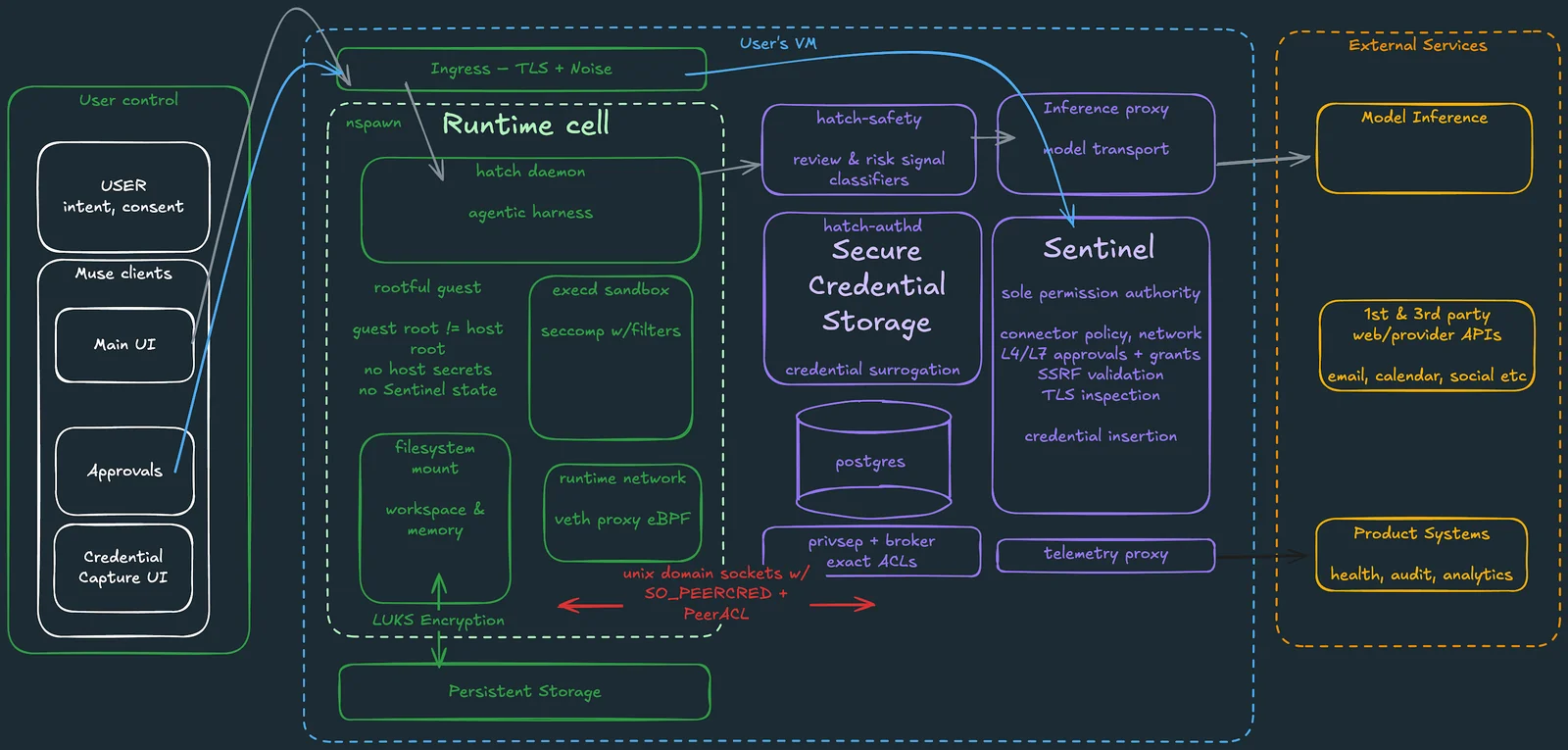
The work also happens in the cloud, which sets it apart from chatbots. Meta gives each user a separate environment called Muse Secure VM, an isolated Linux machine with its own browser, and runs the browser and other tools there.
That means you don’t have to keep your phone screen on, and long tasks can keep running in the background. Even if you close the app for a while, the work environment stays as it is.
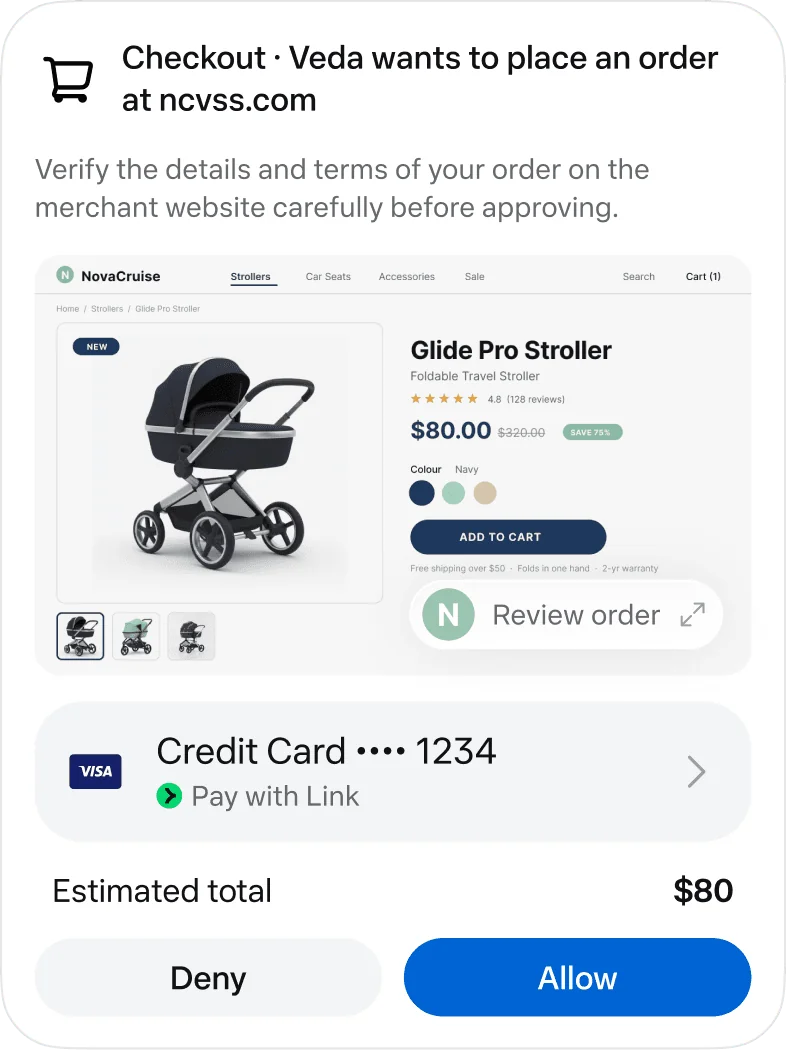
Security matters here too. Because it handles sensitive data like email and payment details, credentials are managed separately and actions need approval. Steps that are hard to undo, such as sending an email or making the final payment, are designed to require your confirmation.
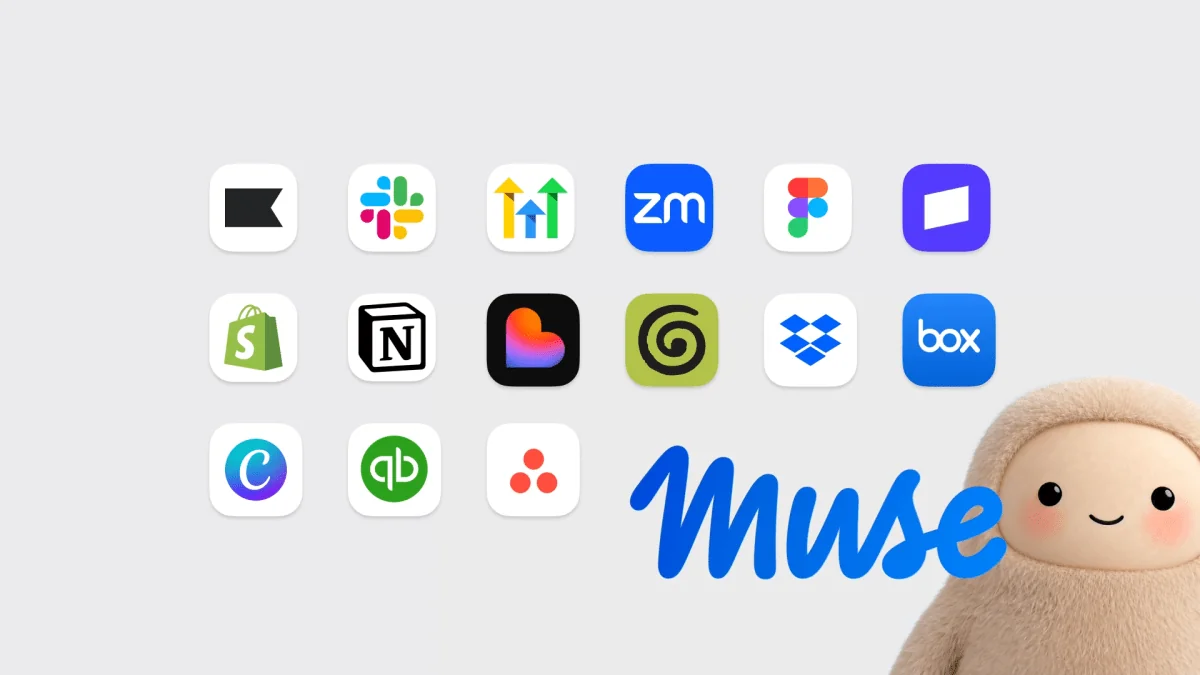
Muse is now expanding to shopping, booking and work services. Connections to Walmart, Best Buy, Shop Pay, PayPal, Notion and GitHub have been announced, per Meta’s Connect 2026 recap. How reliably Muse connects to and works with real services, more than how well it writes answers, is likely to decide how useful it is.
What is Meta Muse Charm?
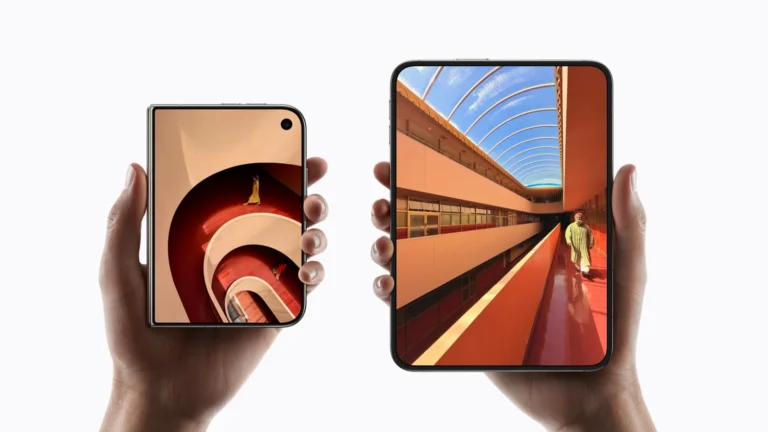
If Muse is the AI service that does the work, Muse Charm is a dedicated device for calling it up faster. It looks less like a smartphone and more like a small keychain or electronic accessory. It’s sized to hang on a bag or key ring or slip into a pocket, and its screen shows Muse’s character and simple notifications.

Full specs haven’t been released yet. Reports so far say it has a roughly 2-inch OLED screen, a microphone, a speaker, a fingerprint sensor, USB-C and a camera.
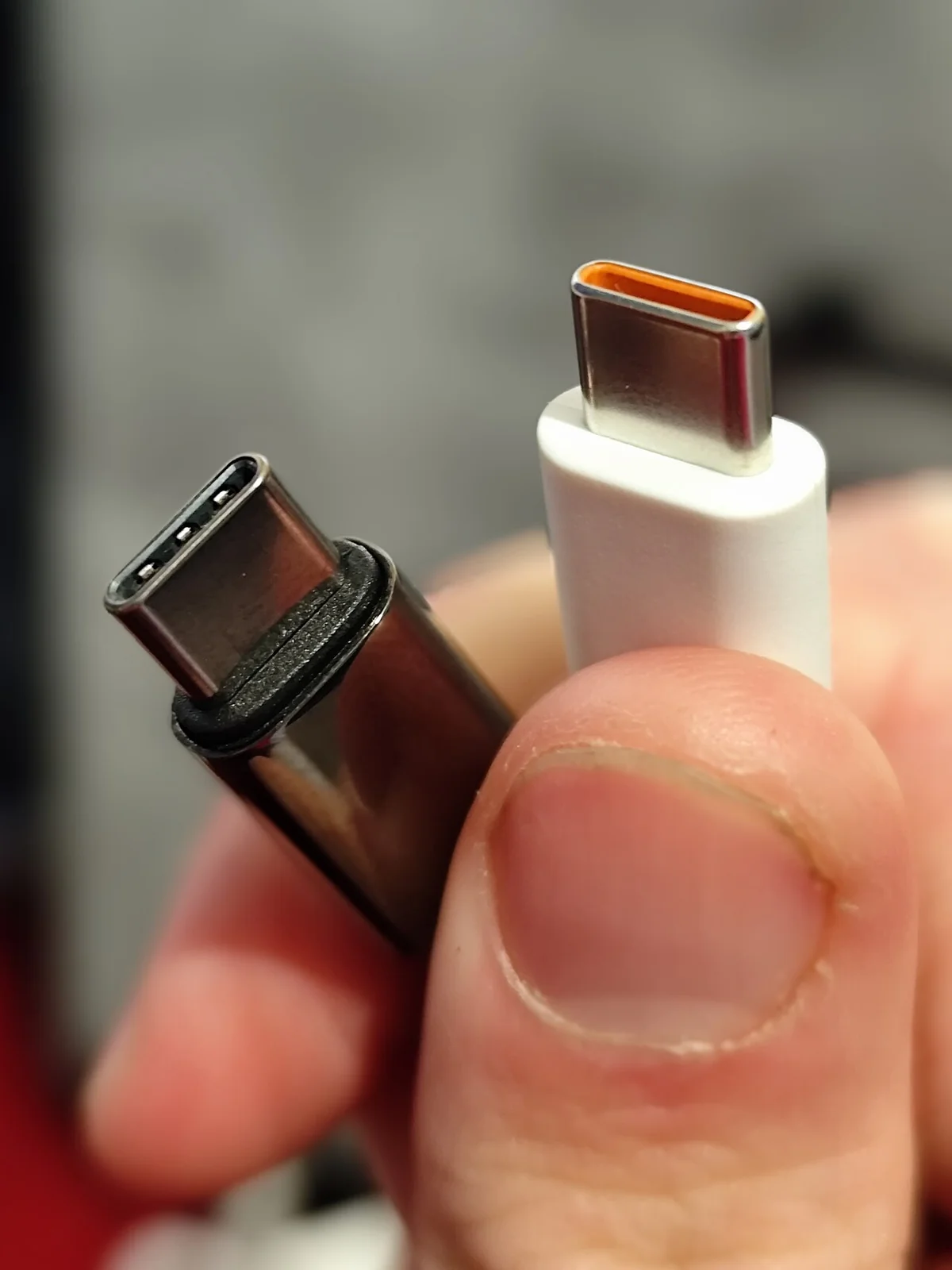
It’s also reported to have its own 5G connection, which would let it reach Muse in the cloud directly without pairing with your phone every time. The camera is less about taking photos like a phone and more about feeding what’s around you to the AI. Show it a product, a receipt or a sign, and Muse reads it and moves on to the related task.

It doesn’t run a large AI model on the device, either. Most processing happens in the cloud, and Charm acts as a terminal that connects you to Muse through voice, its screen and the camera.
Meta is aiming for a year-end launch but hasn’t announced the price, exact battery life or which countries will get it. The hardware details known so far may also change in the final product.
Meta Muse Charm vs. the smartphone app
You can already use the Muse app on a smartphone, so you might wonder why you’d need a separate device. Feature for feature, a phone alone looks like enough.
The difference is in how you call up the AI. On a phone you wake the screen, unlock it and open the app, while Charm is built for holding it and asking by voice right away.
If you use AI once or twice a day, that hardly matters. But if you use it often for checking your schedule, drafting email or booking things, even those few steps can feel like a chore.
So it’s more accurate to see Charm not as a phone replacement but as a faster way to reach Muse. Meta’s smart glasses offer another comparison. Glasses let you share your view and use AI hands-free, but some people are uncomfortable with a device that puts a camera on their face.

For those people, Muse Charm could be another option. It calls up AI faster than a phone but doesn’t have to be worn all the time like glasses, so it sits somewhere between the two.
Where can you use Muse and Muse Charm?
For now, Meta describes Muse as a personal AI agent available in the US and Canada. Muse Charm’s launch countries haven’t been named. In the US, Meta keeps adding shopping, booking, payment and work services. Plans for other countries haven’t been announced.

An AI agent can’t use every feature just because it understands your language. To actually book or order something, each service’s login, API and payment system has to be supported too. Without an integration, it can only recommend, and you have to do the rest yourself.
FAQ
Can you use Muse Charm on its own?
It isn’t a fully standalone device like a smartphone. Even with its own connectivity, the AI features work by connecting to Muse in the cloud, and setup requires the Muse app and an account.

How much does it cost?
There’s no official price yet. All that’s known is that Meta is targeting the end of the year, so you’ll have to wait a bit longer for the actual retail price.
Is it similar to ChatGPT?
Basic Q&A overlaps, but the focus differs. Rather than writing, research or coding, Muse concentrates on carrying out the next action in real services, like sending email, booking and shopping.