Galaxy Tab S12 Ultra vs S11 Ultra: Specs, Performance and Price Compared
Key takeaways
- Same 14.6-inch screen, battery, size and S Pen; the S12 Ultra gets a Dimensity 9500 and better cooling
- US price starts at $1,399.99 for 256GB Wi-Fi
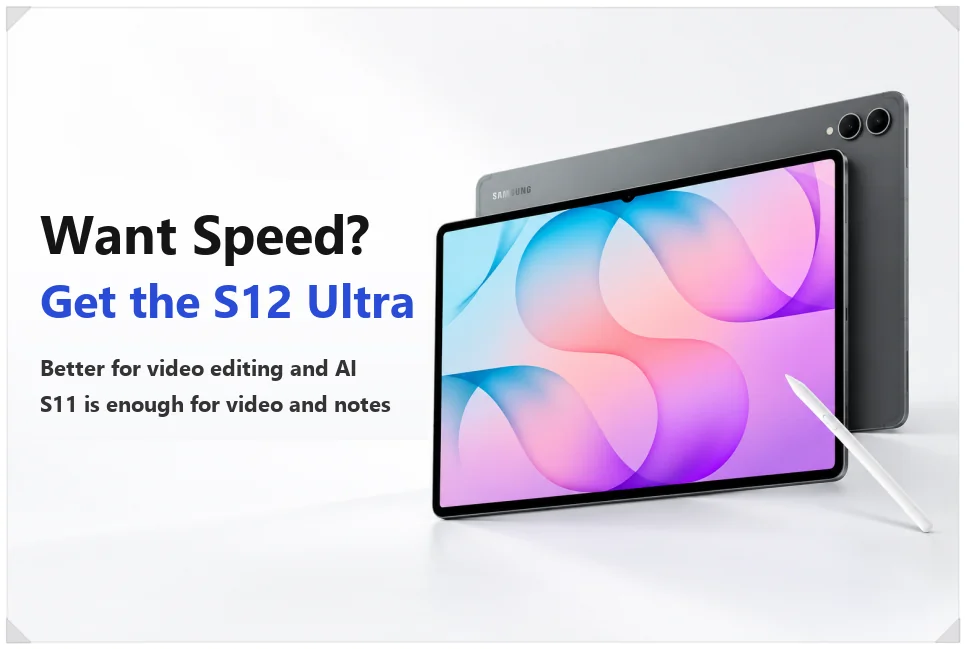
- Upgrade for video editing or heavy AI use; for video and notes, the S11 Ultra is enough
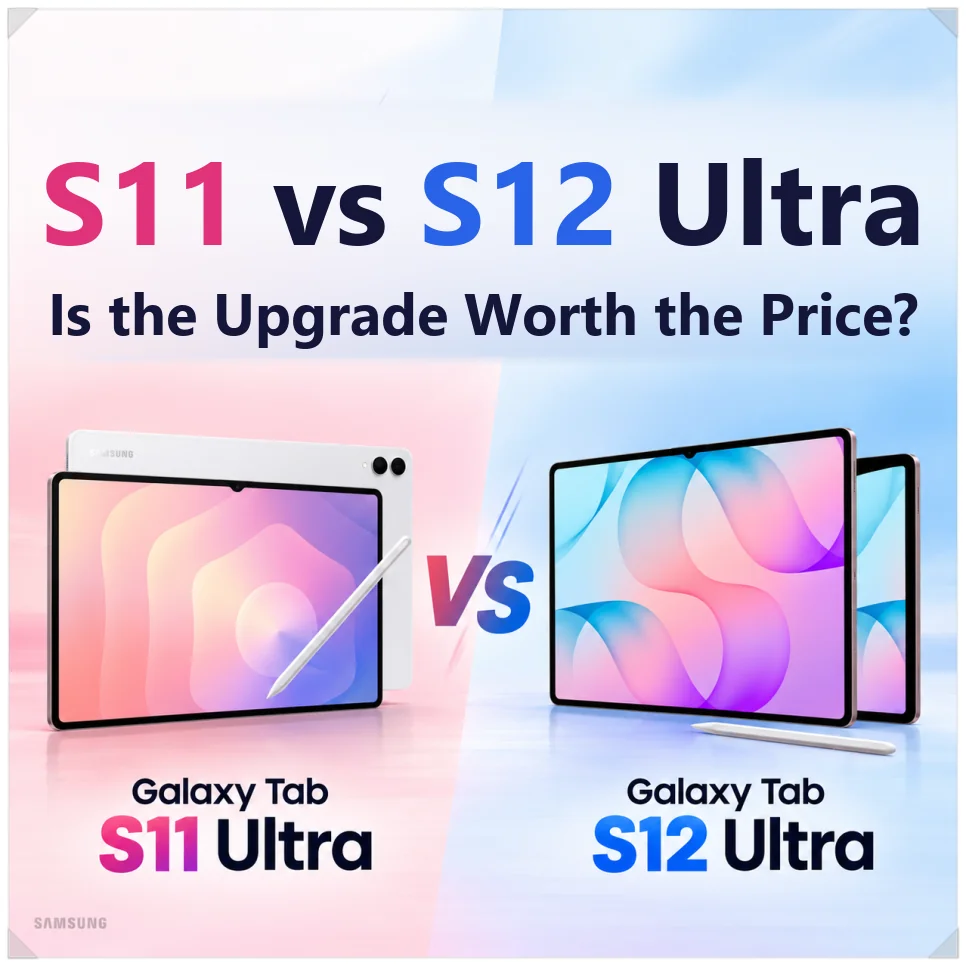
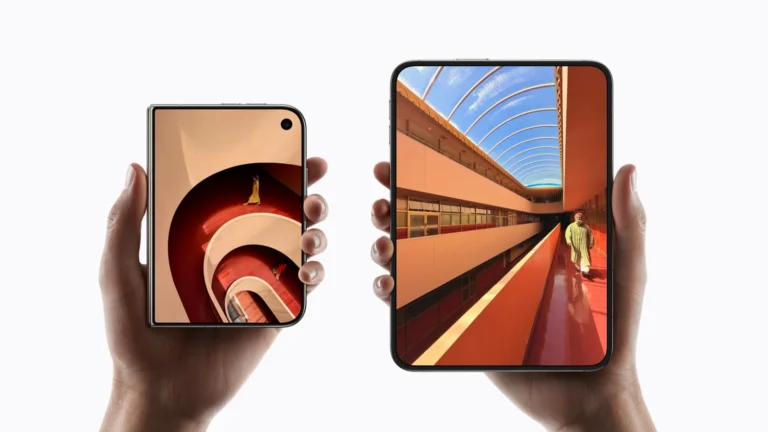
The Galaxy Tab S12 Ultra is here, but set it next to the Tab S11 Ultra and it’s hard to tell what changed. The screen size and design are nearly identical while the price went up. This comparison of the two covers specs, performance and price.
They look alike, but the internals and software differ.
| Key specs | Tab S11 Ultra | Tab S12 Ultra |
|---|---|---|
| Display | 14.6-inch Dynamic AMOLED 2X | |
| Resolution | 2960 × 1848 | |
| Refresh rate / brightness | 120Hz / 1,600 nits | |
| Size | 326.3 × 208.5 × 5.1 mm (12.85 × 8.21 × 0.20 in) | |
| Weight (Wi-Fi / 5G) | 692 g / 695 g (1.53 lb) | |
| Battery / charging | 11,600mAh / 45W | |
| S Pen | Hexagonal barrel, included | |
| Processor | MediaTek Dimensity 9400+ | MediaTek Dimensity 9500 |
Design and display: what changed?
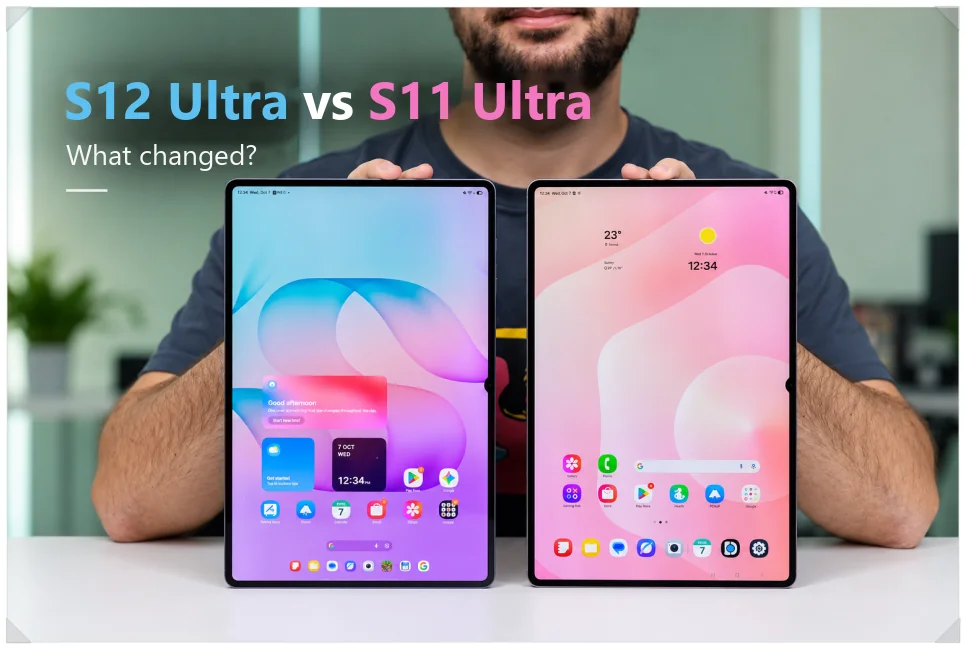
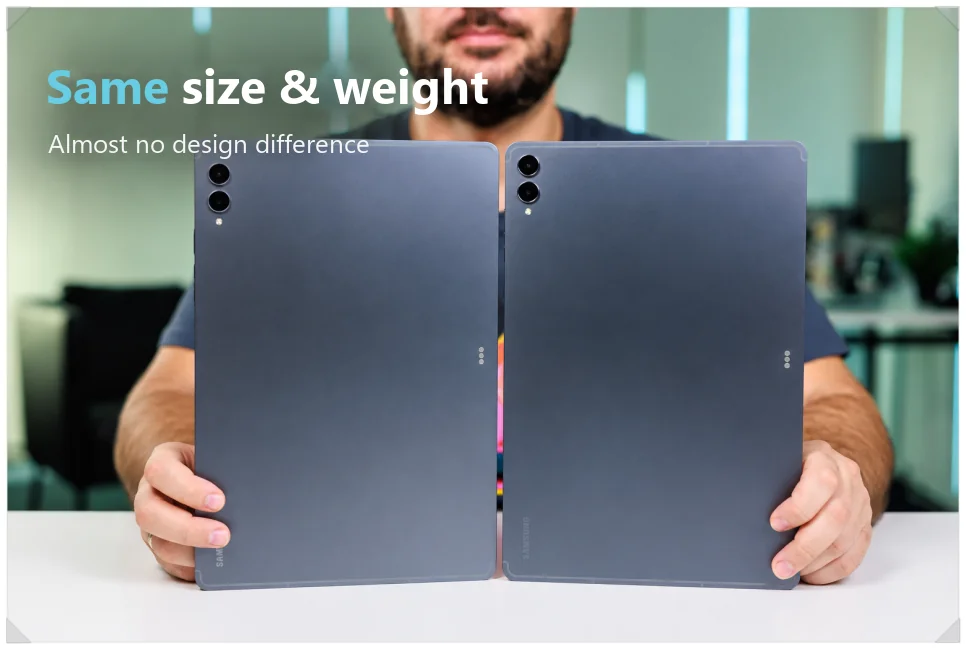
The Galaxy Tab S12 Ultra and S11 Ultra share the same body: 5.1 mm (0.20 in) thin and 692 g (1.53 lb) for Wi-Fi models. The thin aluminum frame and overall design are hard to tell apart.
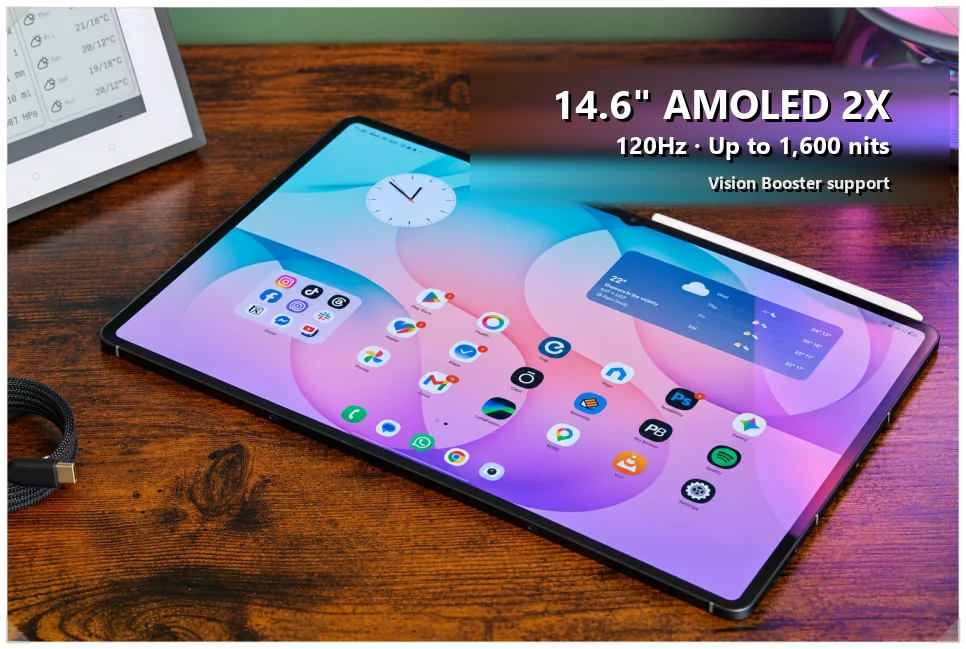
The display is the same 14.6-inch Dynamic AMOLED 2X panel, with a 120Hz adaptive refresh rate and 1,600 nits peak brightness. Both tablets also have Vision Booster, which adjusts the screen to stay readable in different lighting.
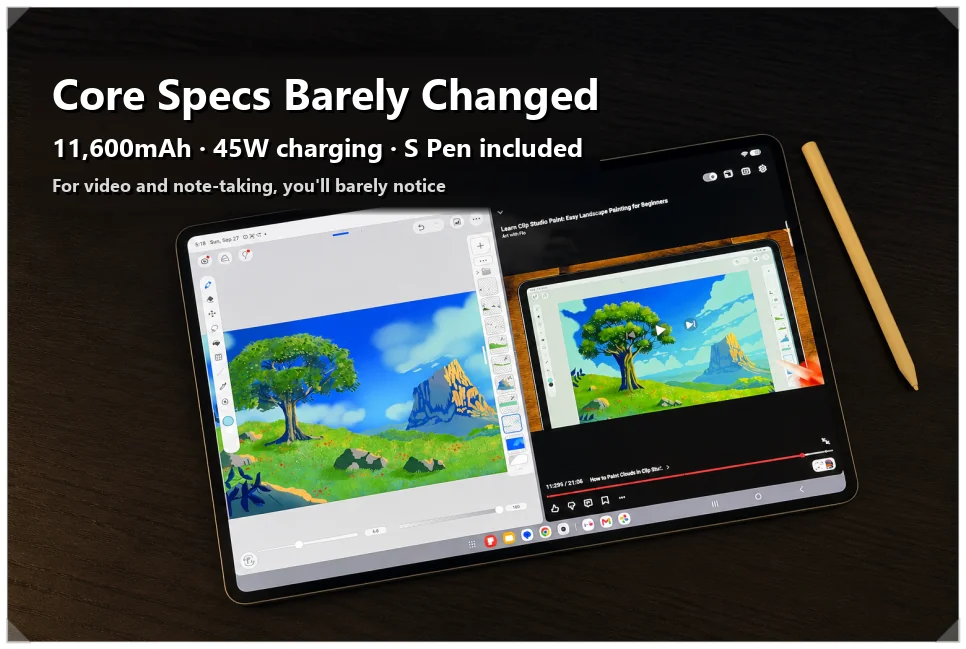
Battery capacity is the same 11,600mAh, with 45W Super Fast wired charging. A full charge takes about 95 minutes. The 12MP ultra-wide front camera and the dual rear cameras carry over too, and the hexagonal S Pen is still in the box.
With the screen and battery unchanged, you won’t notice much difference if you mainly watch videos or take notes.
Dimensity 9500: how much faster is it?
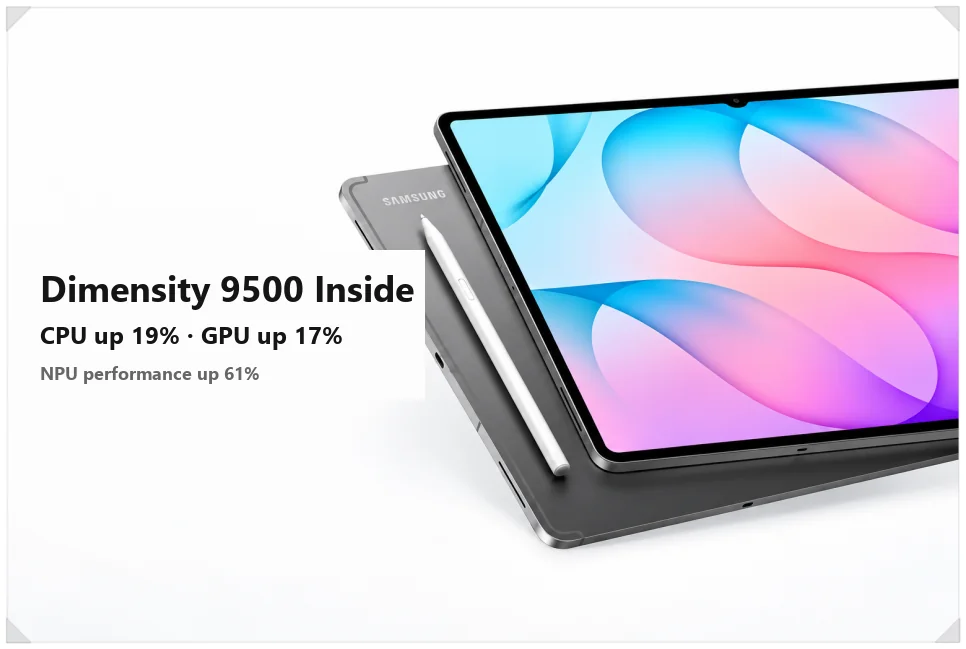
The biggest difference is the processor. The S12 Ultra swaps the S11 Ultra’s MediaTek Dimensity 9400+ for the Dimensity 9500. Samsung says CPU performance is up about 19% and GPU performance about 17%.
The NPU, which handles AI tasks, is 61% faster. You won’t feel much difference browsing or streaming. If you run several apps at once or use AI features often, though, the gain should be noticeable.
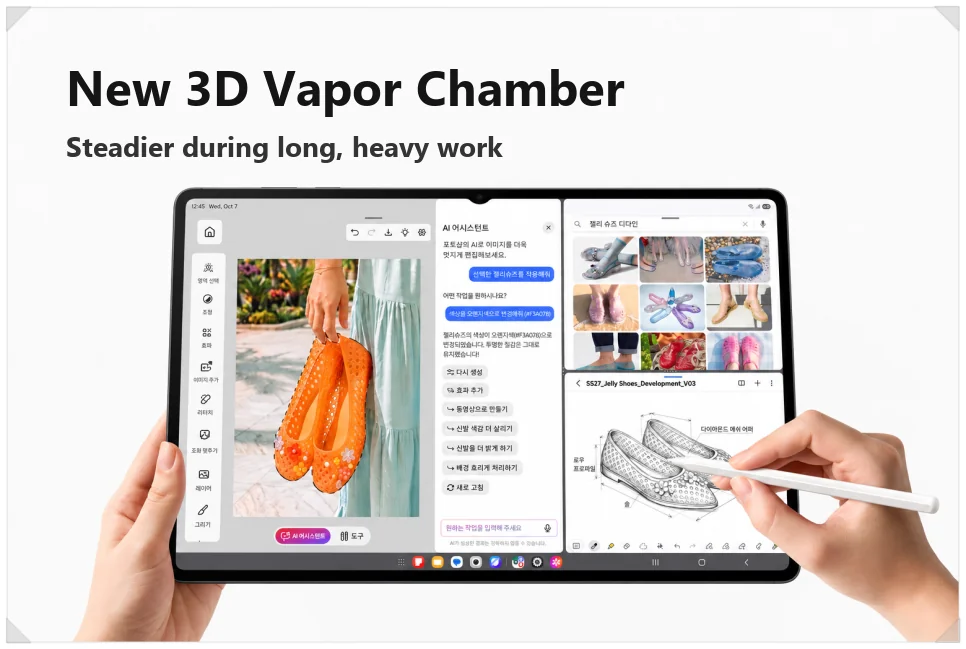
Cooling is better too. The S12 Ultra adds a newly designed 3D vapor chamber that spreads heat away from the internals. That can help with long, demanding work like video editing or high-end gaming.
Audio gets a four-channel speaker setup with a stronger sense of space. The S11 Ultra already sounds good, though, so compare them in person rather than upgrading for the speakers alone.
One UI 9 and the software changes
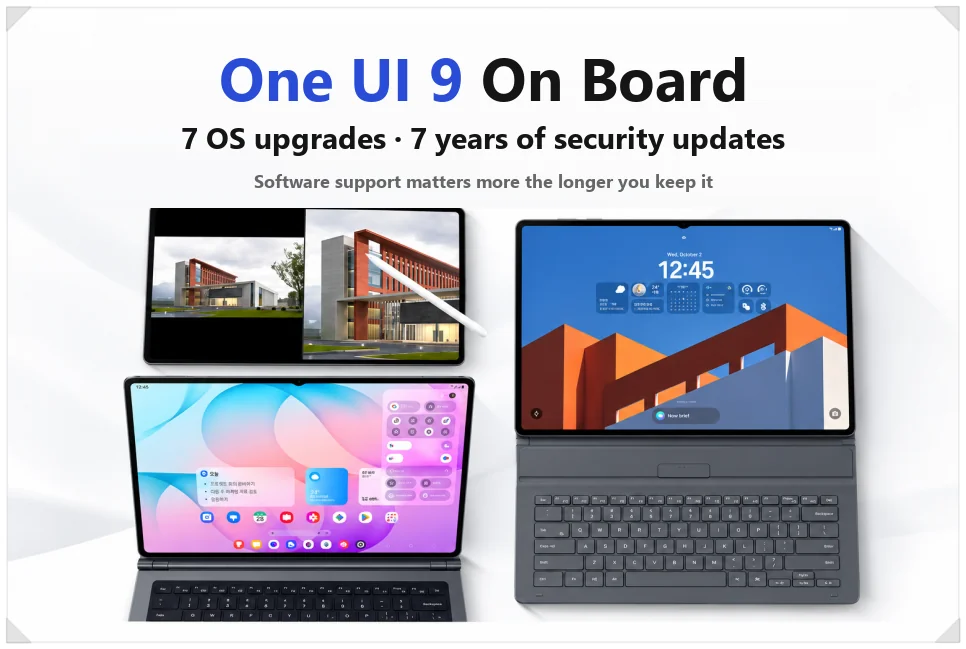
The Galaxy Tab S12 Ultra ships with One UI 9 based on Android 17, and Samsung promises seven OS upgrades and seven years of security updates. If you plan to keep a tablet for five years or more, the support window matters: you’ll keep getting new features and security patches for a long time.
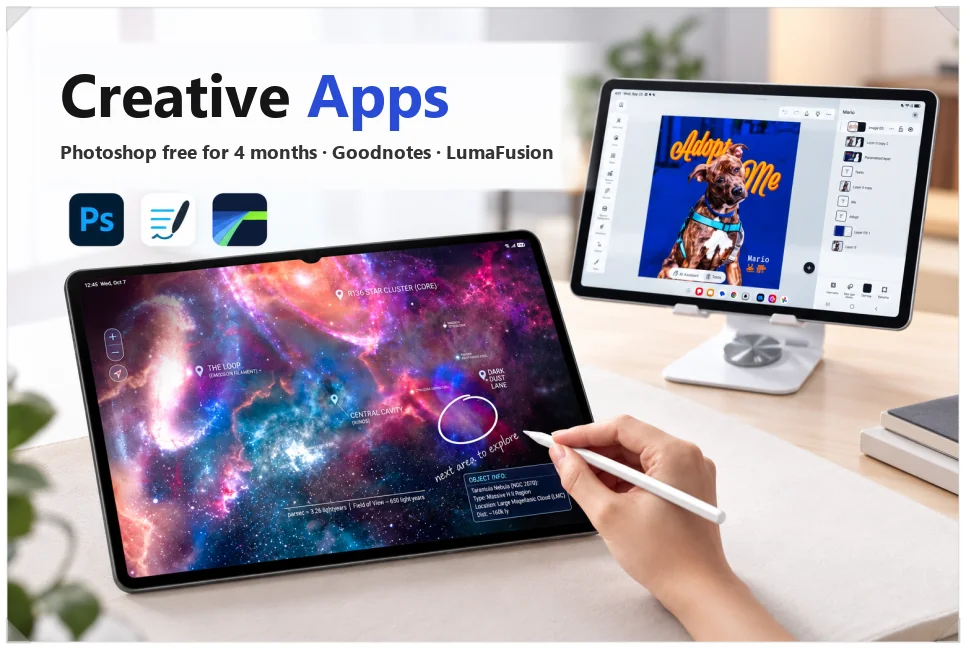
There are more apps for photo and video work, too. It’s the first Android tablet with an optimized version of Adobe Photoshop, and it includes a four-month free trial. That’s handy if you retouch photos or work with layers often.
Apps like Goodnotes and LumaFusion are included as well, along with a six-month Google AI Pro subscription. Once the free periods end, you may have to pay for subscriptions, so check whether you really need each service.
Galaxy Tab S12 Ultra price
In the US, the Galaxy Tab S12 Ultra is on sale at $1,399.99 for the 12GB RAM, 256GB Wi-Fi model. At that price, it’s worth checking trade-in credits and bundle deals before you buy.
Should you buy the S12 Ultra?
The Galaxy Tab S12 Ultra is a performance update inside the S11 Ultra’s body.
If you already own the S11 Ultra, there’s little reason to upgrade. If you’re buying new, price decides it: compare the S11 Ultra’s current sale price with the S12 Ultra’s $1,399.99, and pay the difference only if the faster chip and cooling matter for the way you work.
Related reading
- Double-Click Not Opening Files in Windows? How to Fix the Blue Loading Circle and Copilot Conflicts
- SpaceX AI Revenue Passes Starlink: Terafab, Starmind and a Possible Tesla Merger