One UI 9 Update: What’s New for Galaxy S24, S25 and S26
Key takeaways
- One UI 9 (Android 17) started on the Galaxy S26 on Sept. 16 and has reached the S25 and S24 series
- New Galaxy AI tools include Now Nudge, My FanCam and custom Now Brief cards, plus Security Brief
- Free at least 10GB and charge to 50% before updating; carrier timing varies
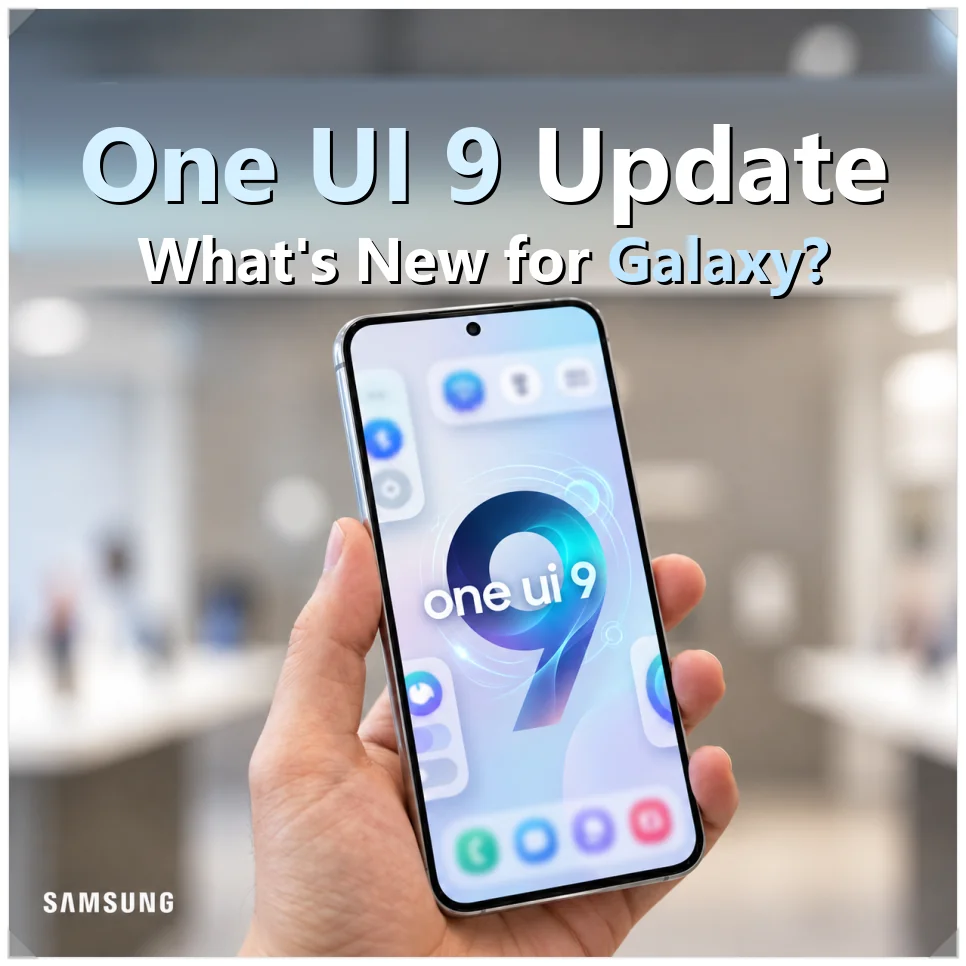
If you use a Galaxy phone, you’re probably wondering about the One UI 9 update. It started with the Galaxy S26 series in September and has since expanded to the S25 and now the S24 series. This version is based on Google’s Android 17.
Galaxy AI, Samsung DeX and security features all change, and when you get it depends on your model and carrier.
One UI 9 update schedule by Galaxy model
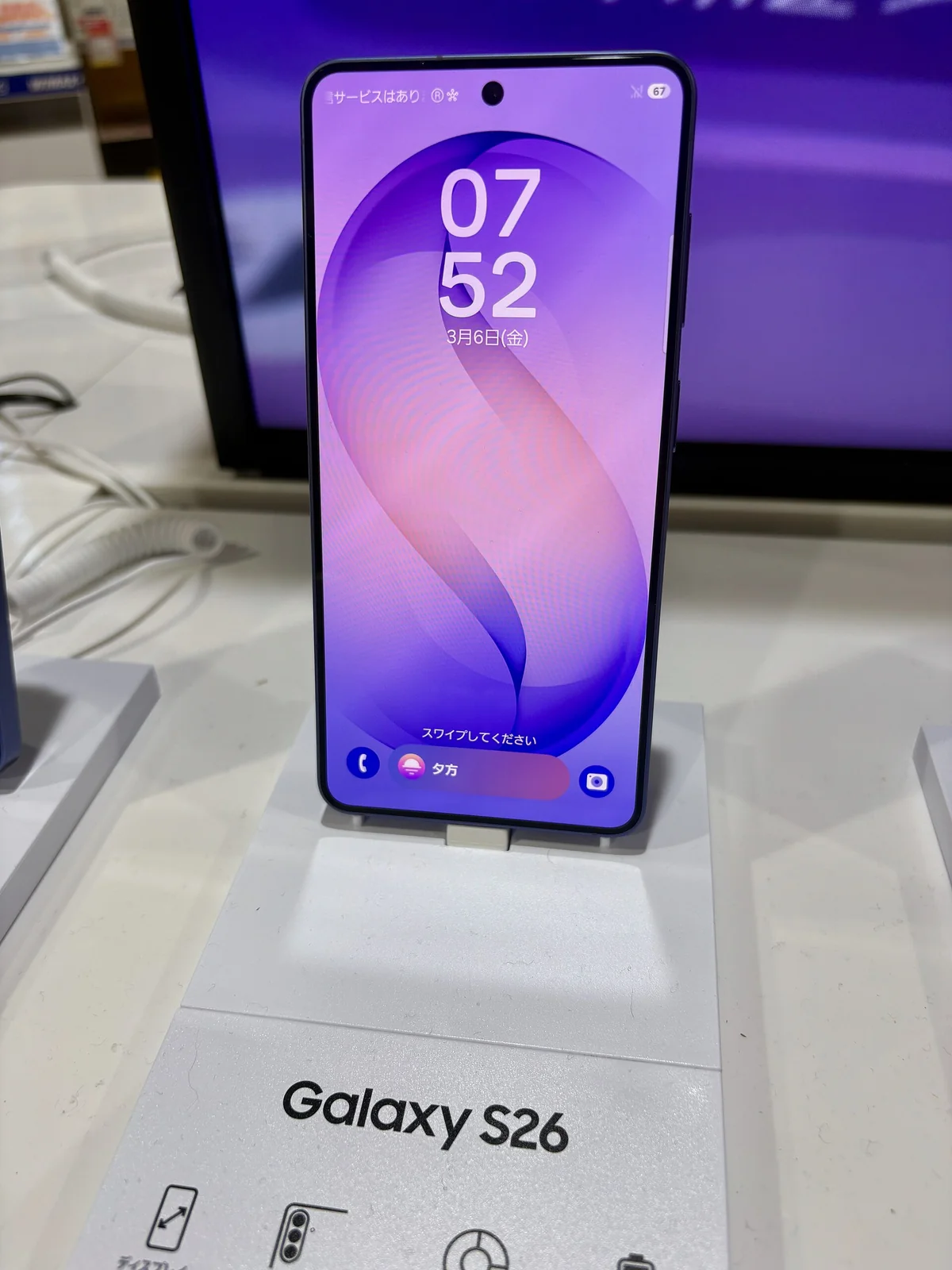
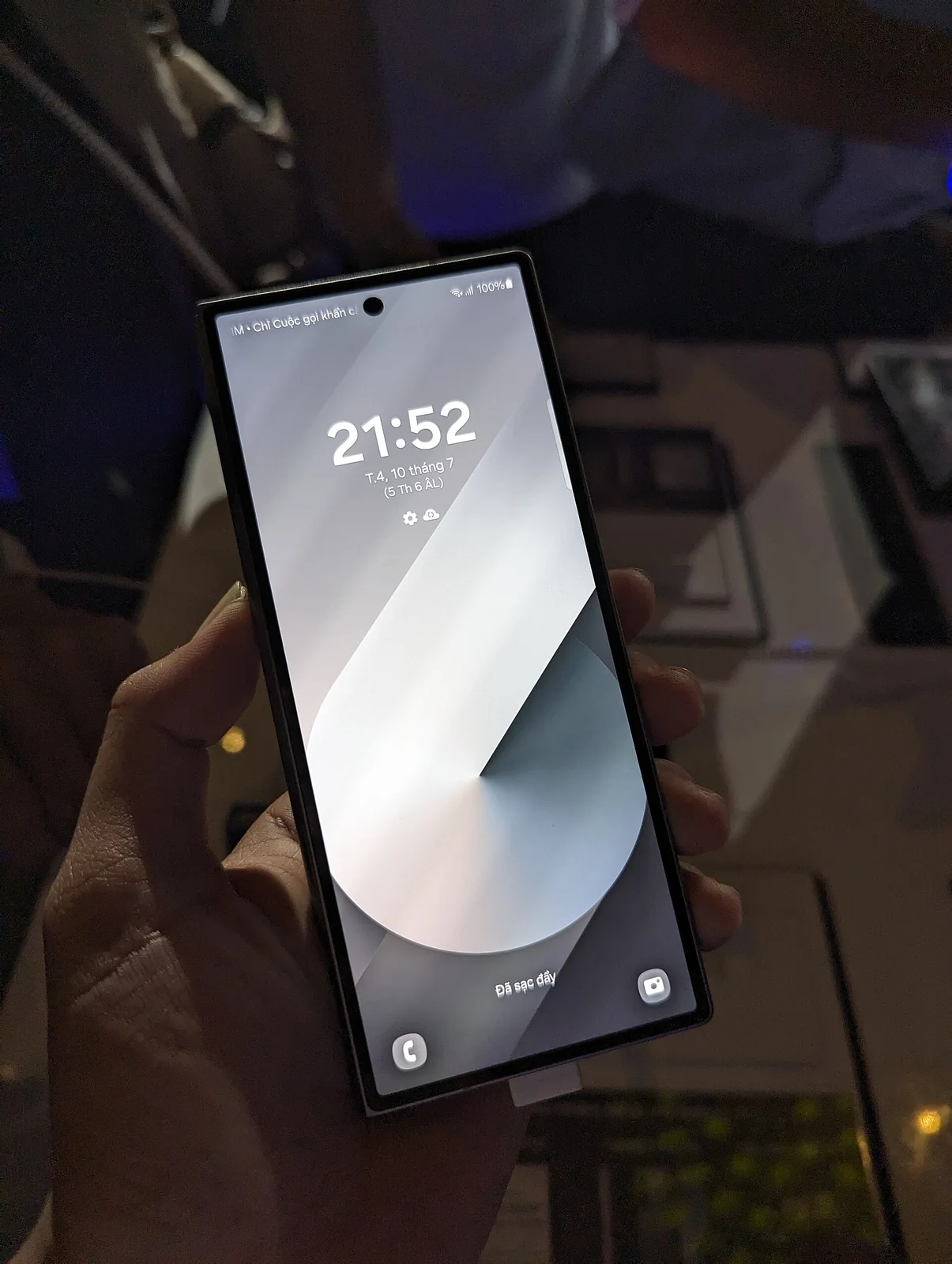
Samsung began rolling out the stable One UI 9 update with the Galaxy S26 series on Sept. 16, 2026. It reached the Galaxy S25 series in late September, and the Galaxy S24 series started getting it in early October.
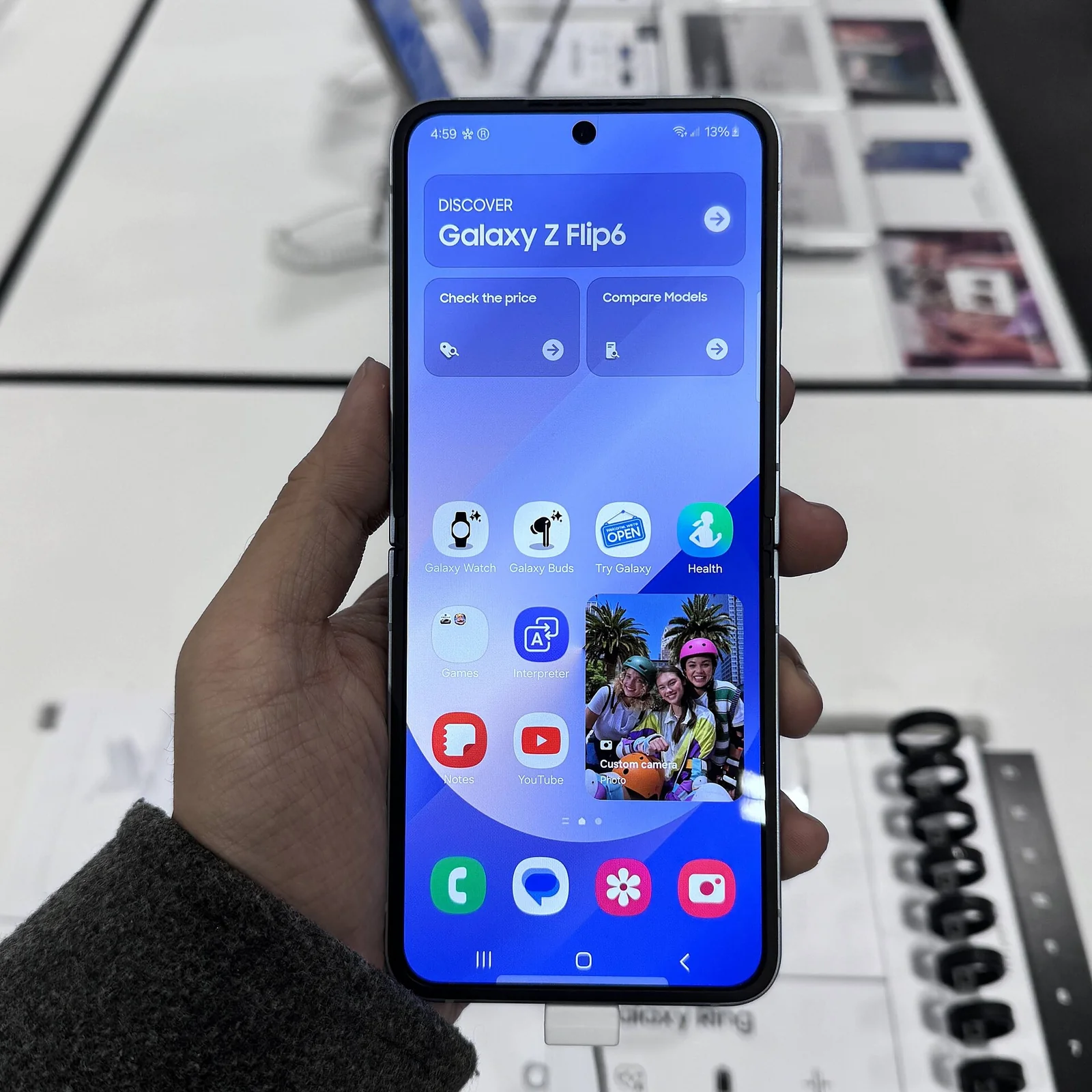
Foldables are getting it in stages too. In the US, Galaxy S24 owners on T-Mobile and AT&T and unlocked Galaxy Z Fold6 and Flip6 models started getting the stable version around Oct. 12, Android Authority reported.
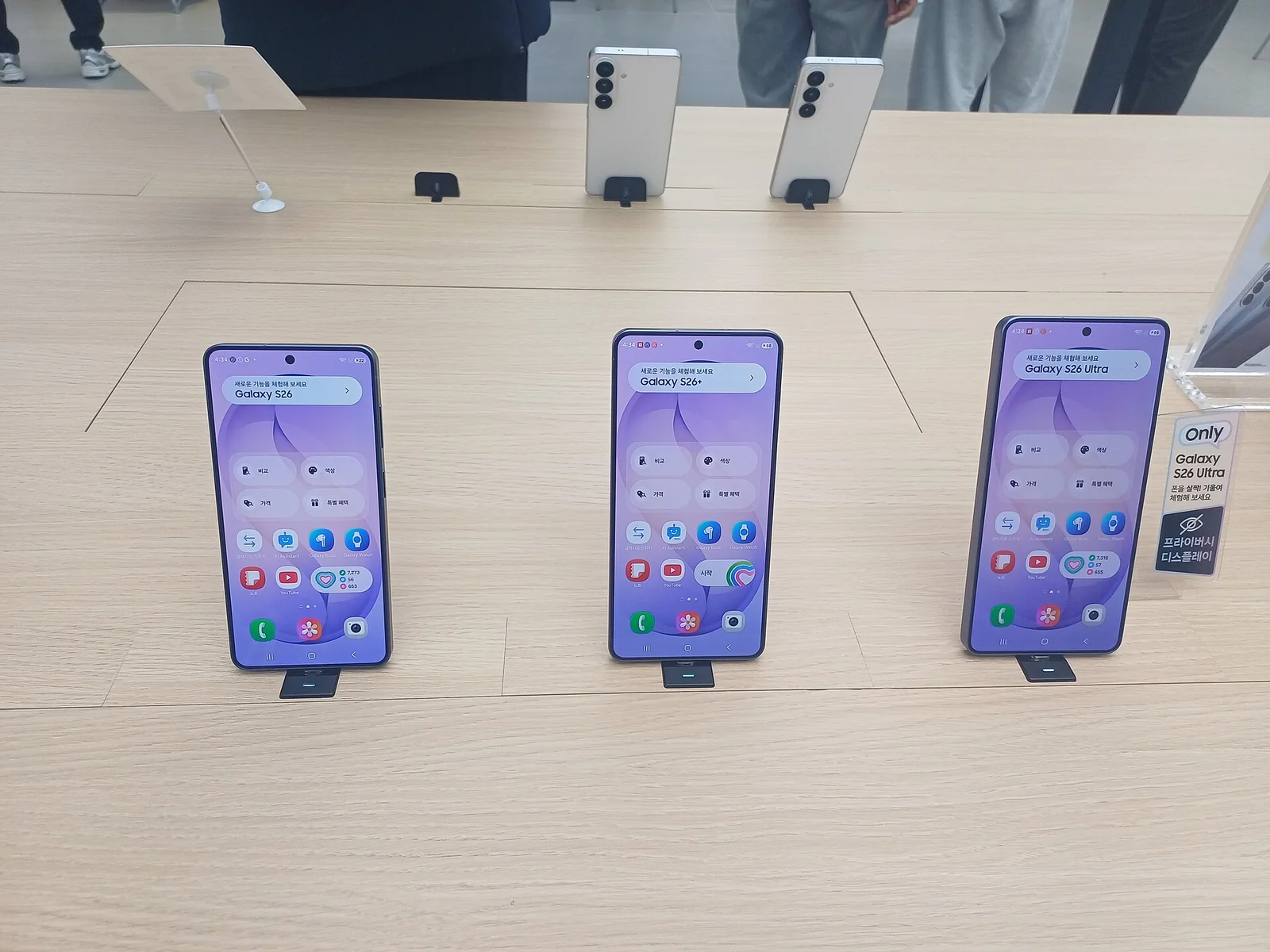
Here are the main dates and download sizes from Samsung’s first rollout wave. US carrier models can follow a few days to weeks later.
| Model | Rollout | Typical download size |
|---|---|---|
| Galaxy S26 series | From Sept. 16 | About 3.8–4.0GB |
| Galaxy S25 series (incl. Edge, FE) | From late Sept. | About 3.5–3.8GB |
| Galaxy S24 series | From Oct. 6 (US: around Oct. 12) | About 3.8–3.9GB |
| Galaxy Z Fold/Flip (7th gen) | From late Sept. | Varies by model |
| Galaxy Z Fold6, Flip6 | From Oct. 6 (US: around Oct. 12) | About 3.5GB |
In the US, SamMobile reported on Sept. 23 that the US was one of the first markets to get it and that the update was live for carrier-locked Galaxy S26 models. Carrier timing can vary, so check your phone if it hasn’t shown up yet.
The download size depends on the software you’re on now. If you joined the beta program, you only download the changed files, about 500MB on a Galaxy S24.
Coming from the stable One UI 8.5, though, you’ll download about 3.5 to 4.0GB. The Galaxy S23 series and some tablets are also eligible, but timing can vary by model and region.
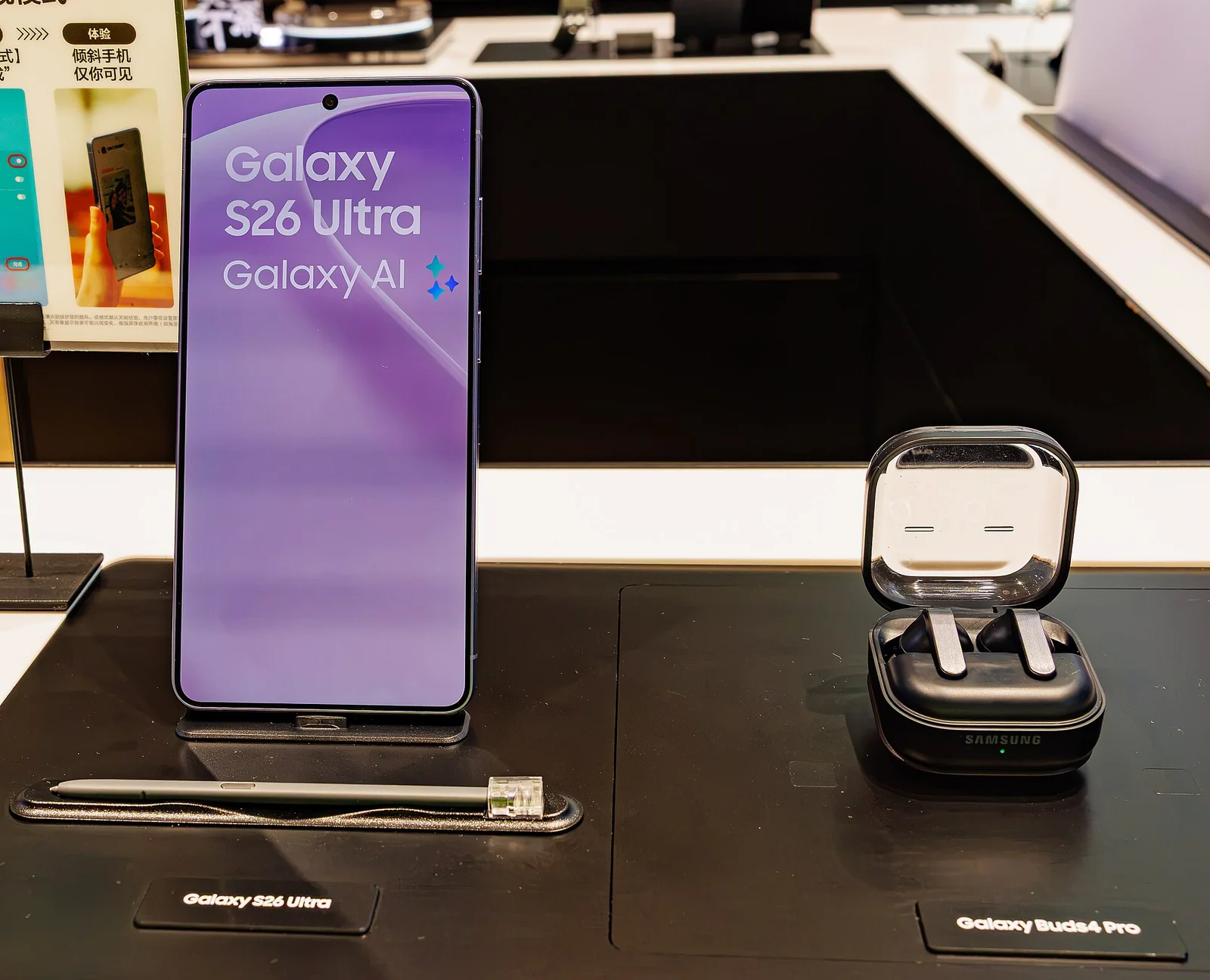
Galaxy AI: what’s new?
One UI 9 brings Galaxy AI into more situations. You can get suggestions that fit what’s on your screen without opening a separate AI app.
The headline feature is Now Nudge. It reads what’s on screen and what you’re doing, then suggests the next step. When you’re making plans over text, it can pull up reservation details or prompt you to save a shared location. That saves copying and pasting between apps.
If you shoot or edit video a lot, My FanCam is worth knowing.
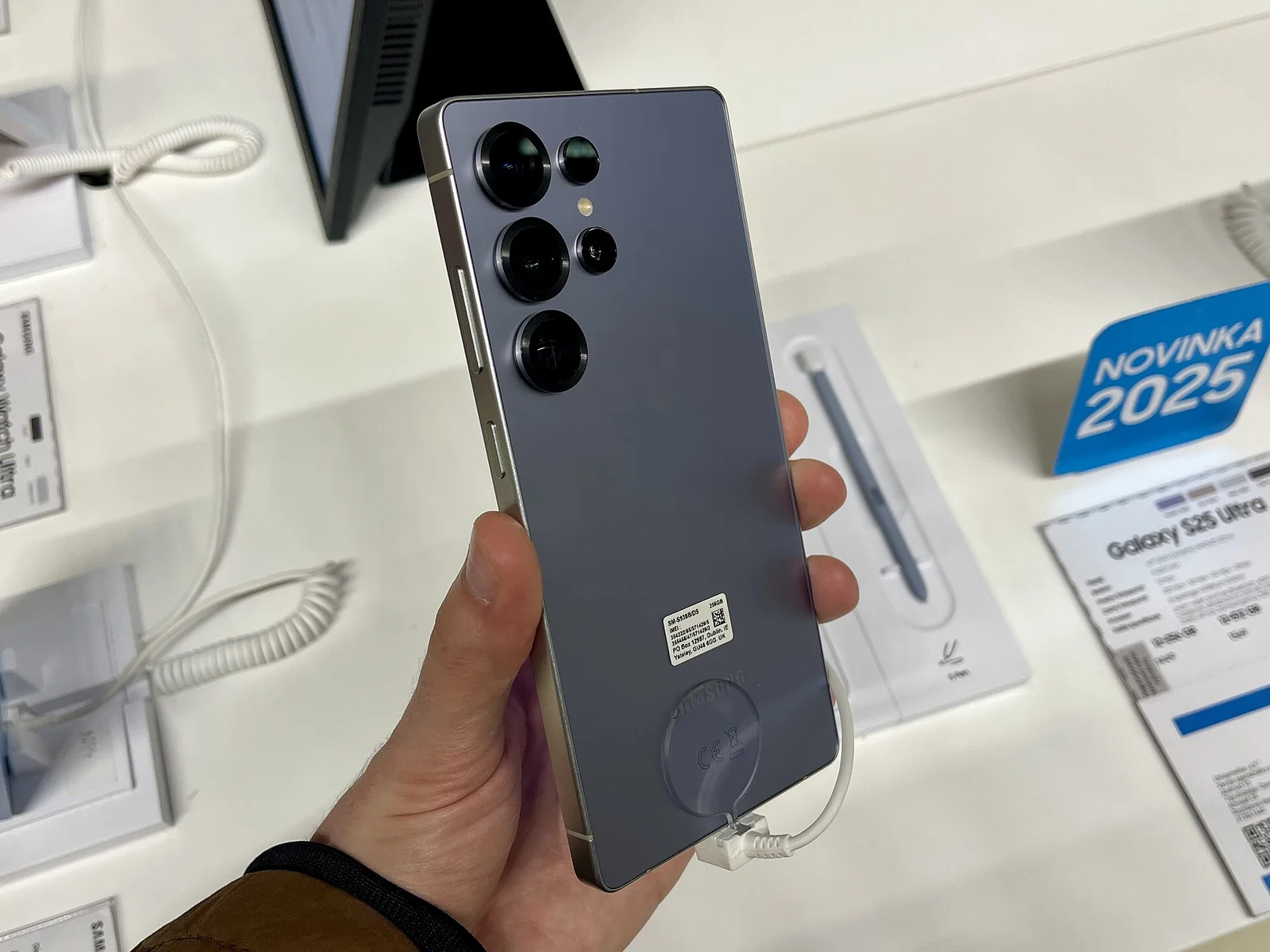
In a video with lots of people, like a concert or a game, pick one person and AI follows their movement and keeps them centered. It’s handy for editing your kid’s recital or a performance around the person you care about.
Now Brief adds custom cards you can create and edit yourself. You can set up health, weather, video and other information the way you like.
Interpreter adds a Thread View so you can look back at earlier parts of the conversation. Translation in Conversation mode is faster, and translated audio reaches Galaxy Buds with less delay.
Creative Studio also suggests images to make for occasions like birthdays. Document scan can now flatten folded paper and curved book pages and erase fingers caught in the shot. That’s convenient if you often scan paper documents with your phone.
Privacy and security features
Privacy protection is better too. New security features let you see which permissions apps use and flag suspicious access. Privacy Alerts uses on-device AI to spot unnecessary permission access and privacy risks. It’s supported only on some devices, and it won’t catch every risk.
Now Brief also adds Security Brief, which regularly summarizes malicious apps, apps from unknown sources and unnecessary permission use.
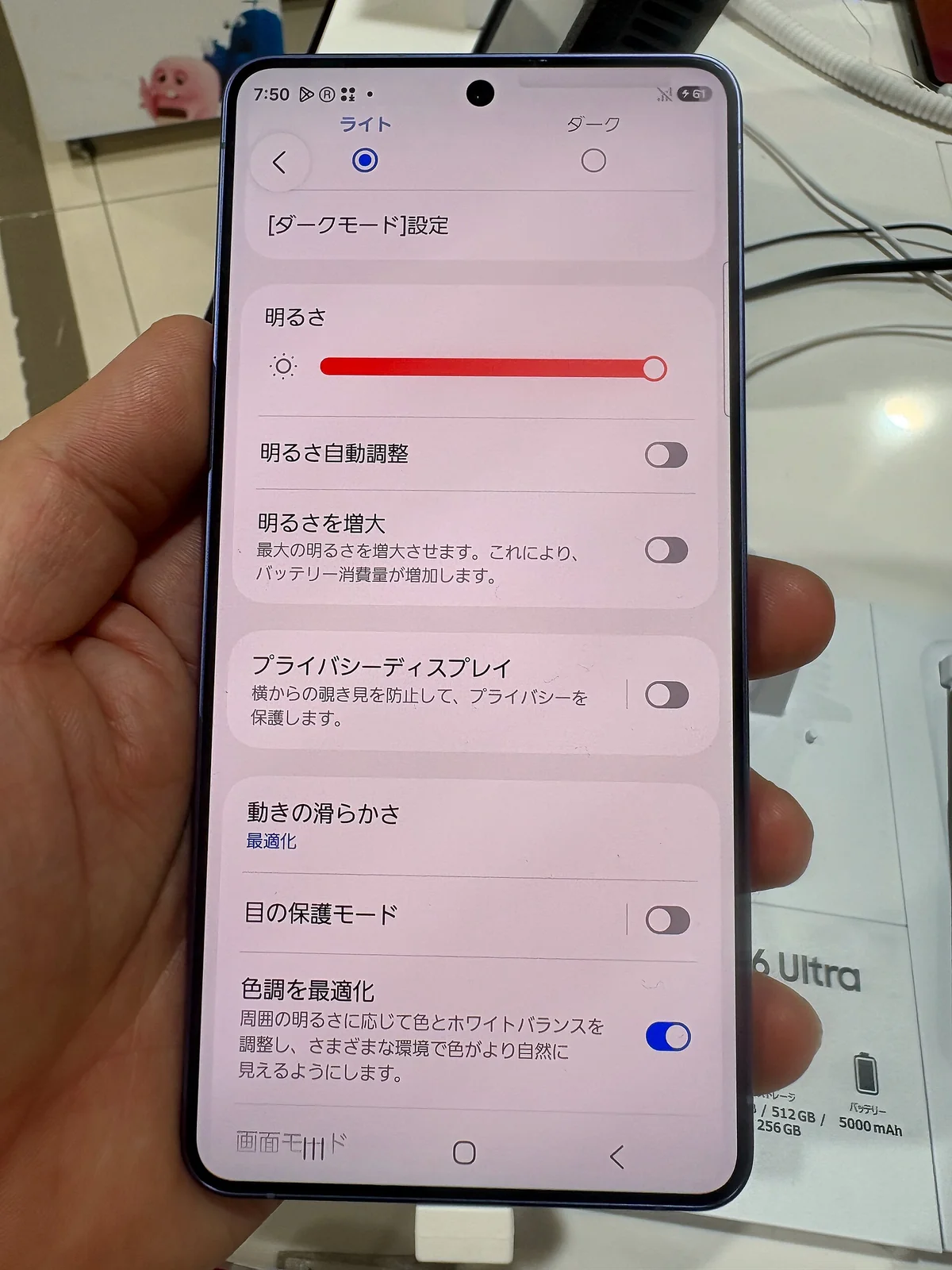
The Quick Panel, the quick settings screen, has changed too. The brightness and volume controls and the layout of frequently used settings are improved, so it’s easier to find what you need.
Samsung DeX: a better PC-style workspace
Samsung DeX, which lets you use your phone with an external monitor, is improved as well. Connect to a monitor and DeX runs multiple apps in windows like a PC. Add a keyboard and mouse, and documents and web browsing get much easier.
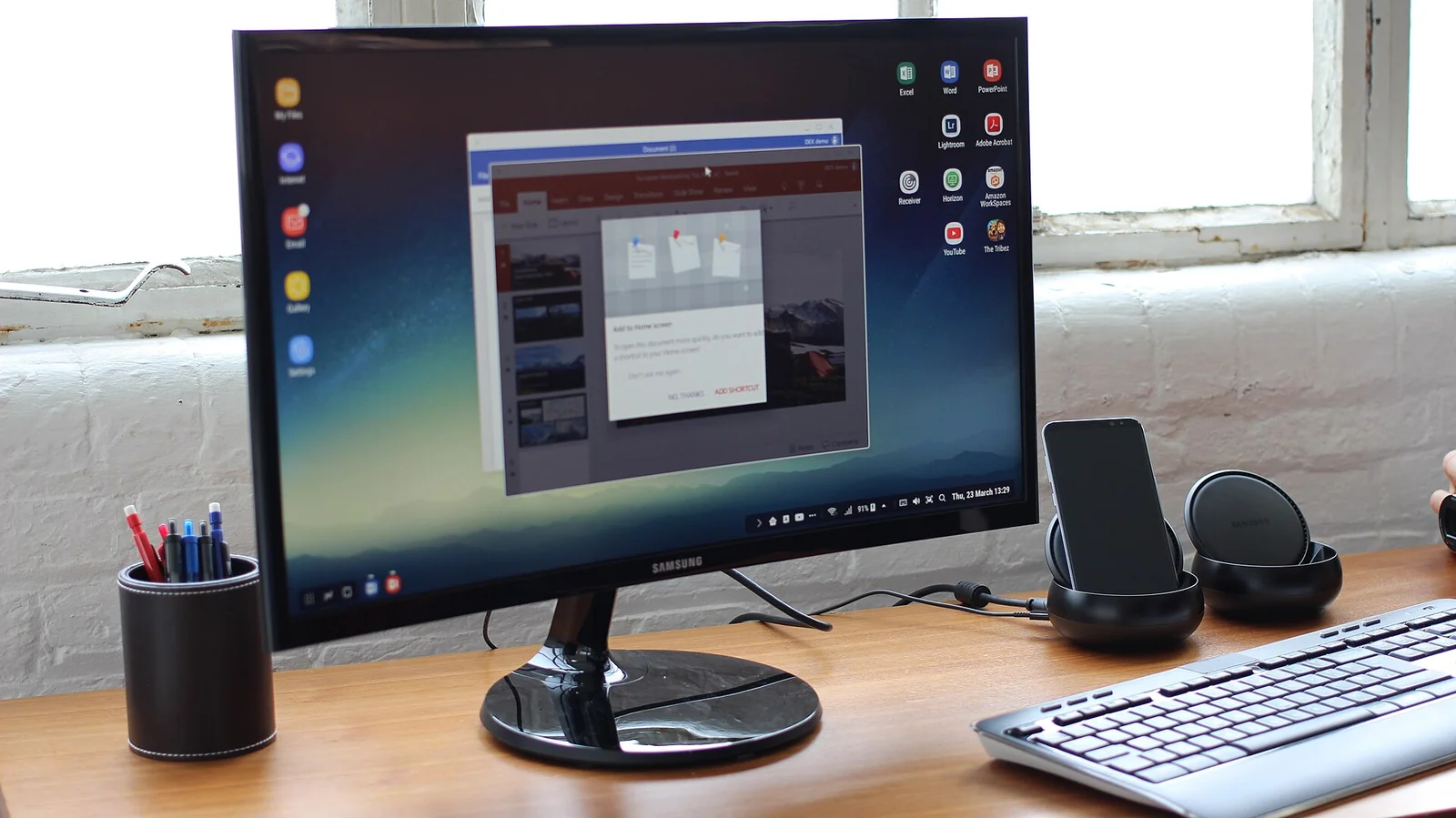
One UI 9 improves the workspace with virtual desktops and better window management. Virtual desktops split your work into several spaces. For example, you can browse and write documents in one and keep messaging or work apps in another.
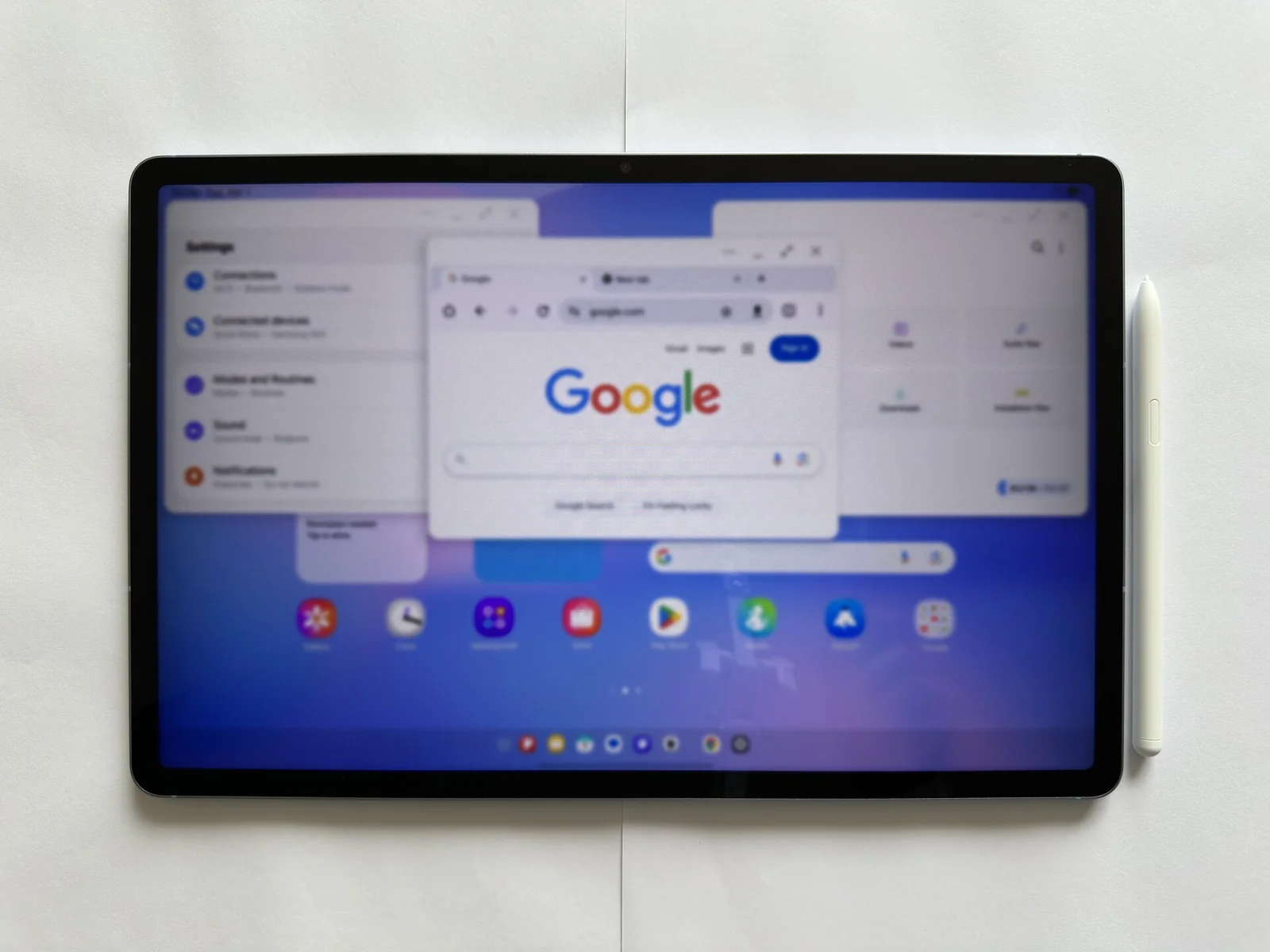
Window layout and the taskbar are improved too, which makes juggling several apps easier. That helps when you switch apps often or split the screen. If your external monitor supports up to WQHD (2560×1440), you can use a bigger workspace. Supported resolution and features can vary by Galaxy model and setup.
How to install One UI 9 (and what to check first)
Before updating, check your storage and battery. Since system files get replaced, free up at least 10GB of storage and charge the battery to at least 50%.
You can check for the update in Settings:
- Open the Settings app.
- Tap Software update.
- Tap Download and install.
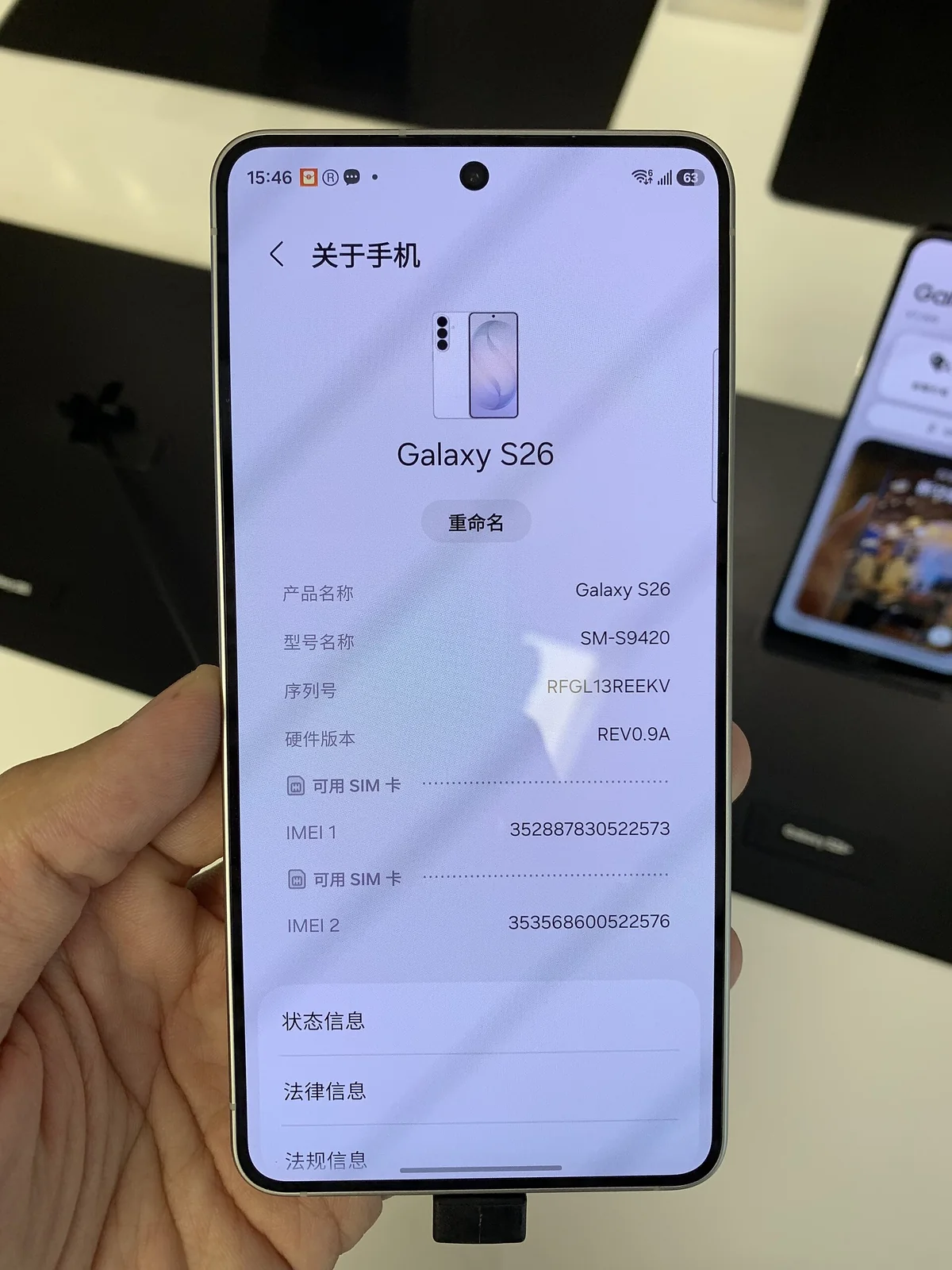
If a new version appears, follow the prompts to install it. If it hasn’t appeared yet, it may not have reached your model or carrier, so check again in a few days.
Right after installing, your phone may run warmer than usual or drain the battery faster. This can be temporary while the system cleans up data and optimizes apps, so give it a day or two and keep an eye on it.
Bottom line: what to check before you update
One UI 9 focuses less on design and more on features you use every day: Galaxy AI, security and Samsung DeX. With the rollout reaching the Galaxy S24 series, you can get new features without buying a new phone.
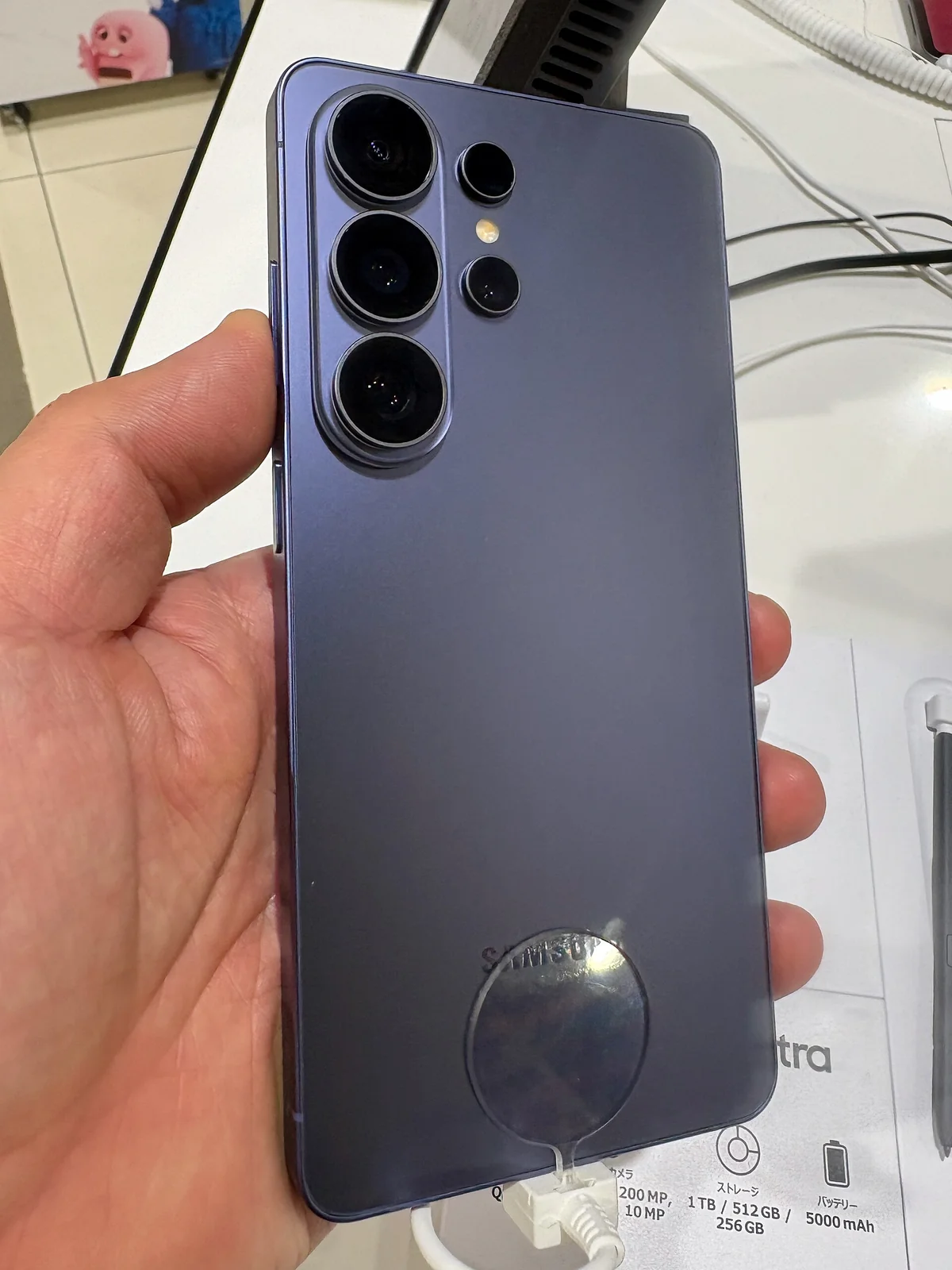
Supported features and rollout timing can differ by model, so check before you install. If you haven’t seen the update notification yet, check for it manually in Settings.
Related reading
- PHP2Shell Vulnerability: The 14-Year-Old PHP Flaw AI Found and How to Patch It
- Tesla Renames FSD to ‘Tesla Assisted Driving’ in Europe: Why It Changed