Touchscreen MacBook Pro With OLED: Why It Costs $900 More Than the M6 Model
Key takeaways
- The PROLED XDR panel swaps mini-LED for tandem OLED, with a 10 million to 1 contrast ratio and up to 2,000 nits.
- M5 Pro, up to 614GB/s of memory bandwidth and Thunderbolt 5 explain much of the $900 premium over the M6 model.
- Creative pros gain the most from the OLED screen and touch input, while lighter everyday work runs fine on the M6 model.
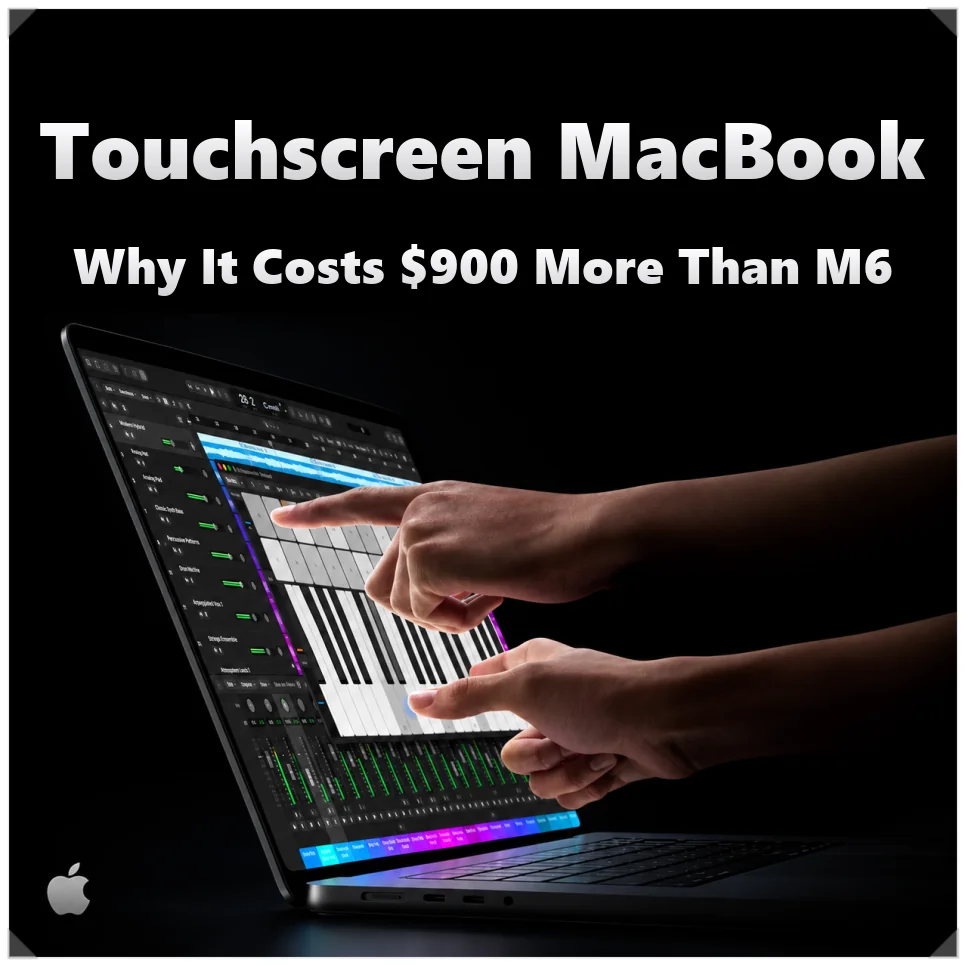
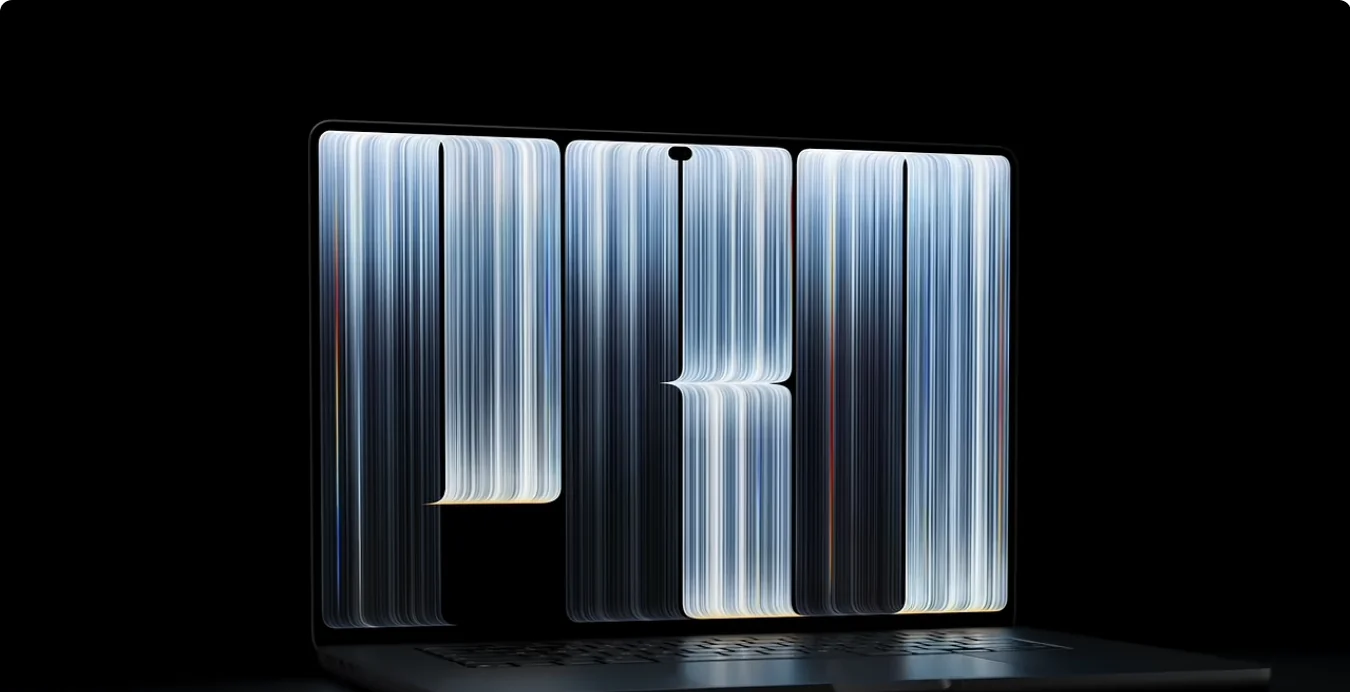
Apple’s first touchscreen MacBook Pro is here, and it brings an OLED display with it. The MacBook Pro with PROLED XDR Display swaps the mini-LED panel for tandem OLED, so picture quality takes a step up too.
Pre-orders opened in the US on Oct. 28, and the laptop arrives Nov. 6. The 14-inch model with M5 Pro starts at $2,899. The 14-inch MacBook Pro with M6, launched the same week, starts at $1,999. That $900 gap pays for more than the screen.
Tandem OLED: what changes on the MacBook Pro display
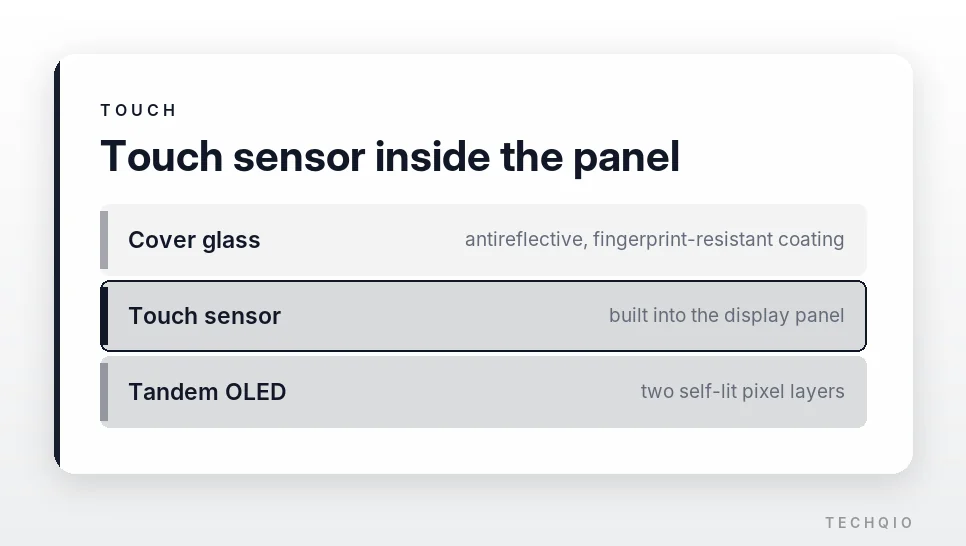
The display is the biggest change. PROLED XDR uses tandem OLED, which stacks two light-emitting layers. Unlike the mini-LED backlight behind the Liquid Retina XDR display, every pixel makes its own light, so blacks look deeper.
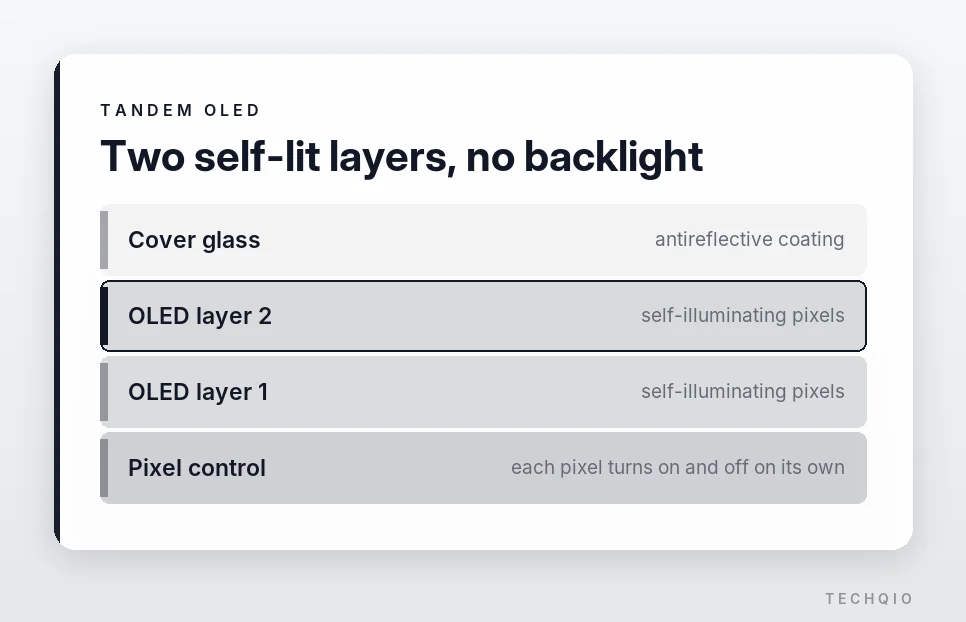
Mini-LED can show blooming, a glow that spreads around bright text or objects on a black background. OLED turns light off pixel by pixel, so that effect all but disappears, and the panel reaches a contrast ratio of 10 million to 1. You’ll see the difference in dark movie scenes or when you edit the shadows in a photo.
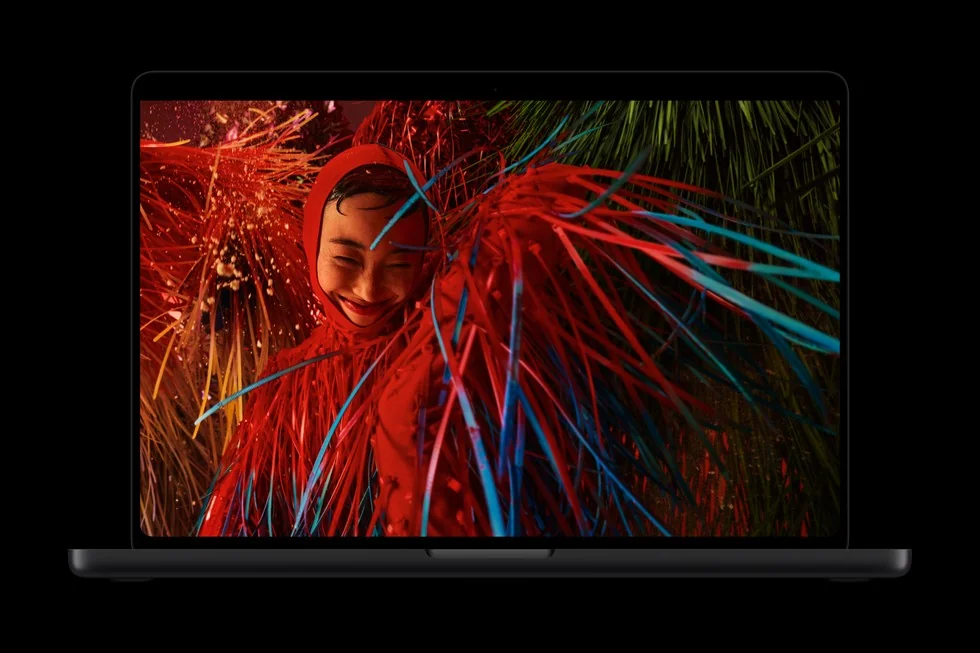
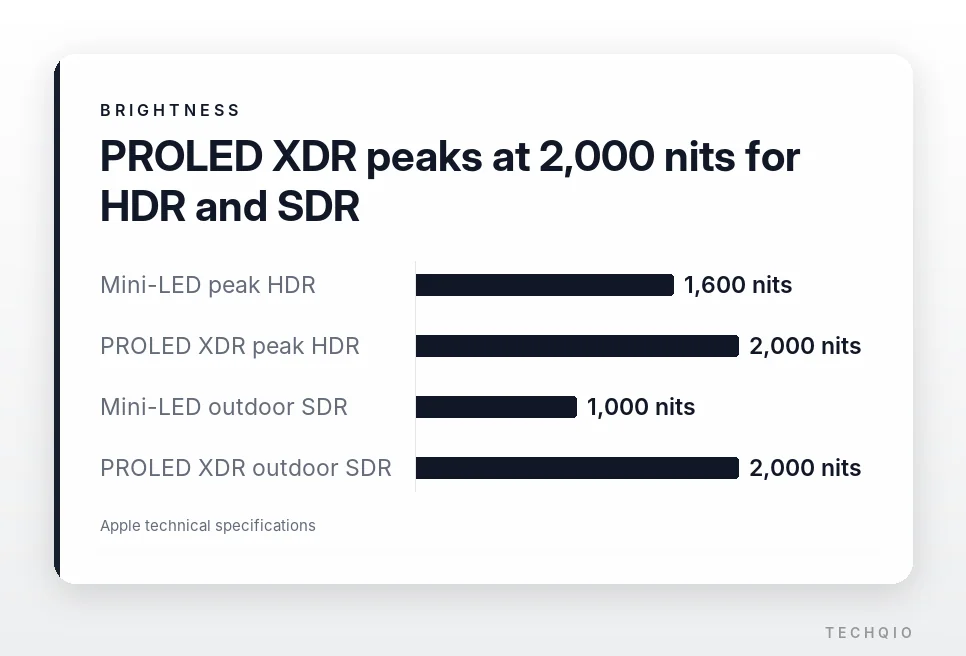
Brightness goes up, too. The screen sustains 1,000 nits across the full screen and peaks at 2,000 nits for HDR content and for SDR outdoors. It also dims down to 1 nit, so you can fine-tune it in a dark room. The mini-LED model tops out at 1,600 nits for HDR.
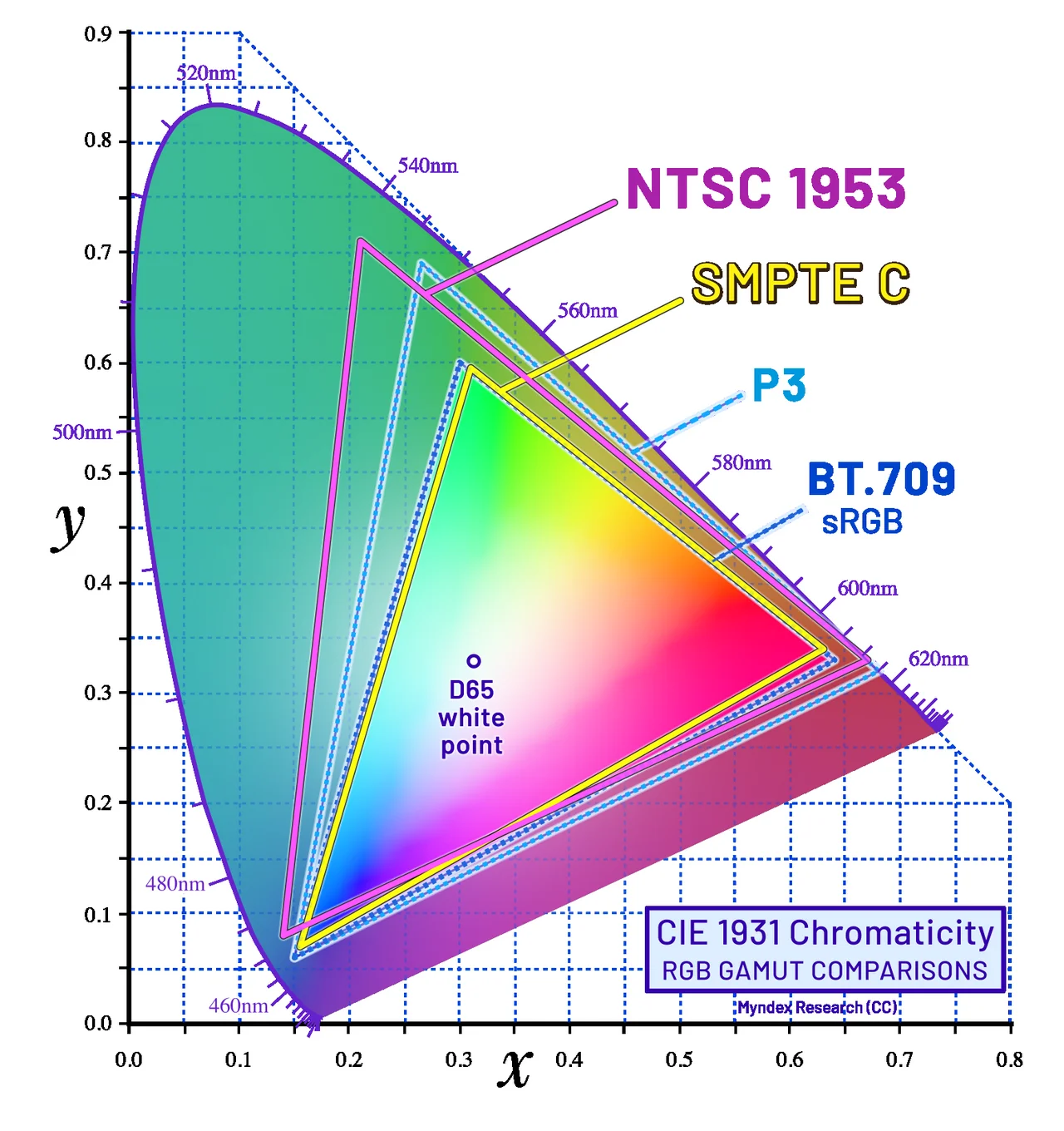
Alongside P3, the color space used for video work, the display covers Adobe RGB. That wider range helps in photo retouching and print design, where color accuracy matters.
Burn-in, a familiar OLED weakness, needs a little more time to judge. Apple added an algorithm that compensates for screen wear and a redesigned cooling system. Apple says the display engine tracks how much each pixel is used and adjusts for it over time, and the new thermal design steers warm air away from the display.
macOS keeps many elements in the same spot for hours, like the menu bar and the Dock. So long-term durability still has to prove itself in real use.
Touch and the Dynamic Island come to the Mac
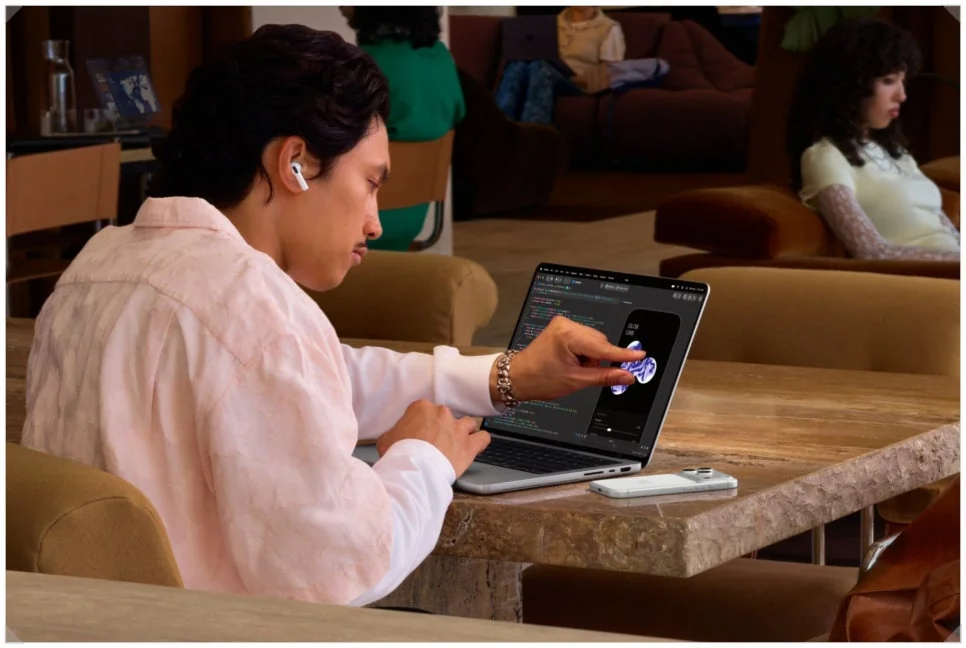
This time you can also work the screen with your fingers. The touch sensor is built into the panel itself, and the hinge was redesigned so the display shakes less when you press it. The 12MP Center Stage camera also steadies your video while you touch the screen.
macOS 27 lets you use touch alongside the mouse and trackpad. A tap on the screen counts as a click, and two fingers zoom in on a photo or move it around. In Logic Pro you can play an onscreen keyboard or work the mixer. In Final Cut Pro you drag clips with a finger, and Pixelmator Pro lets you edit images by touch.
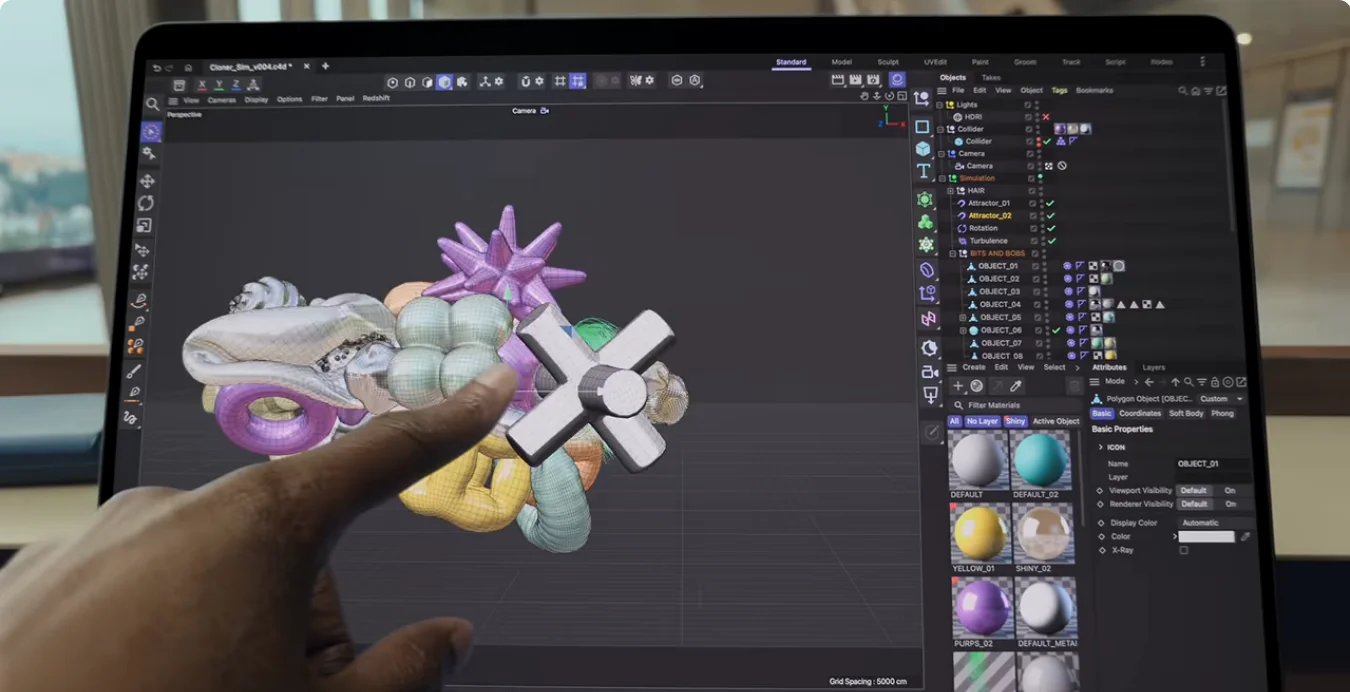
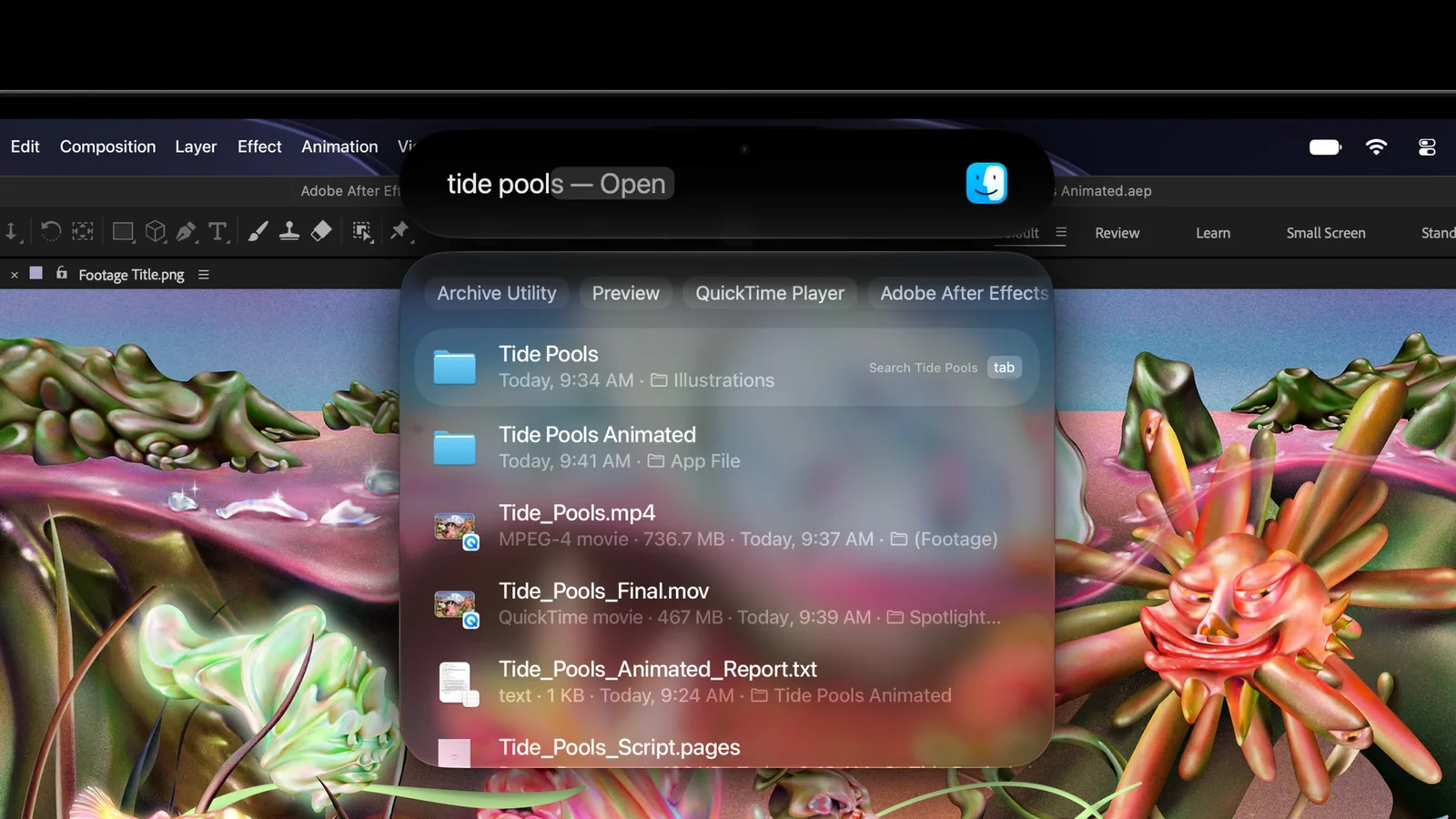
The camera area at the top gets the Dynamic Island, a first for the Mac. It shows what’s playing and how background tasks are progressing.
That still doesn’t make it an iPad like the new iPad mini 8. There’s no Apple Pencil support, and the screen doesn’t fold back 360 degrees. Reaching up to the screen for long stretches can also tire your arm or shoulder.
An anti-fingerprint, oil-resistant coating helps, but you’ll still be wiping off smudges. Biometric login stays with Touch ID on the power button rather than Face ID. The touchscreen works best as something you reach for when it helps, alongside the keyboard and trackpad.
MacBook Pro M6 vs M5 Pro: where the $900 goes
Going by chip names alone, M6 sounds like the better one. But M6 is the base chip of the newest generation, while M5 Pro and M5 Max are higher-tier chips built for heavy work. The two models differ in the display, and in processing power and ports too.
| Spec | 14-inch MacBook Pro with M6 | 14-inch MacBook Pro with PROLED XDR |
|---|---|---|
| Chip | Apple M6 | Apple M5 Pro / M5 Max |
| CPU | 12-core | 15- to 18-core |
| GPU | 12-core | 16- to 40-core |
| Display | Liquid Retina XDR (mini-LED) | PROLED XDR (tandem OLED) |
| Touchscreen | No | Multi-Touch |
| Camera area | Notch | Dynamic Island |
| Memory bandwidth | 153GB/s | 307GB/s to 614GB/s |
| Ports | Thunderbolt 4 | Thunderbolt 5 |
| US starting price | $1,999 | $2,899 |
Memory bandwidth shows one of the widest gaps. M6 has 153GB/s, M5 Pro has 307GB/s and M5 Max goes up to 614GB/s. Put simply, the processor can move more data at once. M6 with 24GB or 32GB of memory reaches 170GB/s, still well short of M5 Pro.
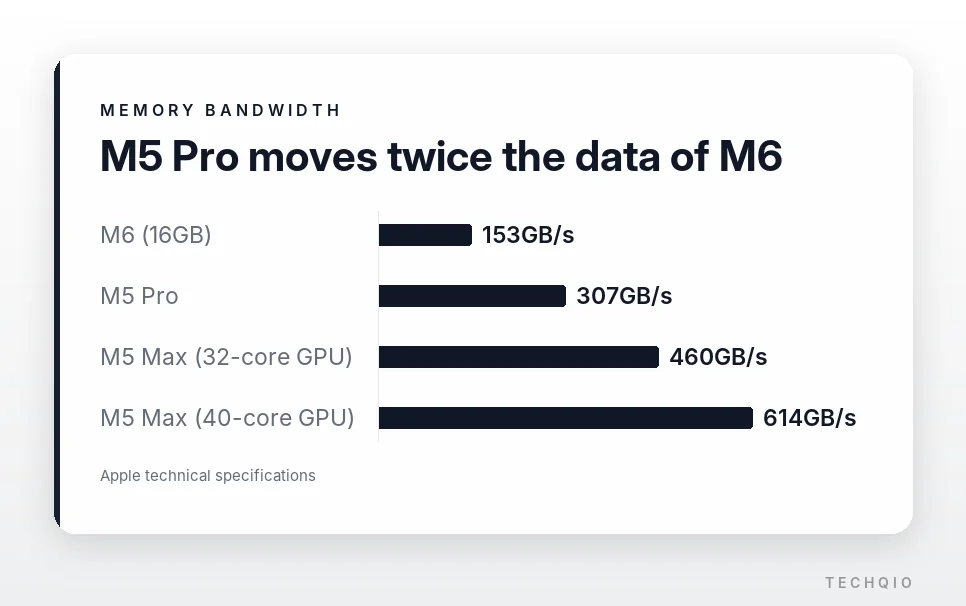
That helps when you edit several streams of 8K ProRes video or render complex 3D scenes. It also helps when you run large language models (LLMs) on the laptop. Real performance also depends on memory size and how well the software is optimized, though.
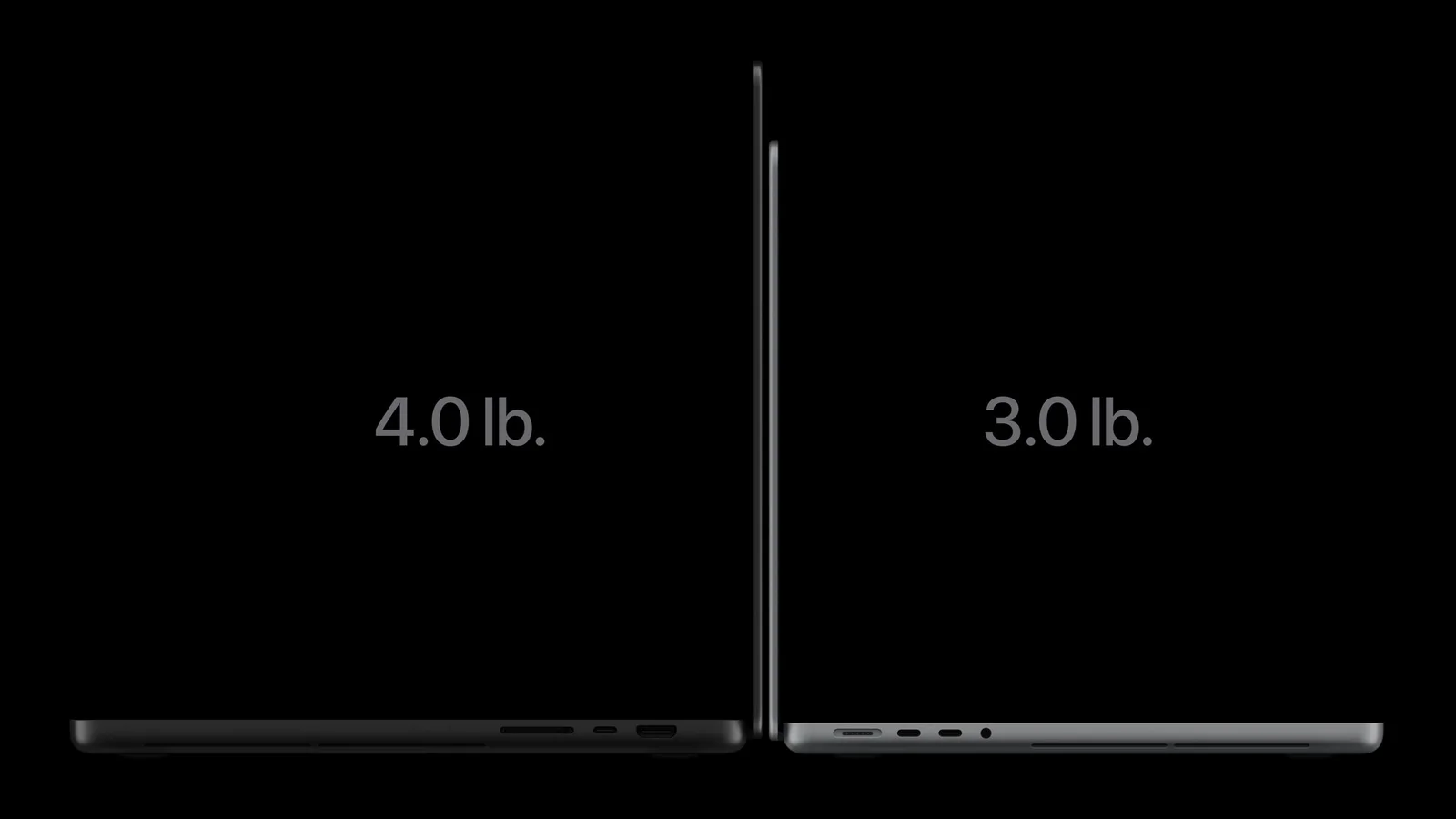
The 14-inch model weighs 3.0 lb (1.38 kg) and the 16-inch 4.0 lb (1.82 kg), about 0.5 lb (220 g) and 0.7 lb (320 g) lighter than before. Thunderbolt 5 also helps when you connect external SSDs or high-resolution monitors.
So the $900 gap isn’t only about OLED. Processor performance, memory bandwidth, ports and the touchscreen all differ.
Who needs the OLED touchscreen MacBook Pro?
If you edit photos or video for a living, the PROLED XDR model is worth a look. Deep OLED blacks and Adobe RGB support help with color work, and 2,000 nits of peak brightness makes it usable outdoors.
If you make music or edit video often, the touchscreen earns its keep too. Playing virtual instruments in Logic Pro or moving clips with a finger in Final Cut Pro is a different kind of convenience than a trackpad.
If your work is mostly documents, browsing and coding, the M6 base model may be all you need. With a keyboard and mouse in front of you, you won’t touch the screen much. The Liquid Retina XDR display is already excellent, so there’s no need to go out of your way for OLED.
Will you use it enough to justify the price?
With tandem OLED and touch input, the touchscreen MacBook Pro changes both the screen and the way you control it. Photo and video editors, who lean on the screen all day, will likely be the happiest with it. Burn-in still needs watching over time. If you mostly stick to the keyboard and trackpad, touch may not matter much.
The $900 gap counts too. If your work is mostly documents, browsing and coding, the M6 base model should be enough. If you often take on heavy work or plan to make real use of OLED and the touchscreen, the M5 Pro model is a sound choice.