Bose QC Ultra Earbuds 2nd Gen vs 1st Gen: What Changed and Is It Worth It?
Key takeaways
- The 2nd Gen keeps the same noise canceling, battery life and IPX4 rating
- New: built-in Qi wireless charging, better call pickup, smoother ActiveSense and a wax guard
- $299 in the US; new buyers should get the 2nd Gen, 1st Gen owners can wait
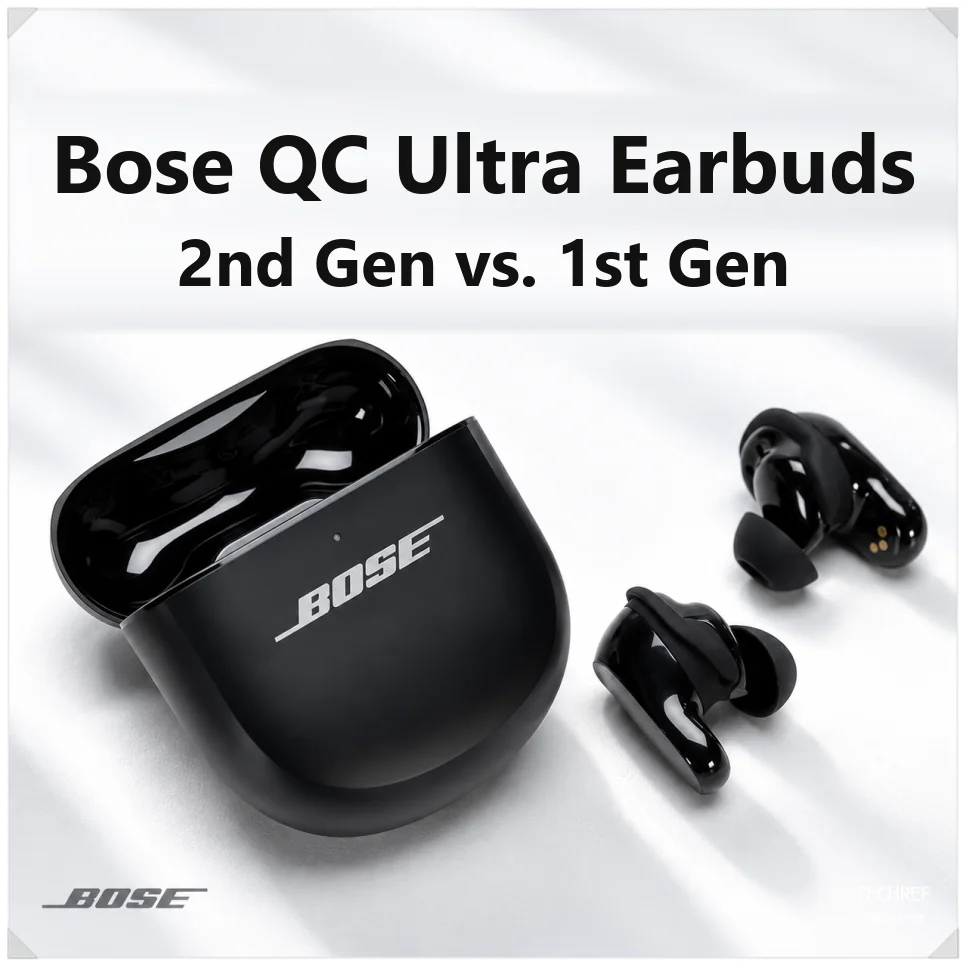
Noise cancellation matters a lot in wireless earbuds, especially on noisy subways and buses where performance makes a big difference. The Bose QuietComfort Ultra Earbuds 2nd Gen are here, the follow-up to earbuds famous for their noise canceling.
The second generation keeps nearly the same design while improving wireless charging, call quality and ease of use.
| Feature | 1st Gen | 2nd Gen |
|---|---|---|
| Wireless charging | Requires a separate cover | Qi built in |
| Calls | Beamforming mics | AI SpeechClarity, bone-conduction pickup mic |
| ActiveSense | Fast switch to noise blocking | Smoother transitions |
| Nozzle | Standard | Mesh wax guard |
| Touch controls | Always on | Can be turned off |
| Case battery | LED indicator | Percentage in the app |
| Sound tuning | Dip around 1kHz | Cleaner midrange for vocals |
| Colors | Black, White Smoke | Adds Deep Plum |
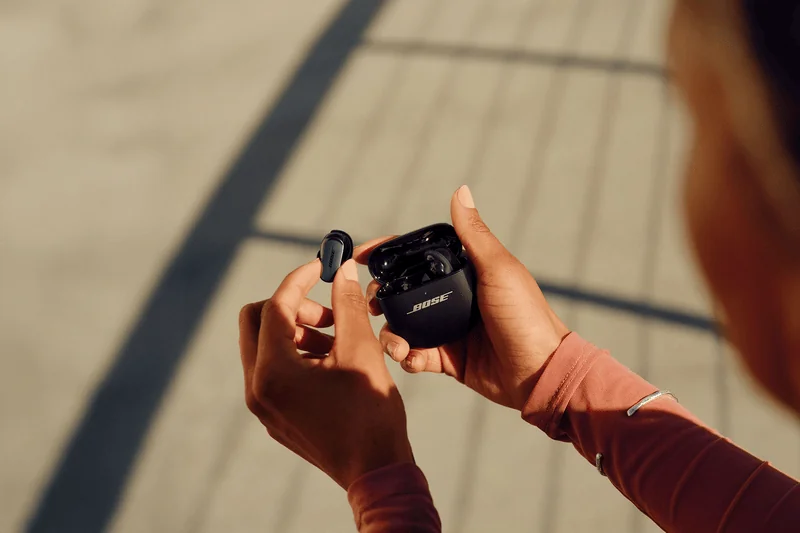
Core performance: what’s the same?
The first- and second-generation QC Ultra Earbuds share the same core audio technology. Both support CustomTune, which automatically tunes sound and noise cancellation to the shape of your ear.
Immersive Audio, which adjusts spatial sound as your head moves, carries over too. Both use Bluetooth 5.3 and support SBC, AAC and the aptX Adaptive codec for higher-quality streaming.
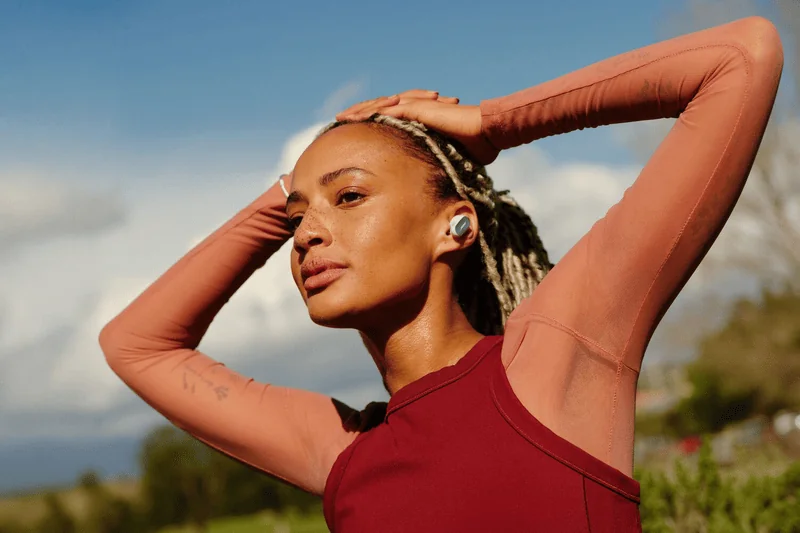
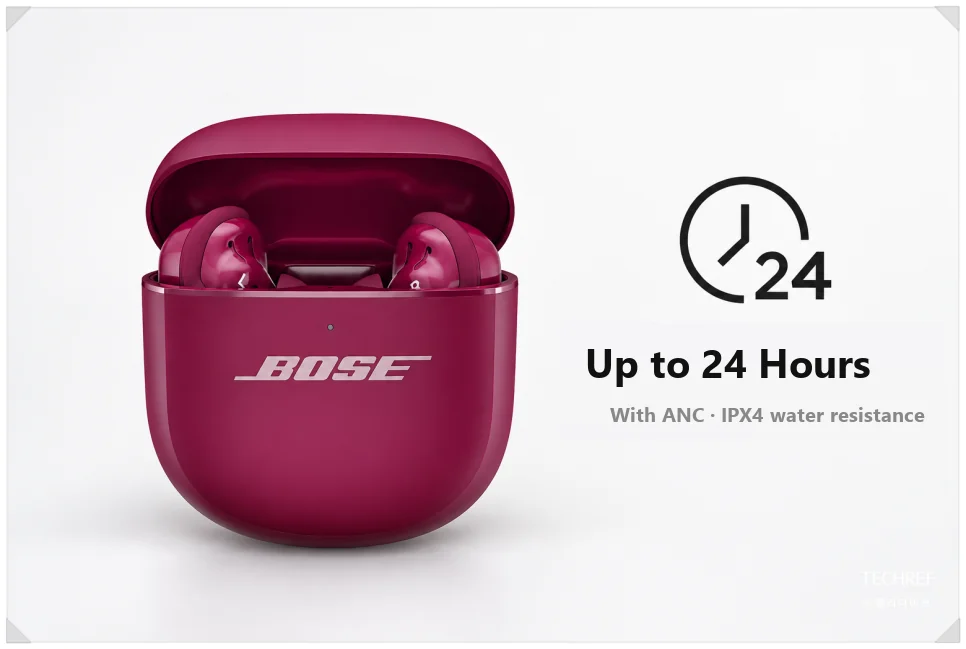
Battery life is the same. With noise cancellation (ANC) on, you get up to 6 hours from the earbuds and up to 24 hours with the charging case. Turning on Immersive Audio drops that to about 4 hours.
Both are rated IPX4, so they can handle sweat during a workout or light rain. The basics are similar, but charging, call quality and convenience are different.
Bose QuietComfort Ultra Earbuds 2nd Gen vs. 1st Gen: what changed?
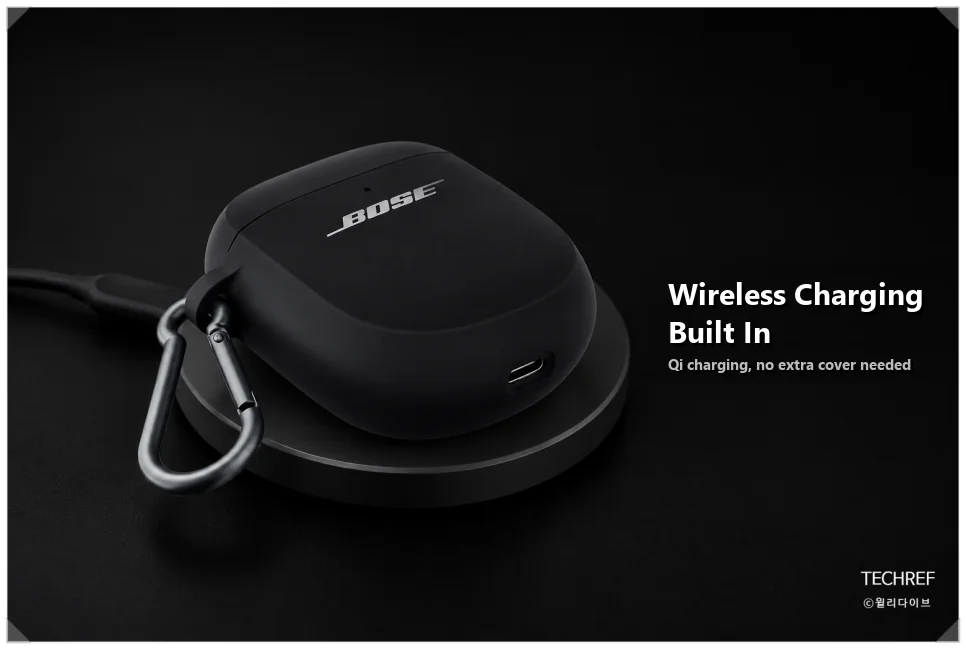
The first change is the charging case. The first generation charged only over USB-C, so wireless charging meant buying a separate case cover.
The second generation supports Qi wireless charging out of the box. Drop it on a wireless charging pad on your desk, or top it up from a phone with battery sharing. No cables every time, and no extra accessory to buy.
Bose earbuds have been criticized for call quality in noisy places that didn’t match their noise canceling.
To fix that, the second generation adds SpeechClarity, an AI-based noise reduction feature, and a bone-conduction pickup mic that senses vibration in your jaw. It separates background noise from your voice, so you should sound clearer on a windy street or in a crowded subway station.
ActiveSense in Aware mode, which lets you hear your surroundings, is better too. ActiveSense automatically raises noise blocking when a sudden loud sound hits. On the first generation, the level could jump abruptly at a train arriving or a siren, which felt a bit unnatural.
The second generation smooths out how the noise-blocking level changes. When you walk or ride transit with Aware mode on, sudden noises now shift the level more naturally.
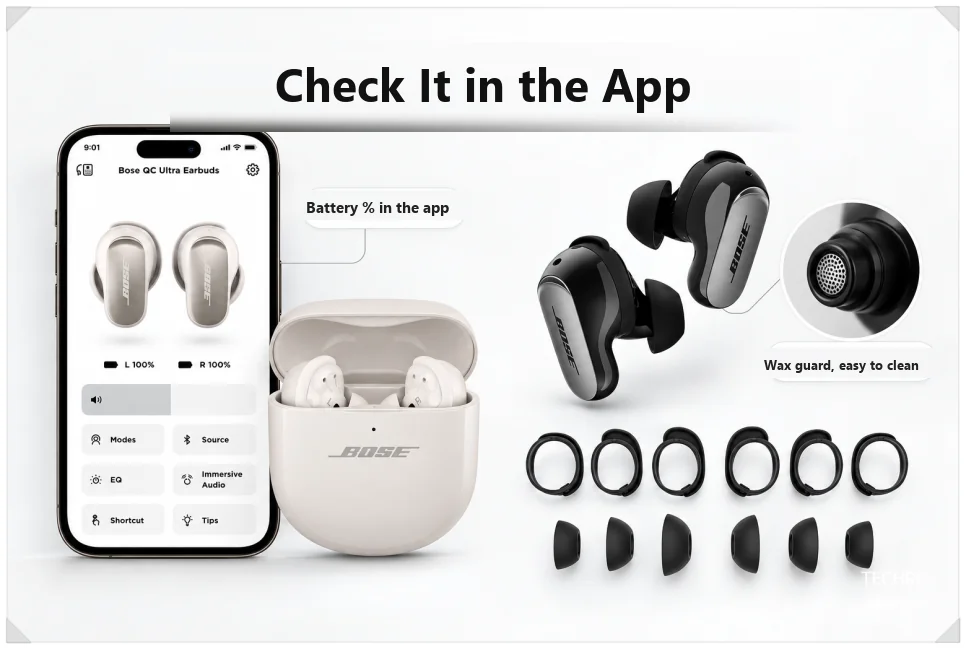
The nozzles now have a mesh earwax guard. It keeps earwax and dust out, making the earbuds easier to look after over time.
In the app, you can now turn touch controls off completely. That means fewer paused songs or accidental commands when you adjust the earbuds. You can also see the case’s battery level as a percentage, so there’s no more guessing from the LED color.
Should 1st Gen owners upgrade?
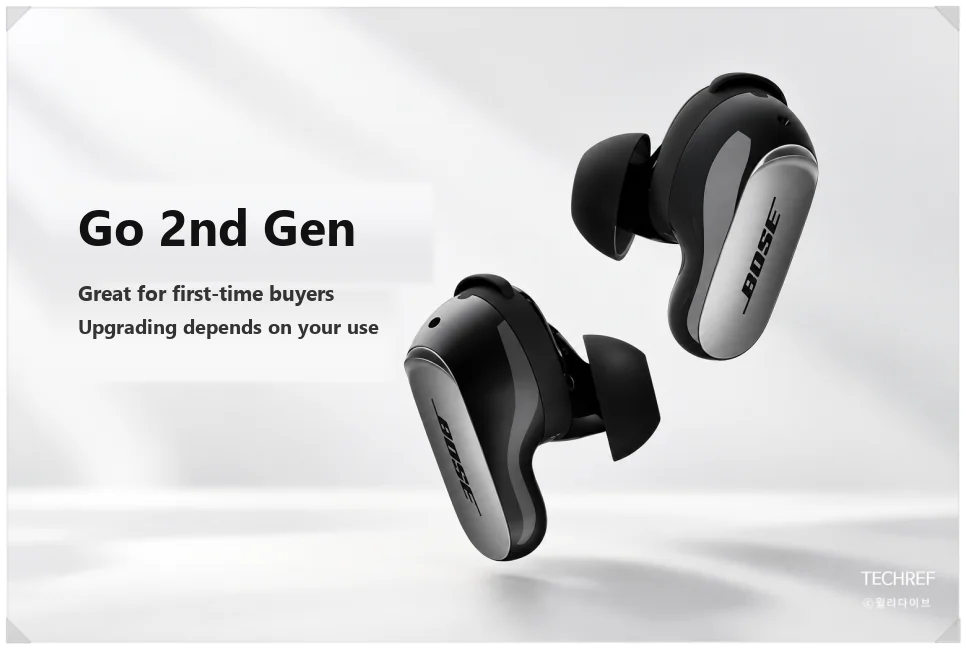
If you’re buying premium wireless earbuds for the first time, the second generation looks like the better choice. It keeps the noise canceling and adds wireless charging, better calls and easier controls.
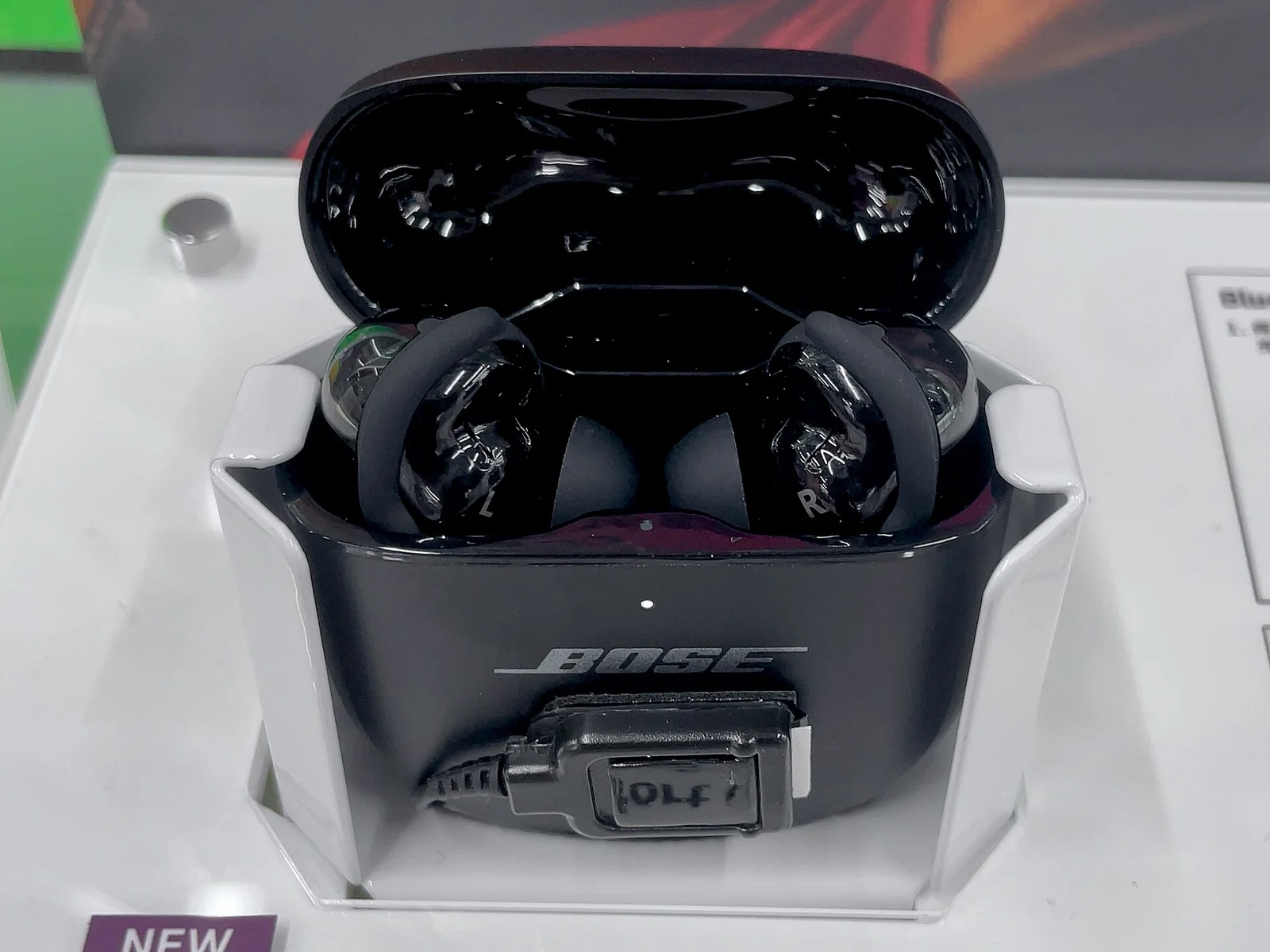
If you already own the first generation, though, there’s no rush. Noise canceling and battery life are similar, so you may not notice much difference if you mainly listen to music. If you take a lot of calls outdoors or use wireless charging often, the upgrade is worth considering.
Price
In the US, Bose lists the QuietComfort Ultra Earbuds (2nd Gen) at $299 in Black, White Smoke and limited-edition Deep Plum.
That’s a lot for wireless earbuds, so check for sales before you buy.
Which one should you buy?
The Bose QuietComfort Ultra Earbuds 2nd Gen add wireless charging as standard and improve call quality and convenience. Noise canceling and battery life are close to the first generation, though, so current owners don’t need to rush to upgrade.
If you’re buying new, go with the second generation. Look at the improvements especially if you take calls outside a lot or need wireless charging, and compare current deals before you buy.
Related reading
- PHP2Shell Vulnerability: The 14-Year-Old PHP Flaw AI Found and How to Patch It
- Tesla Renames FSD to ‘Tesla Assisted Driving’ in Europe: Why It Changed