Surface Pro 12-inch vs. Surface Laptop 13-inch: What Snapdragon X2 Plus Changes, and Which to Buy
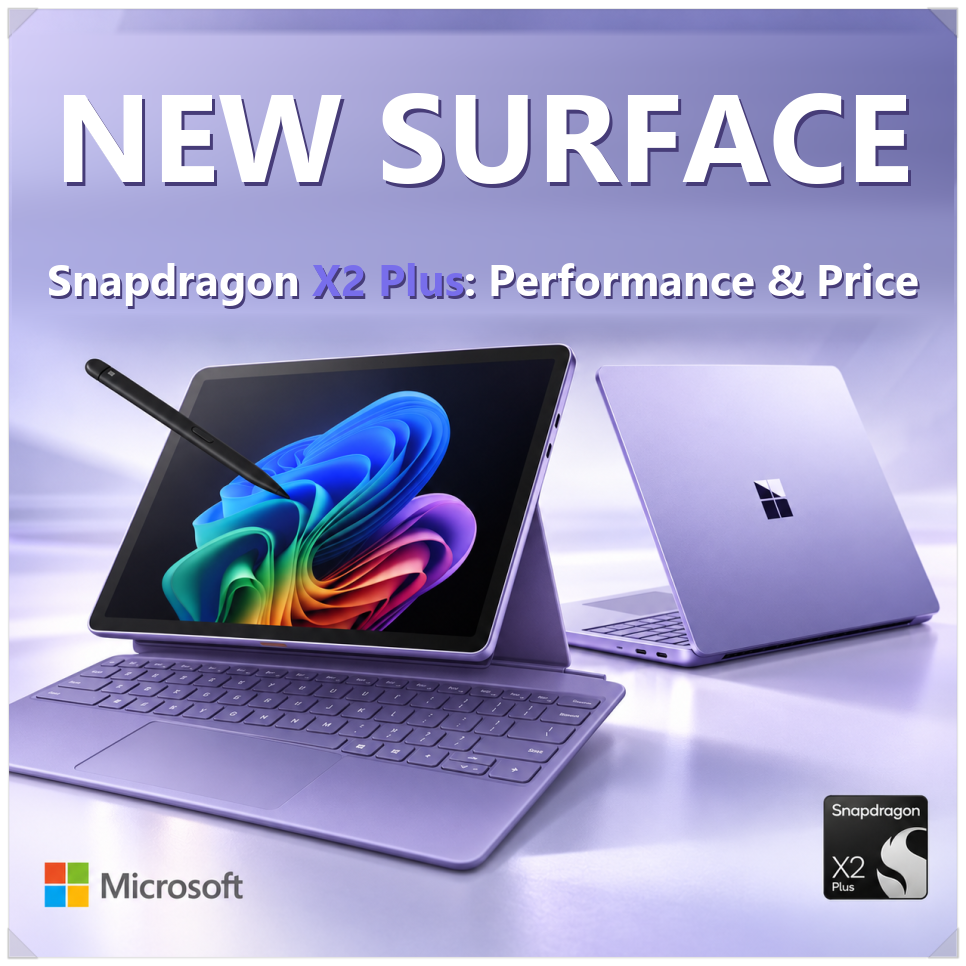
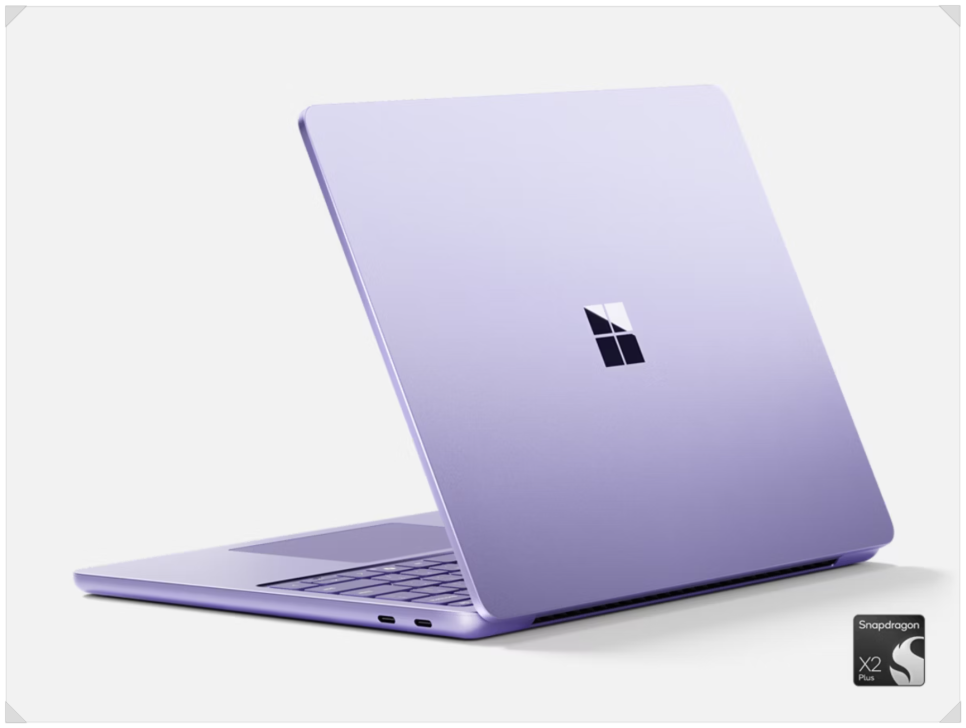
Microsoft has refreshed its smallest Surface devices, the Surface Pro 12-inch and the Surface Laptop 13-inch, with Qualcomm’s Snapdragon X2 Plus. Both went on sale October 13 in select markets.
The designs look much like last year’s models. The changes are inside: more performance, better battery efficiency and, most notably, a faster NPU for on-device AI. Here is how the two compare on specs and price.
Snapdragon X2 Plus: what’s new
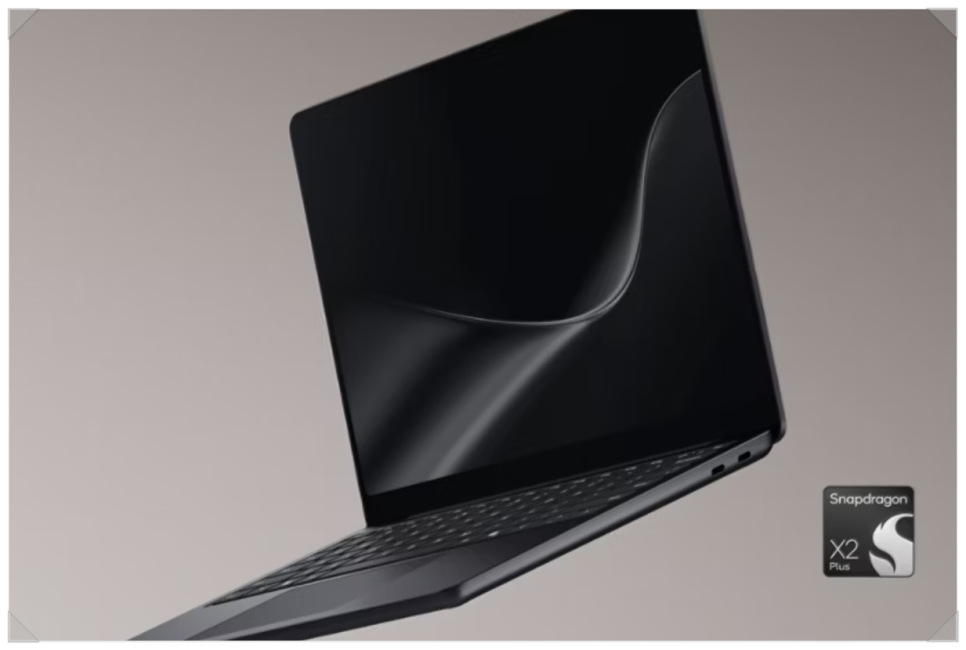
According to the original author, both devices use the Snapdragon X2 Plus X2P-42-100, built on TSMC’s 3nm process. It has six third-generation Oryon Prime cores with no separate efficiency cores and a top clock of 4.04GHz, with a configurable power range of 10-22W. Microsoft’s spec sheet confirms a 6-core Snapdragon X2 Plus.
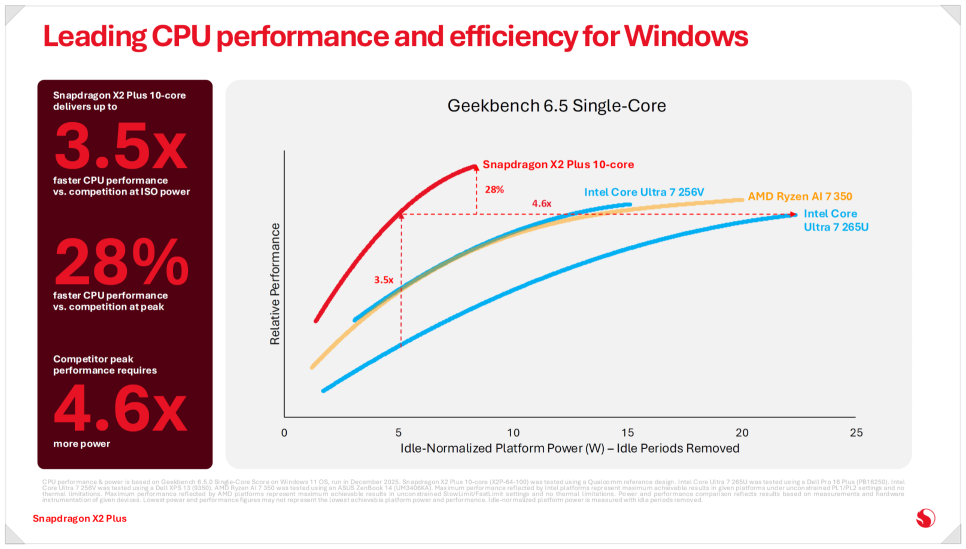
Some previous-generation chips had more cores, but the author notes that Qualcomm raised per-core efficiency (IPC) instead of adding cores, which suits everyday workloads like document editing and multitasking.
Microsoft’s own claims versus the prior generation:
- Up to 17% faster Office productivity
- More than 60% faster graphics (Adreno X2-45 GPU)
- Up to 18% more efficient battery performance
- Up to 95% faster local AI tasks on the NPU
These are manufacturer figures; real-world performance and battery life will vary with your workload.
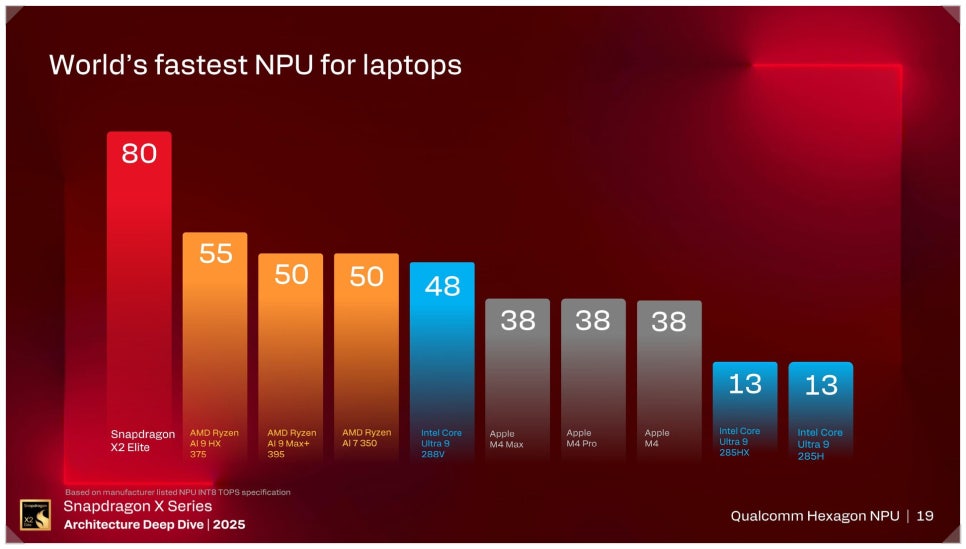
The author puts the Hexagon NPU at 80 TOPS (INT8), twice the 40 TOPS minimum for Copilot+ PCs. That headroom helps when AI features such as live captions with translation, text summaries or video-call background blur run on the PC itself, though some features still need an internet connection or a separate service.
Surface Pro 12-inch vs. Surface Laptop 13-inch: specs
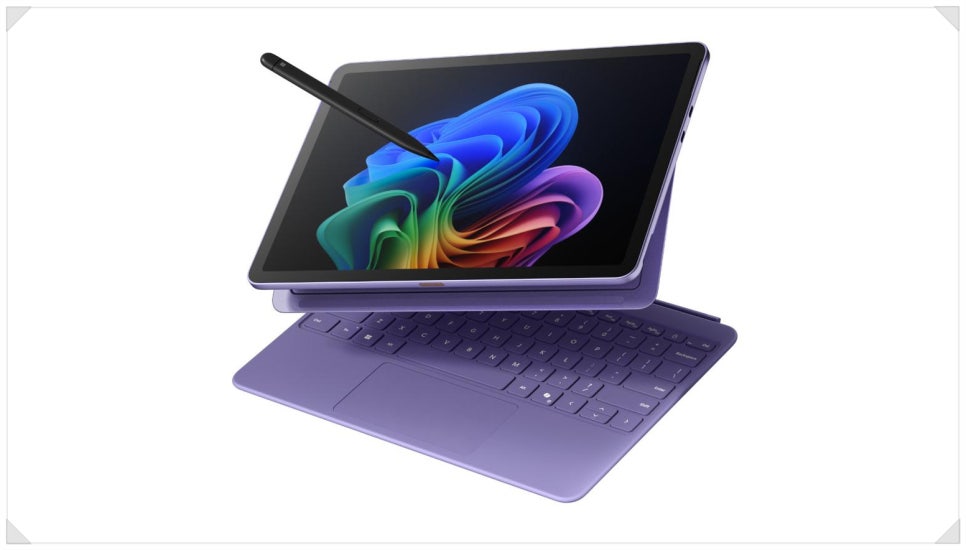
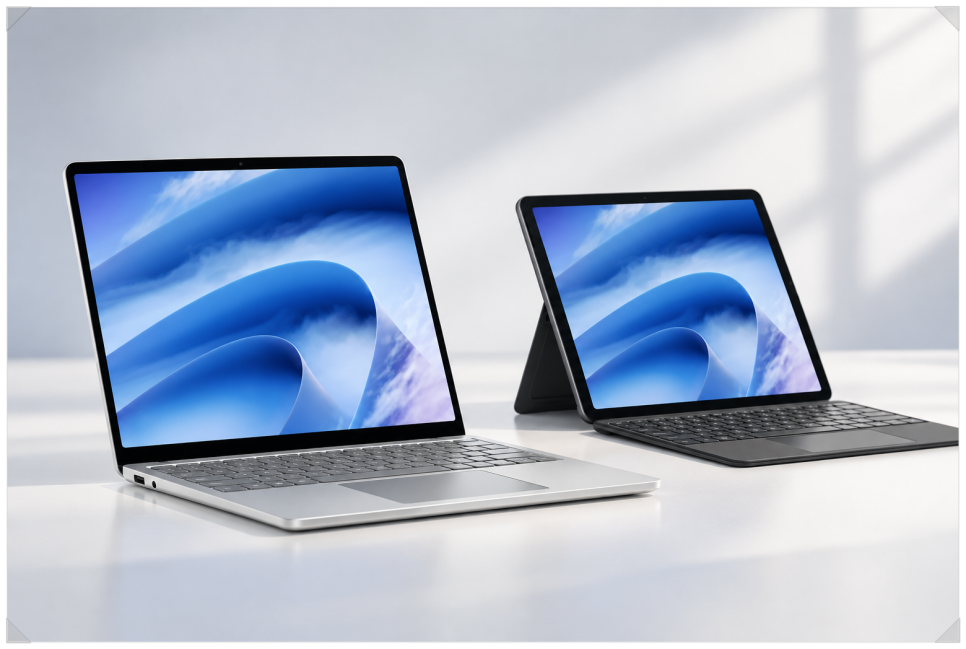
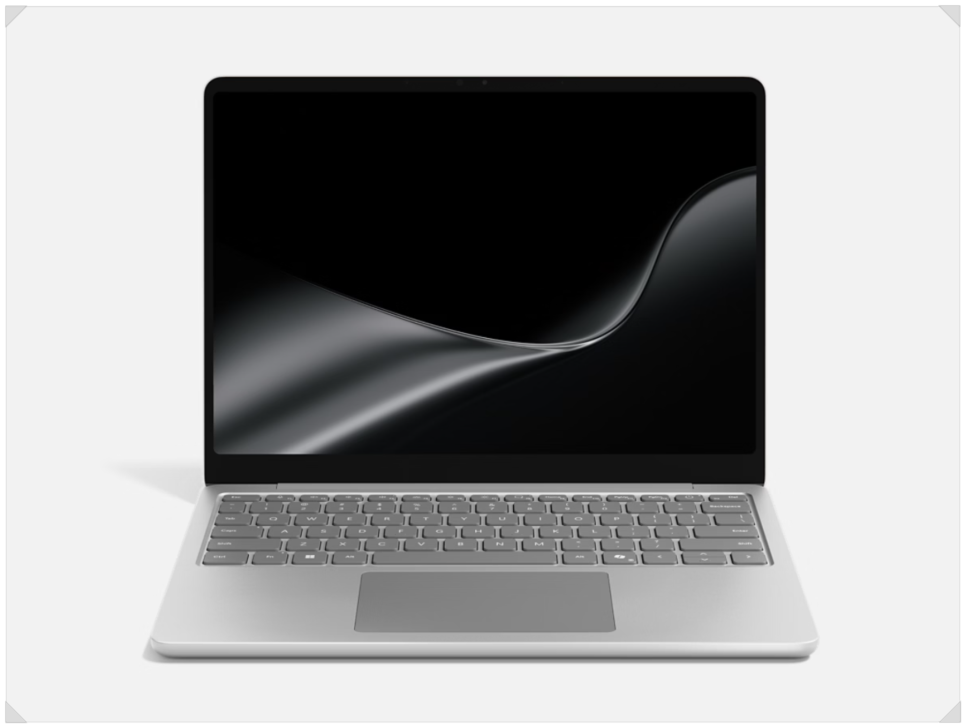
Both use the same processor, but the form factors differ. The Surface Pro 12-inch is a 2-in-1 whose keyboard detaches so it works as a tablet. The Surface Laptop 13-inch is a conventional clamshell notebook.
| Spec | Surface Pro 12-inch | Surface Laptop 13-inch |
|---|---|---|
| Form factor | 2-in-1, 165-degree kickstand | Clamshell laptop |
| Display | 12-inch, 2196 x 1464, 90Hz | 13-inch, 1920 x 1280, 60Hz |
| Brightness / aspect ratio | 500 nits, 3:2 | 500 nits, 3:2 |
| Battery (Microsoft) | Up to 15.5 hrs video, up to 13 hrs web | Up to 22.5 hrs video, up to 18 hrs web |
| Weight | 1.5 lbs (686 g) | 2.7 lbs (1,225 g) |
| Ports | 2x USB-C | 2x USB-C, 1x USB-A, 3.5mm audio jack |
| US starting price | $1,149.99 | $1,199 |
Sources: Microsoft’s Surface Pro and Surface Laptop spec pages.
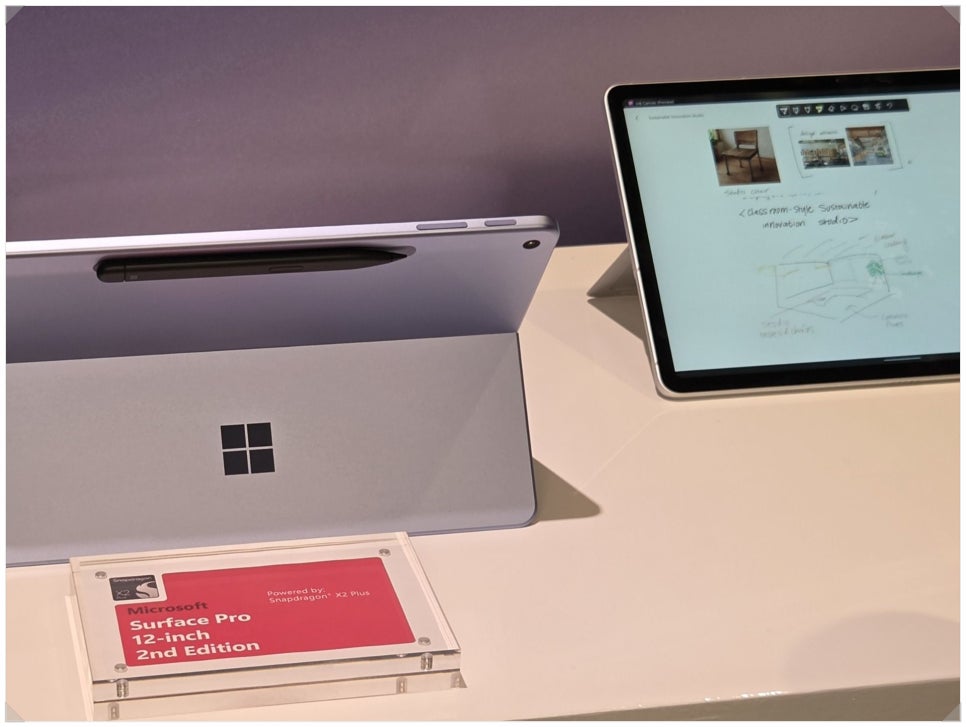
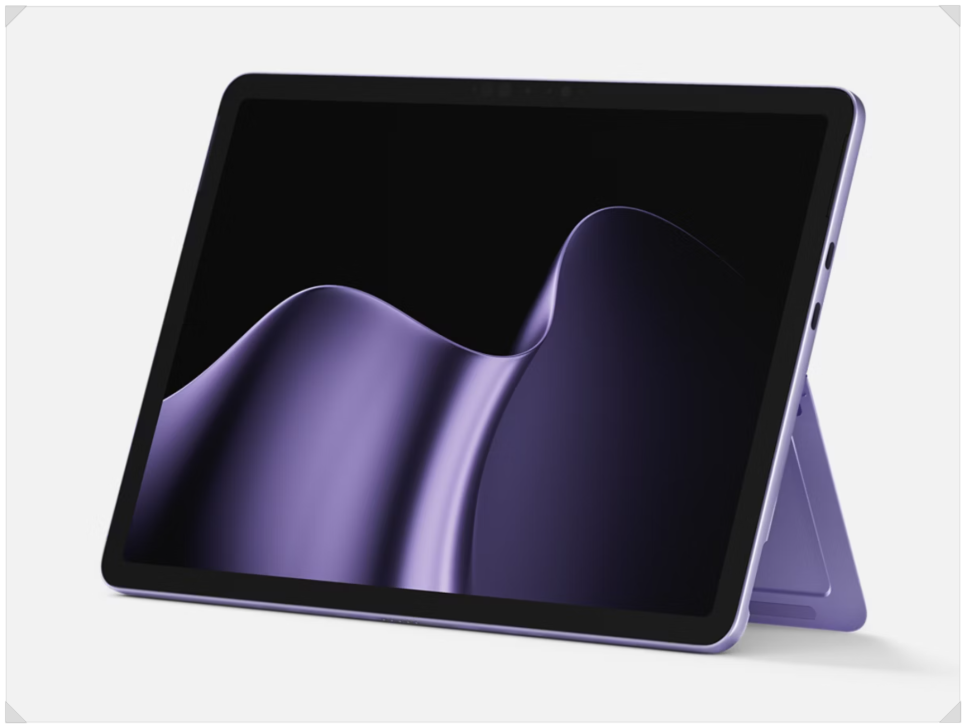
The Surface Pro 12-inch is fanless, so there is no fan noise, and an optional Wi-Fi + 5G model is available (support varies by market and carrier). At 1.5 lbs it is easy to carry, and the kickstand opens up to 165 degrees, so you can stand it upright on a desk or lay it low for writing. The author points out that the 90Hz screen makes pen strokes and scrolling look smoother, and sees it as a good fit for people who take lots of notes in meetings or classes, or who want one device to serve as both tablet and laptop.
The Surface Laptop 13-inch has an attached keyboard, which the author finds more comfortable for typing on your lap. Microsoft rates it at up to 22.5 hours of local video playback and up to 18 hours of web browsing. Its 60Hz screen is a step down from the Pro, but it has more ports: besides two USB-C ports, a USB-A port and a 3.5mm headphone jack make it easier to plug in an existing mouse or USB drive.
Ink Canvas and the new Surface Mouse
The Surface Pro 12-inch comes with Microsoft Ink Canvas preinstalled. You draw or write by hand, select an area with the lasso tool, and Copilot can turn it into organized text, a diagram or an image. As the author explains, it considers the layout of your notes and sketches, not just the handwriting, so you can sort several ideas on one canvas.
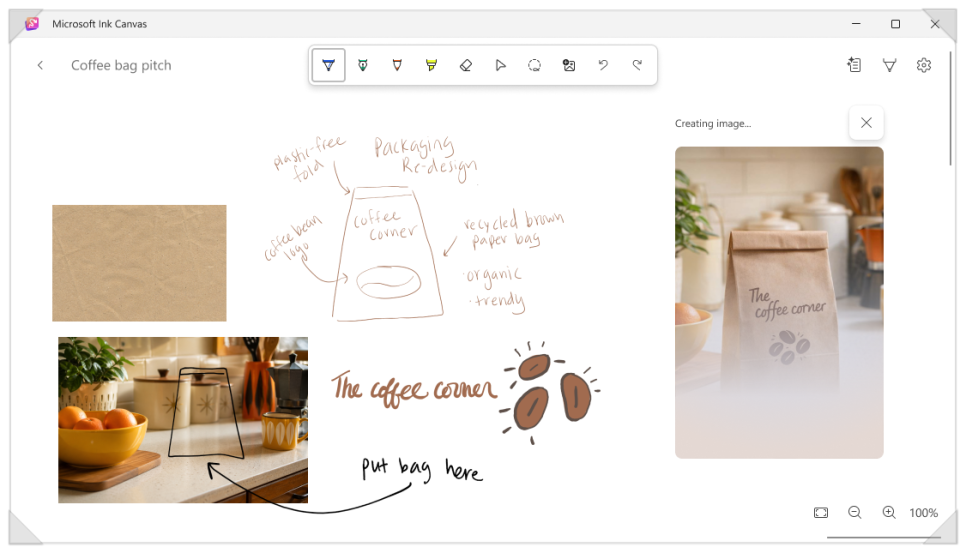
Basic inking and sketching work offline, but the AI features require a Microsoft 365 Personal, Family, Premium or Pro subscription, and usage limits apply. If you plan to use Ink Canvas often, the author suggests checking which features are free and which need a subscription.
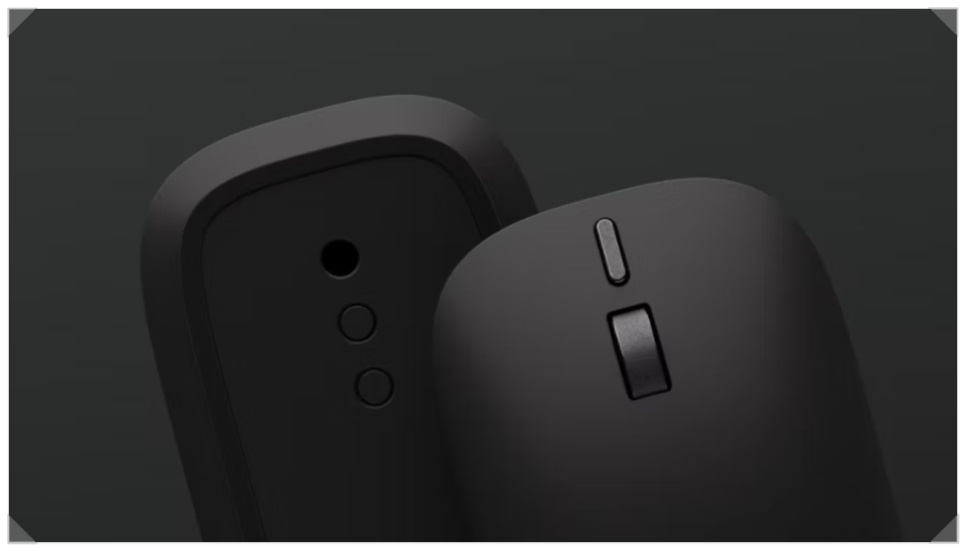
Microsoft also introduced a new Surface Mouse at $79.99. It uses haptic feedback: according to the author, you feel a small vibration when a window snaps into place with Windows 11 Snap Assist or when shapes align in PowerPoint. It also has a customizable button for launching Copilot.
Pricing and what to check before you buy
In the US, the Surface Pro 12-inch starts at $1,149.99 and the Surface Laptop 13-inch starts at $1,199.
The author reports that base memory is now 16GB LPDDR5x, with the 8GB option dropped. That gives AI features more headroom, but the starting prices are also higher than last generation’s.
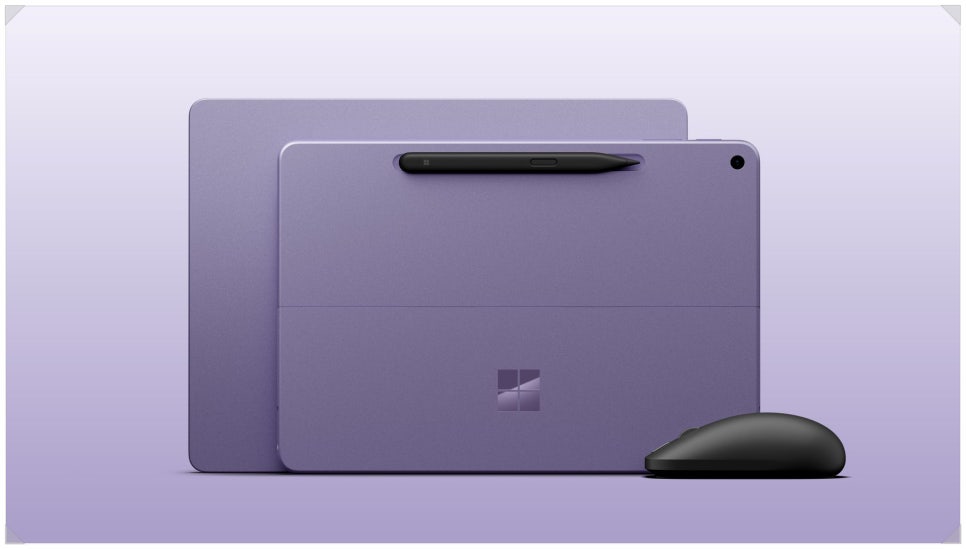
The Surface Pro 12-inch Keyboard and Slim Pen are sold separately. The author also notes that keyboards for the 13-inch Surface Pro use a different connector and won’t work with the 12-inch model.
Software compatibility matters too. Both devices use Arm-based processors, so they behave differently from Windows laptops with Intel or AMD chips. Windows 11’s Prism emulator runs many apps, including Office, web browsers and messaging apps, but not every program is supported.
Which one should you buy?
The author’s take: if you write or sketch often and portability matters most, the Surface Pro 12-inch is the better fit. If you mostly type documents and want longer battery life, the Surface Laptop 13-inch may be more convenient. With the Pro, remember to budget for the keyboard and pen.
Both bring better AI performance and power efficiency, but price is not the only factor. Before choosing, check that the apps and accessories you rely on work well on Windows on Arm.
One Comment